Setting up for Printing
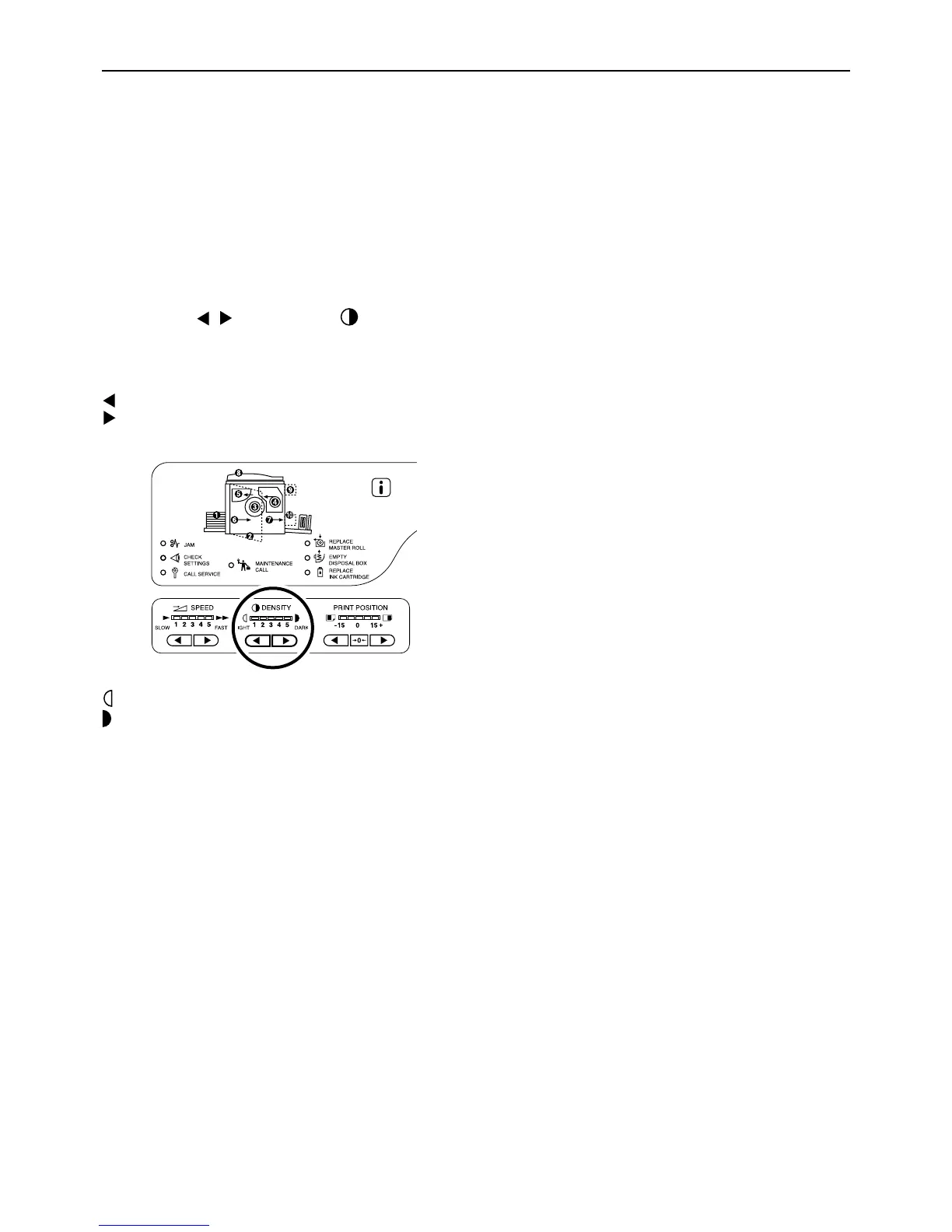
Adjusting the Print Density [Print Density Adjustment] (For EZ3XX only)
47
Adjusting the Print Density
[Print Density Adjustment]
(For EZ3XX only)
You can select the print density from five levels.
Press the / keys under to adjust
the print density.
Each time you press the key, the print density is
changed by one step.
key: Decreases the print density.
key: Increases the print density.
:Lighter
:Darker
Important!:
• With the Ink Saving mode selected, you cannot
adjust the print density.
Note:
• The Custom Setting mode allows you to change the
initial setting for the print density.
)p.64



 To Next Page