Advanced Features
Setting Up User Management
82
Reset all User Counters
You can clear the count of both copy and master for all users in a single procedure.
Important!:
• After the counter is cleared, it cannot be recovered.
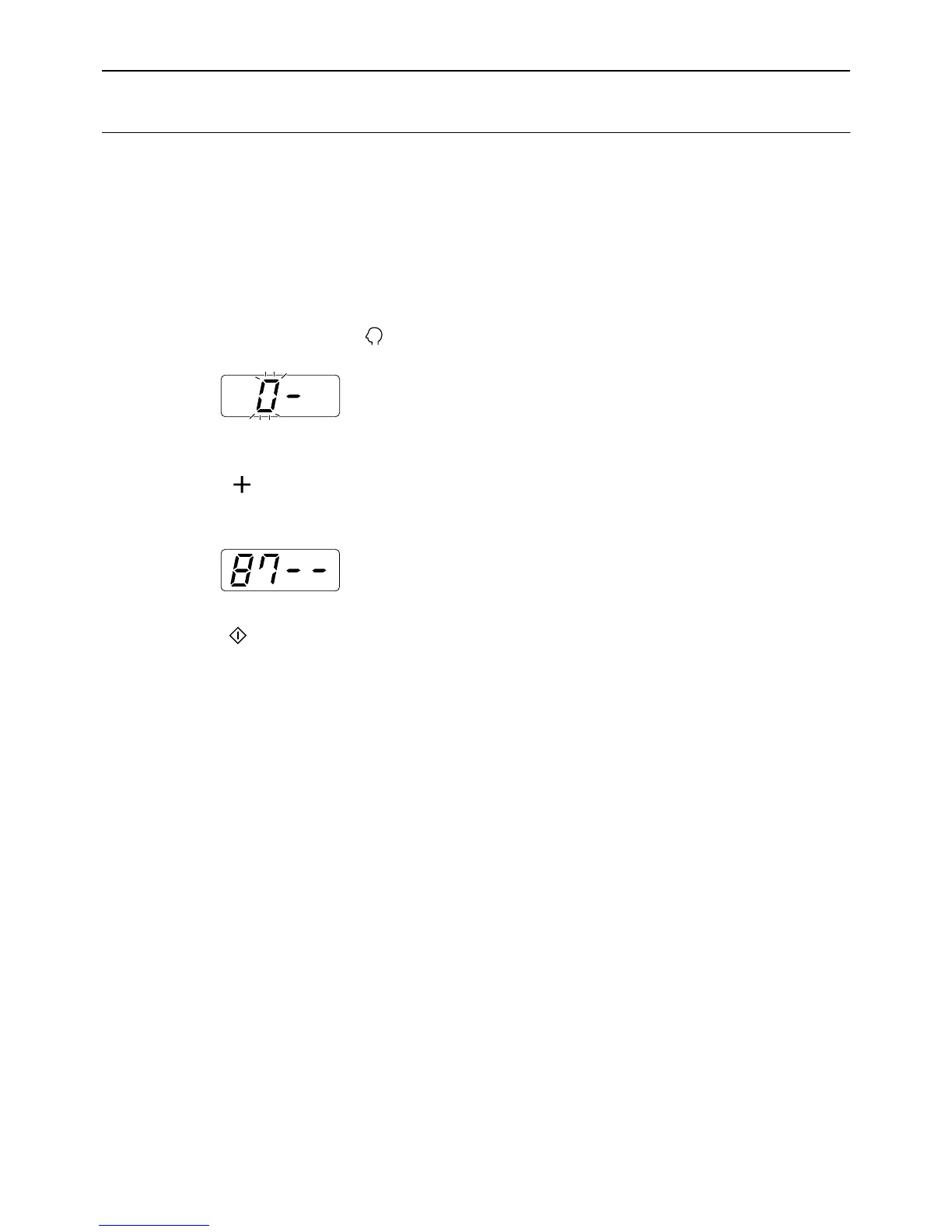
1 Check that the machine is in the item
number entry mode on the Print
Quantity Display.
If “0-” is displayed and “0” flashes, go to step 2.
For all other indications, press the key.
2 Enter the item number “87” and
press the [ ] key.
The “Reset all User Counters” mode is activated.
3 Press the key.
The clearance of the all users’ counts is applied,
and the normal mode is restored.



 To Next Page