Setting up for Scanning Originals
Printing Originals Side-by-Side [2-Up Printing]
39
Printing Originals Side-by-Side
[2-Up Printing]
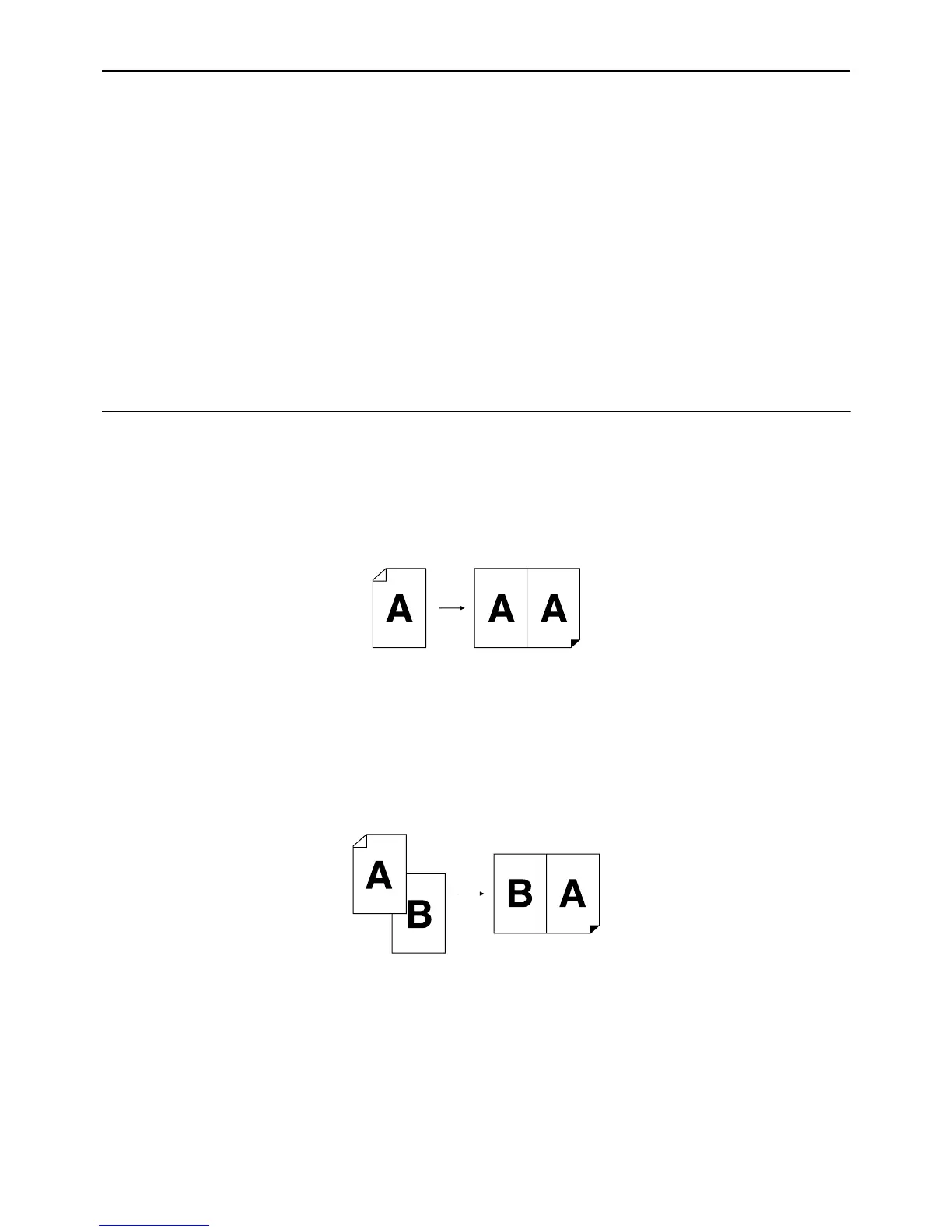
The same or different originals can be printed side by side.
This is called 2-Up printing.
2-Up printing allows you to place a single original or two different originals
Important!:
• With custom size paper placed, you cannot perform 2-Up printing. Quit 2-Up printing or place standard-sized
paper.
• You cannot use 2-Up Printing and Book Shadow Edit together.
Single-Original Printing and Two-Original Printing
Single-original printing
This prints from the same original and outputs onto a single sheet of paper side by side.
Two-original printing
This prints from two different originals and outputs onto a single sheet of paper side by side.
The center of printed copies will be free from the shade of originals.
Important!:
• For two-original printing using the Glass Platen, the machine requires a certain period of time before placing the
second original. Use the Custom Setting mode to select 15 seconds or 30 seconds for the interval time; the initial
setting is 15 seconds.
)p.64
Note:
• When using the ADF unit (option) for two-original printing, you can place two piled originals in the ADF unit. The
two originals are continuously scanned for 2-Up printing.



 To Next Page