Setting up for Scanning Originals
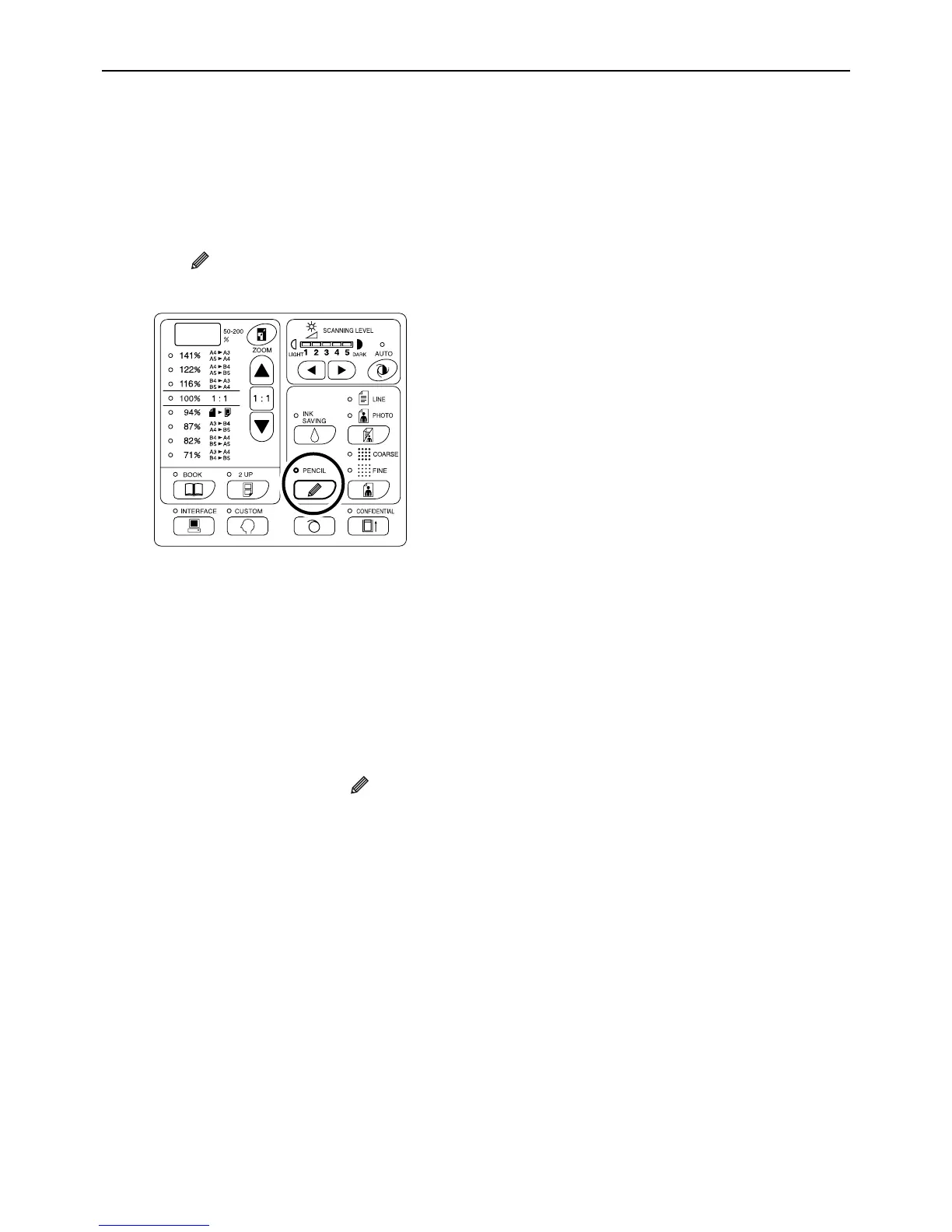
Scanning Originals Written with Pencils [Pencil]
33
Scanning Originals Written with Pencils
[Pencil]
This function allows clearer printing from such originals containing faint contents as those written with pencils.
Press the key to turn on its indicator.
Important!:
• You cannot use the Pencil mode and Image Process-
ing mode at the same time.
• You cannot use the Pencil mode and Dot Process
mode at the same time.
• When in the Pencil mode, adjust the scanning level
manually. You cannot select “Auto”.
)p.37
Note:
• To clear the Pencil mode, press the key again to
turn off its indicator or select another image process-
ing mode.
• The Custom Setting mode allows you to change the
initial setting for the Pencil mode adjustment.
)p.67



 To Next Page