Advanced Features
Setting Up User Management
77
Setting Up the Management ON/OFF
The administrator must be registered in advance in the “Create User”. ()p.75)
“Management ON/OFF” is ON as the default. It also turns ON automatically when an administrator is created.
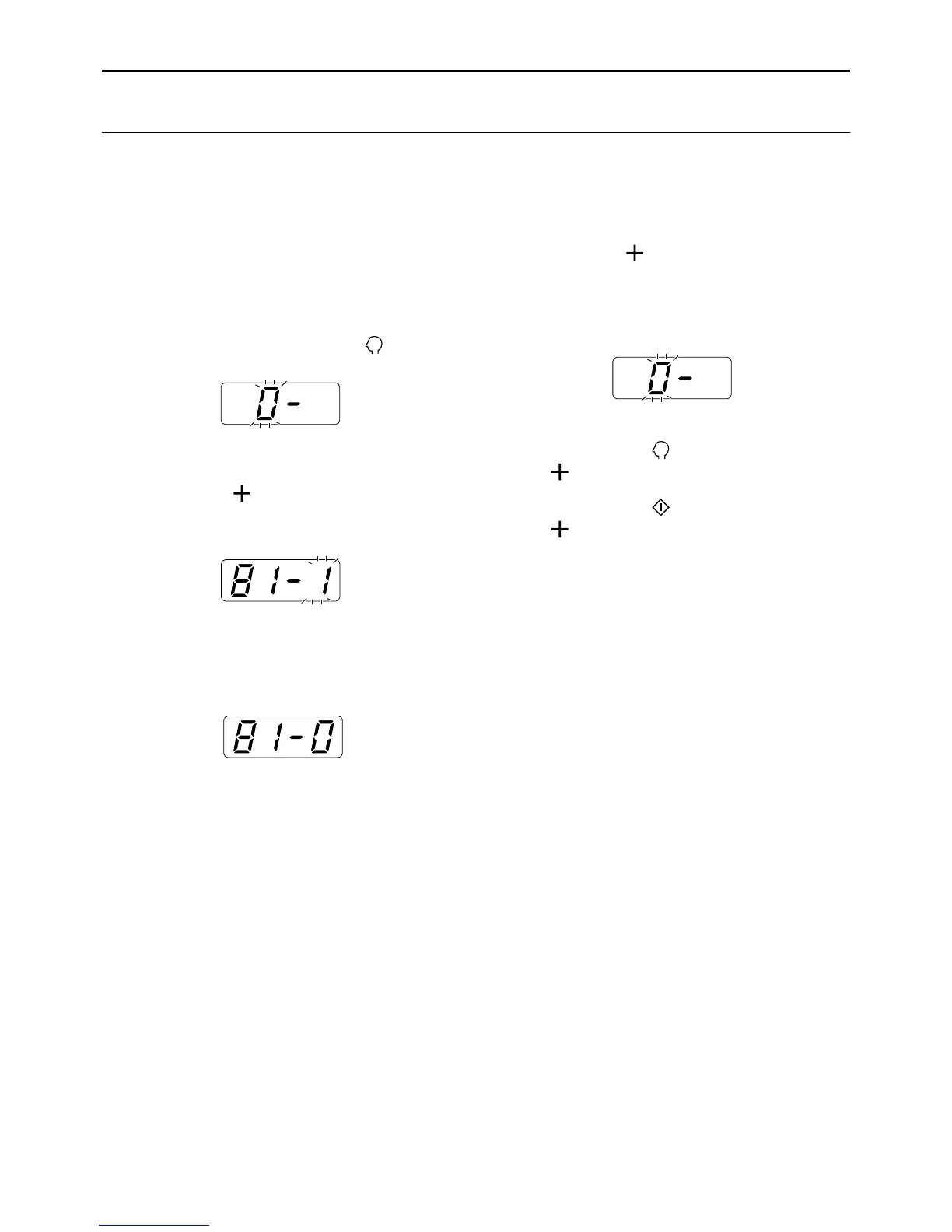
To view or change the current setting, perform steps 1 and 2, and check the displayed numbers.
“81-1” means it is ON, while “81-0” means it is OFF.
1 Check that the machine is in the item
number entry mode on the Print
Quantity Display.
If “0-” is displayed and “0” flashes, go to step 2.
For all other indications, press the key.
2 Enter the item number “81” and
press the [ ] key.
The “Management ON/OFF” mode is activated.
3 Enter a parameter number using the
Print Quantity keys.
0 : OFF
1 : ON
4 Press the [ ] key.
“Management ON/OFF” setting is updated, and
the item number entry mode is restored.
The next item number to be set can be entered.
Important!:
• If you press the key before pressing the
[] key, the setting is canceled and the nor-
mal mode is restored.
• If you press the key before pressing the
[] key, the setting is applied and the normal
mode is restored.
• The user will be asked to verify access during
operations if “Management ON/OFF” is set to
“ON”. Entering the PIN code set in Create User
restores the normal mode. )p.29



 To Next Page