Advanced Features
Setting Up User Management
76
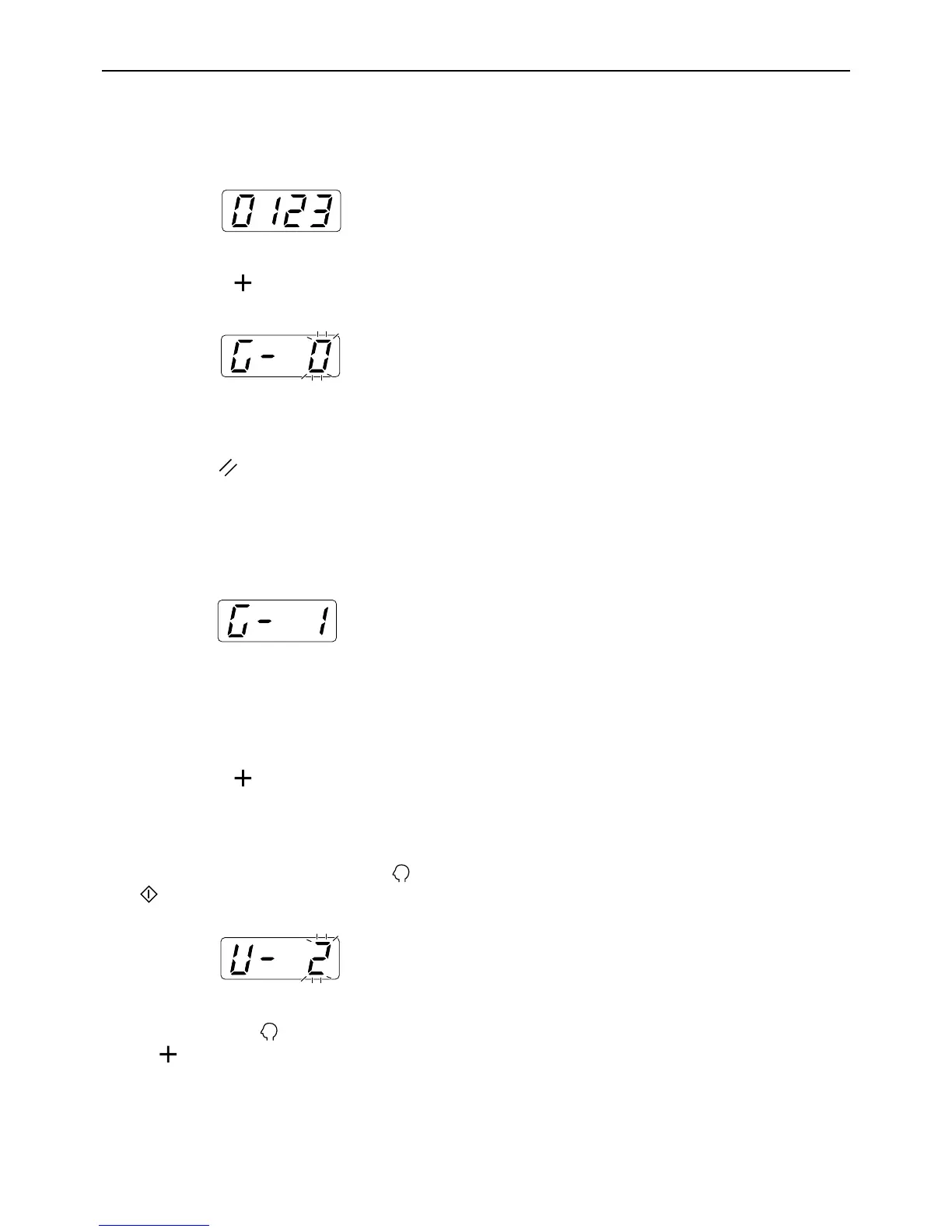
6 Enter the PIN code.
Enter the PIN code (up to four numeric digits
except 0) using the Print Quantity keys.
7 Press the [ ] key.
Note:
• If the PIN code is already registered, the alarm
sounds and an error No. (F-38) is displayed.
Press the key to release the error. (Step 6 is
restored.)
8 Enter the group number (1 to 32)
using the Print Quantity keys.
Note:
• If you do not set a group, enter “0”.
• The RISO NETWORK Card (option) is required
to count use by group.
9 Press the [ ] key.
The registration is applied, and the next user num-
ber is displayed.
Repeat steps 4 through 9 to continue the registra-
tion of other users.
To restore the normal mode, press the key or
key.
Important!:
• If you press the key before pressing the
[] key, any registration is canceled and the
normal mode is restored.
Note:
• After registering the user number 99, the item
number entry mode is restored.



 To Next Page