Setting up for Scanning Originals
Reproducing Bound Documents [Book Shadow Edit]
38
Reproducing Bound Documents
[Book Shadow Edit]
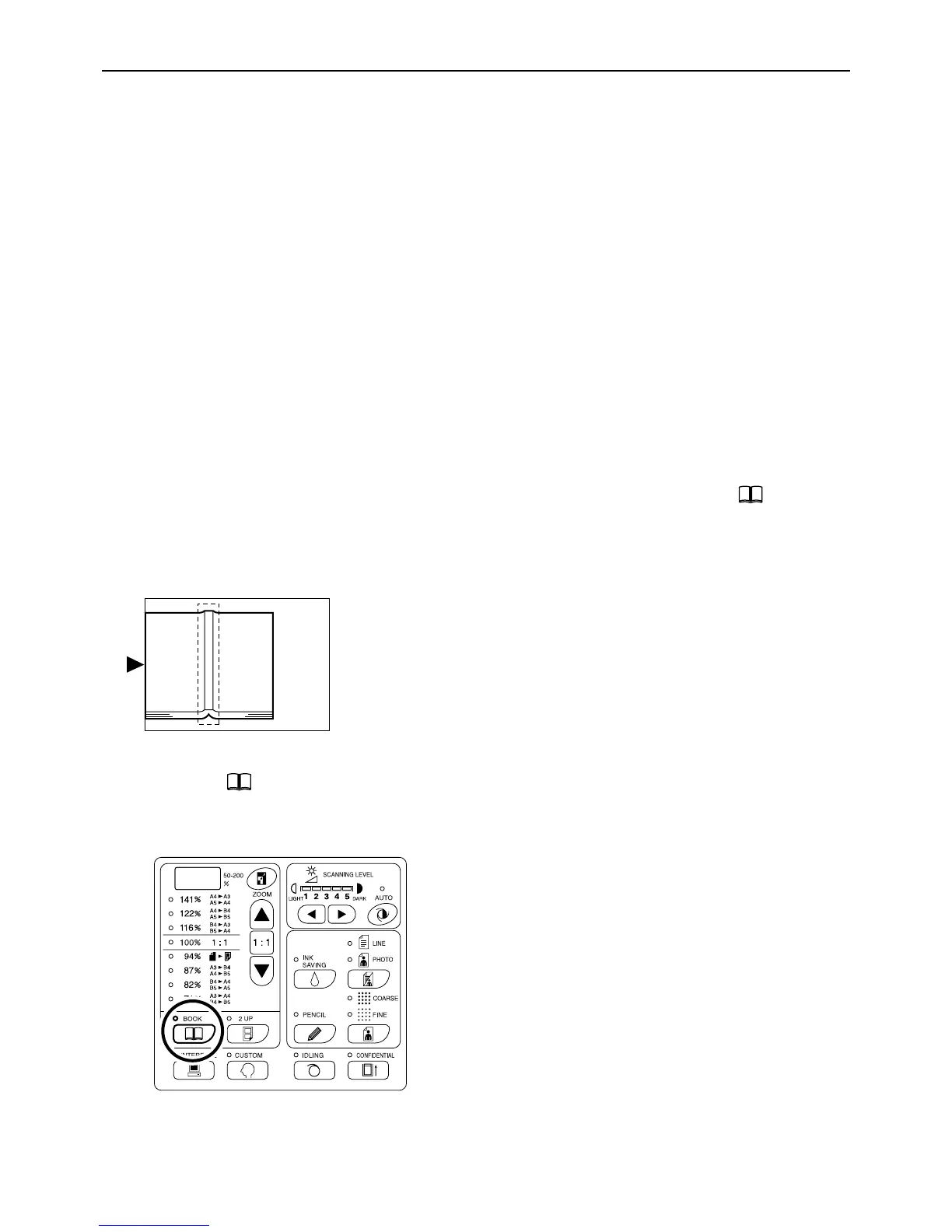
This function erases the binding “spine” shadow when printing from such bound originals with facing pages as mag-
azines and books.
Important!:
• The initial settings have been made for the size of originals whose masters can be made and the width of shadow
to be erased.
(Initial settings: for the size of original, size of paper placed on the Paper Feed Tray; for width of shadow to be
erased, 20 mm(
13
/
16
"))
The Custom Setting mode allows you to change the initial settings for the size of originals and the width of shadow
to be erased. )p.64
• If using the Custom Setting mode you have selected “Paper” as the Size of originals for Book shadow editing, use
standard-sized paper. If you place custom-size paper, shadow erasure is not correctly performed.
• The outside of the set original size is not scanned and used for the master-making process.
1 Place a book (or a magazine) on the
Glass Platen.
Make sure to place the original in the orientation
below:
The shadow within the dotted box is erased.
2 Press the key to turn on its indi-
cator.
Note:
• To clear the setting, press the key again to
turn off its indicator.



 To Next Page