Advanced Features
Automatic Sorting into Groups [Program]
57
Saving Programs
Store frequently-used program settings for later retrieval and printing.
A total of 6 settings (Program A (Single Page) or Program B (Multi-Page Mode)) can be stored.
1 Set the program.
Enter the number of copies according to the steps
for Program A or Program B.
For details on the setting operations, refer to the
following steps.
Program A: steps 1 through 8 ()p.52~)p.53)
Program B: steps 1 through 7 ()p.55~)p.56)
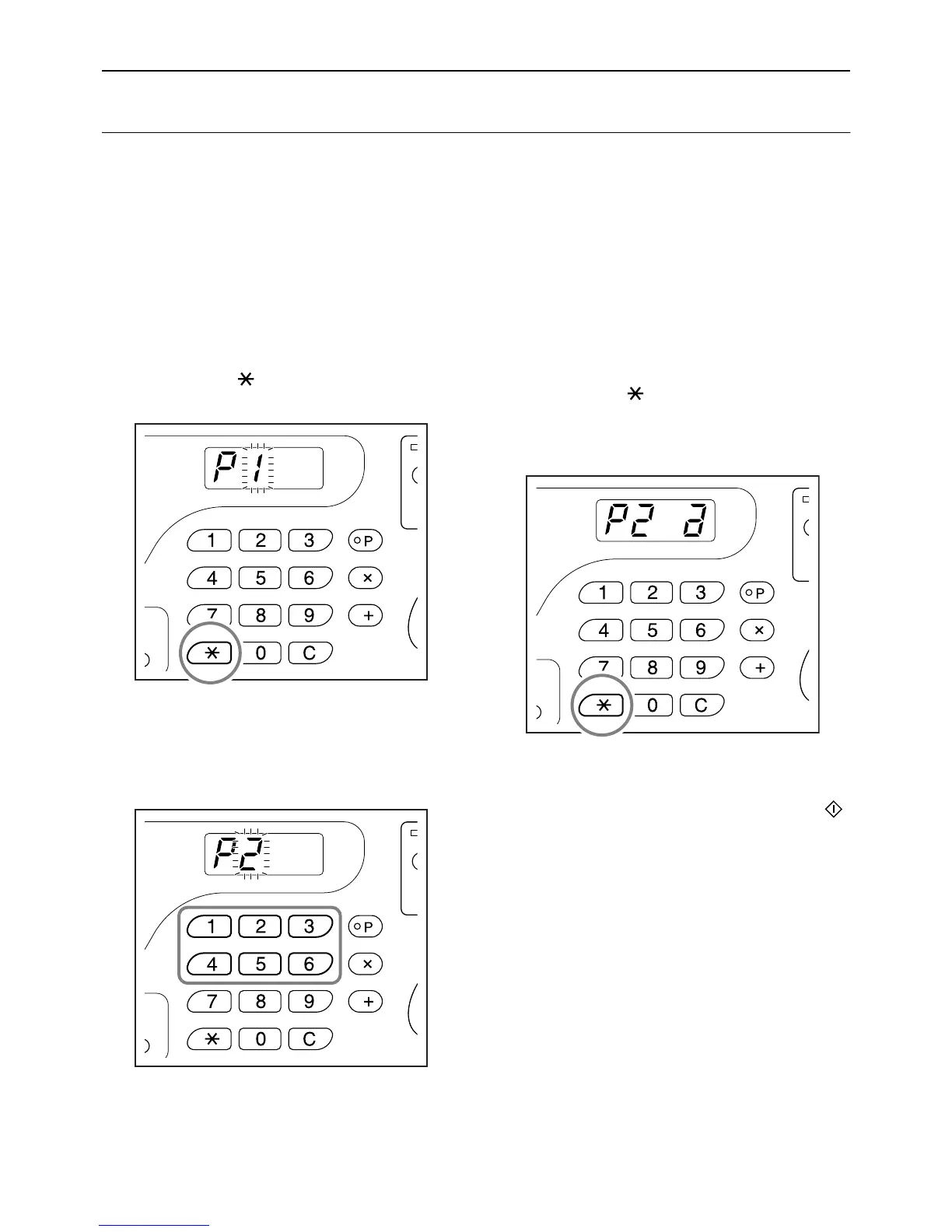
2 Press the [ ] key.
Store program settings.
3
Enter the program number using the
Print Quantity keys.
Select the number from 1 to 6.
Important!:
• When a program number that has already been
stored is selected, [a] or [b] is displayed on the
right-most digit.
• Since selecting a number that has already been
stored overwrites the previous settings, please
confirm the settings on the display before sav-
ing on the same number.
4 Press the [ ] key.
Program setting is stored and [Program A] or
[Program B] is displayed.
Important!:
• After storing a program, pressing the [P] key to
finish saving the program. By pressing the
key, your can start printing with a stored pro-
gram.



 To Next Page