Before Starting to Use
Preparing to Print
20
Adding or Replacing Paper
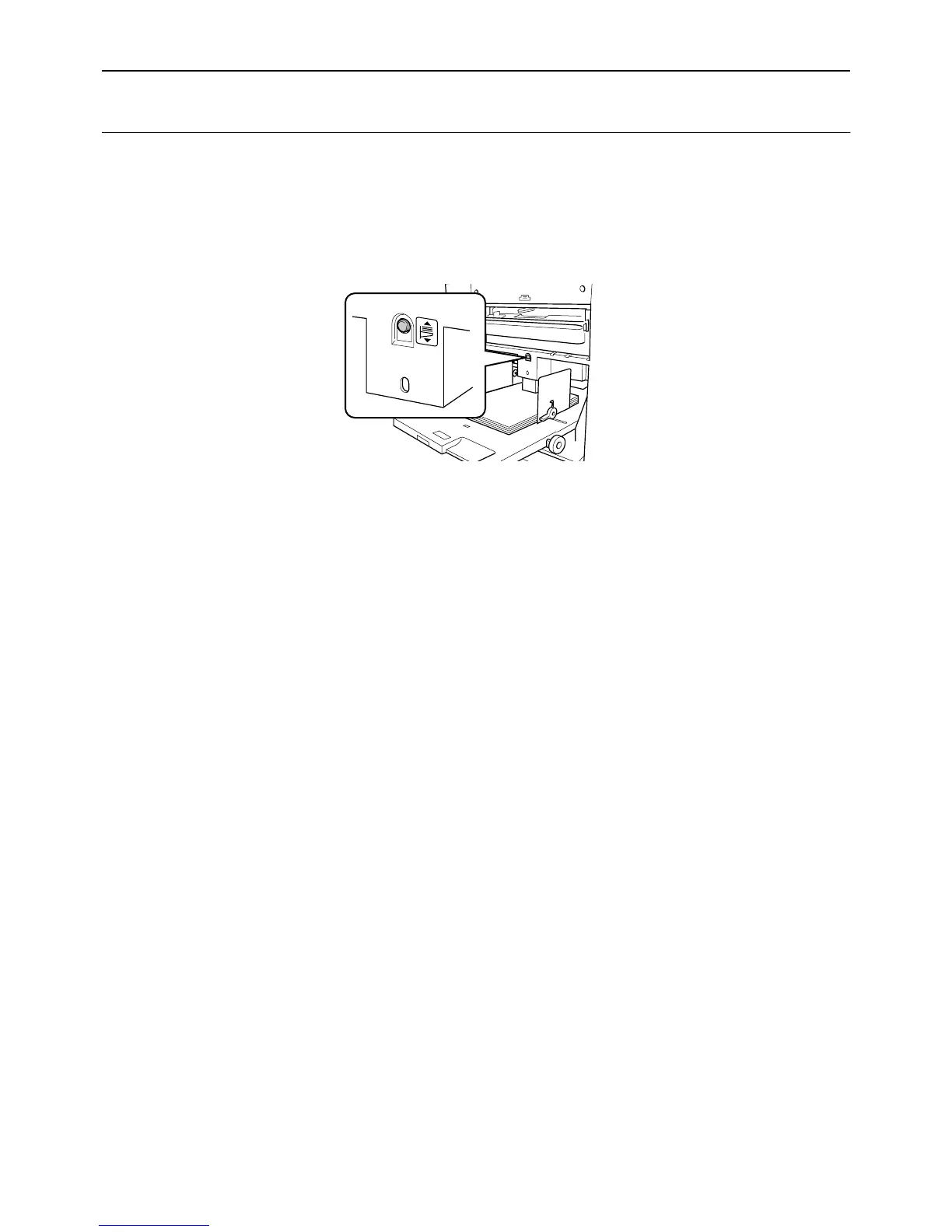
When you add paper or replace with paper of a different size at the time of printing, press the Feed Tray Ascent/
Descent Button to lower the Paper Feed Tray.
To lower the Paper Feed Tray, if papers are placed, press the Feed Tray Ascent/Descent Button. When the tray runs
out of paper, the tray is automatically lowered to the bottom.
If the Feed Tray Ascent/Descent Button is pressed when the Paper Feed Tray is at the bottom position and paper has
been set, the Paper Feed Tray rises.
Important!:
• Do not mix paper of different sizes.
• After replacing with paper of a different size, reposition the Receiving Tray Paper Guides and Paper Stopper
according to the size of the replacement paper.
)p.21



 To Next Page