Advanced Features
Customizing the Initial Settings [Custom Setting Mode]
64
Customizing the Initial Settings
[Custom Setting Mode]
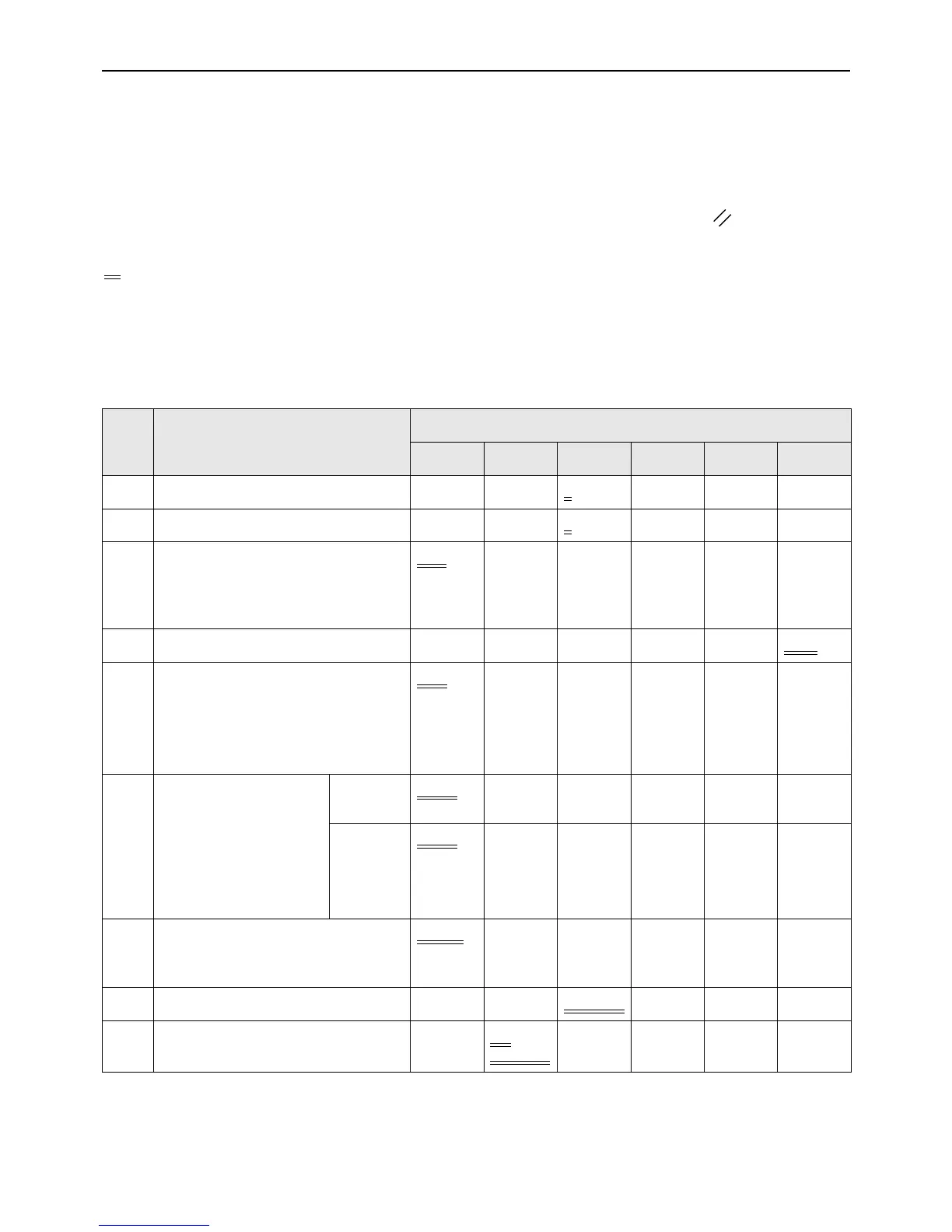
You can change the initial settings that are restored when the power is turned on or when the key is pressed.
Changed settings are effective until they are changed again.
The changeable items and their descriptions are as follows:
:Initial setting (factory default)
Important!:
• When “Management ON/OFF”(Item No. 81) is set to “ON”, the Custom Setting mode settings are restricted by the
administrator except the items indicated *
1
.
The setting of items indicated *
1
can be changed by all users.
The setting of items indicated *
2
(Item No. 81-95) can be set if the administrator is registered in “Create User” (Item No. 80).
Item
No.
Changeable Items
Parameter Selection
0 1 2 3 4 5
01 Print speed 1 2 3
45
02
Print density (For EZ3XX only)
123 45
03 Auto-Process
Set whether to perform the Auto-
Process automatically when an
original is placed in the ADF (option).
OFF
ON
04 Scanning level 12345Auto
05 Image Processing mode
Important!:
• With the Photo mode or Duo mode
selected, you cannot select “Auto”
for the scanning level.
Line Photo Duo
06 Size of originals for Book
shadow editing*
1
“Paper” means the
original is the same size
as the paper loaded on
the Paper Feed Tray.
EZ390
EZ220
Paper
Ledger Legal Letter
EZ370
EZ330
EZ300
EZ230
EZ200
Paper
A3 B4 A4 B5
07 Width of central shadow for Book
shadow editing*
1
20 mm
(
13
/
16
")
30 mm
(1
3
/
16
")
40 mm
(1
9
/
16
")
50 mm
(1
31
/
32
")
80 mm
(3
1
/
8
")
08
Auto idling time
None 6 hours 12 hours
09 2-Up printing interval time None 15
seconds
30
seconds



 To Next Page