Setting up for Printing
Changing the Print Speed [Print Speed Adjustment]
49
Changing the Print Speed
[Print Speed Adjustment]
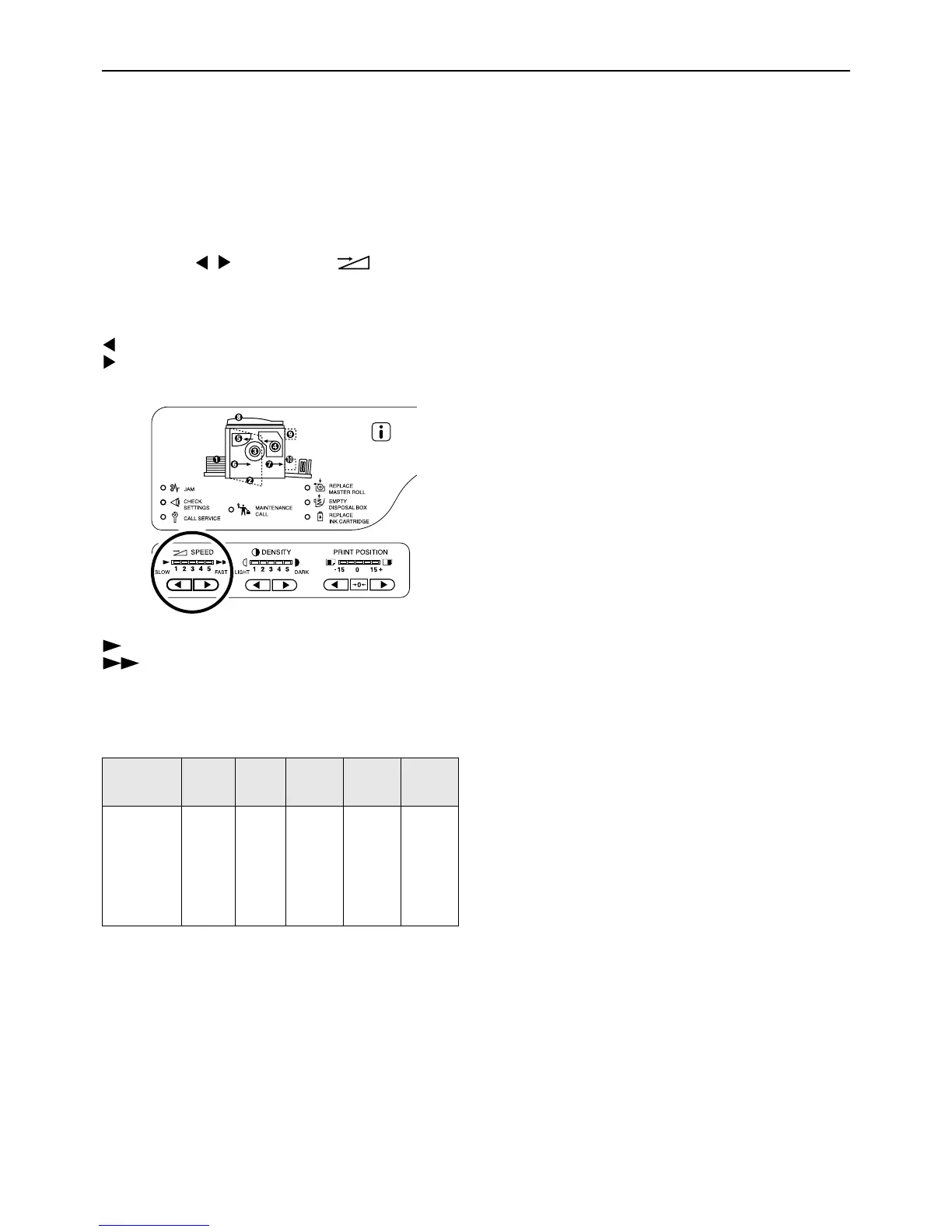
You can select the print speed from five levels; 60 copies per minute to 130 pages per minute.
Press the / keys under to select
the print speed.
Each time you press the key, the print speed is changed
by one step.
key: Decreases the print speed.
key: Increases the print speed.
:Slower
:Faster
The table shows the relationship between the indicator
segment position and print speed.
Note:
• The Custom Setting mode allows you to change the
initial setting for the print speed.
)p.64
Segment
Position
1 2 3 4 5
Print
Speed
(Number
of pages
per
minute)
Approx.
60
Approx.
80
Approx.
100
Approx.
120
Approx.
130



 To Next Page