Troubleshooting
Check & Error Display
109
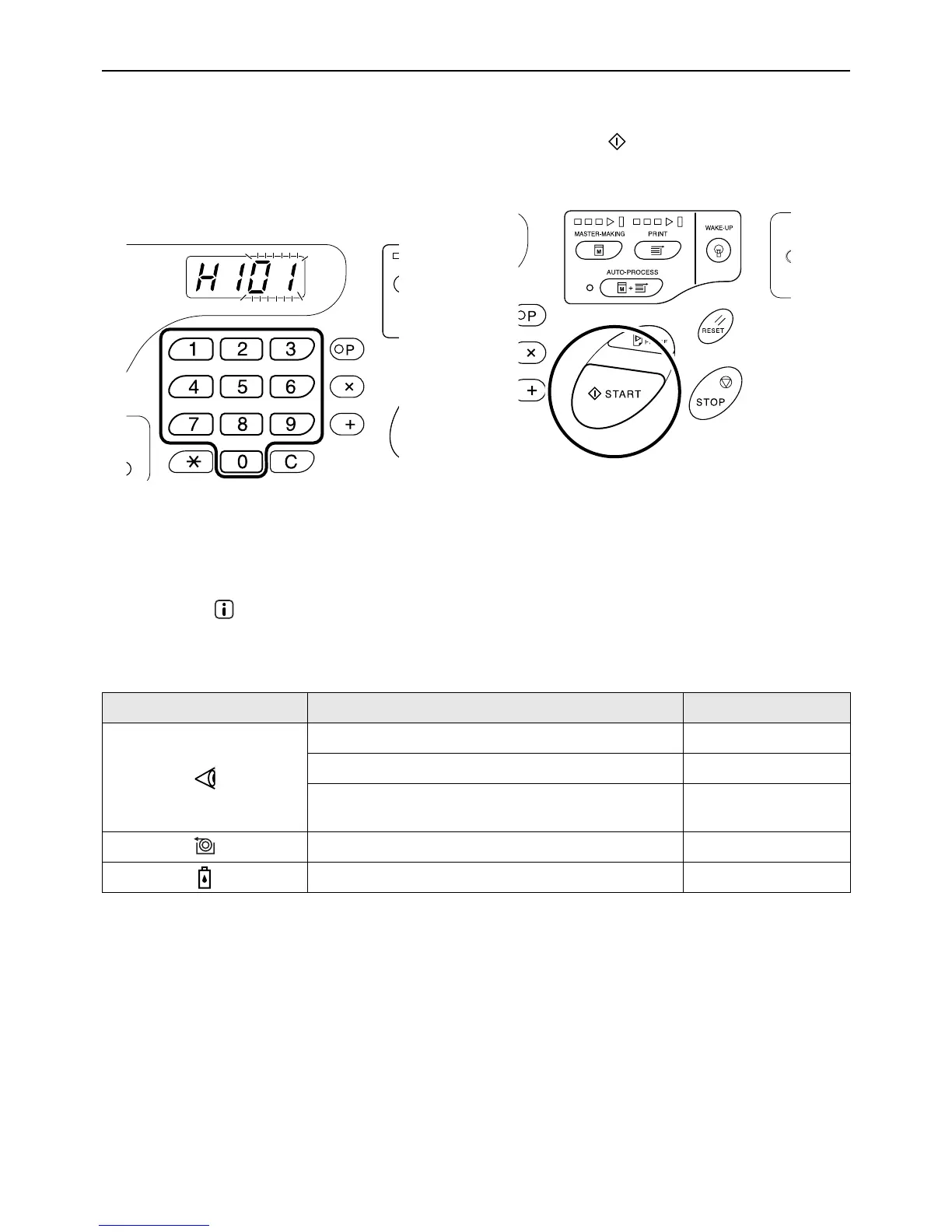
Use the following procedure to enter necessary information.
1 Enter a parameter using the Print
Quantity keys.
The parameters that can be entered differ among
the consumables.
2
Press the key to complete the setting.
If the next H No. appears, repeat steps 1 and 2.
Note:
• When necessary entry is completed, the Print
Quantity Display restores the normal status and
is available for usual operations.
When the indicator [*2] is off and Error Type indicator [*4] lights
When an Error Type indicator lights, please refer to the following pages.
Error Type Error No. Reference page
d-04 )p.105
d-17 )p.106
If an Error No. “d-xx” other than above is displayed,
please refer to the reference pages.
)p.105~)p.106
- )p.88
- )p.86



 To Next Page