Replacing and Disposing Consumables
Removing and Installing the Print Drum (Cylinder)
95
Neglecting this may result in malfunction of the
Print Drum (Cylinder) because of static electric-
ity or other factors.
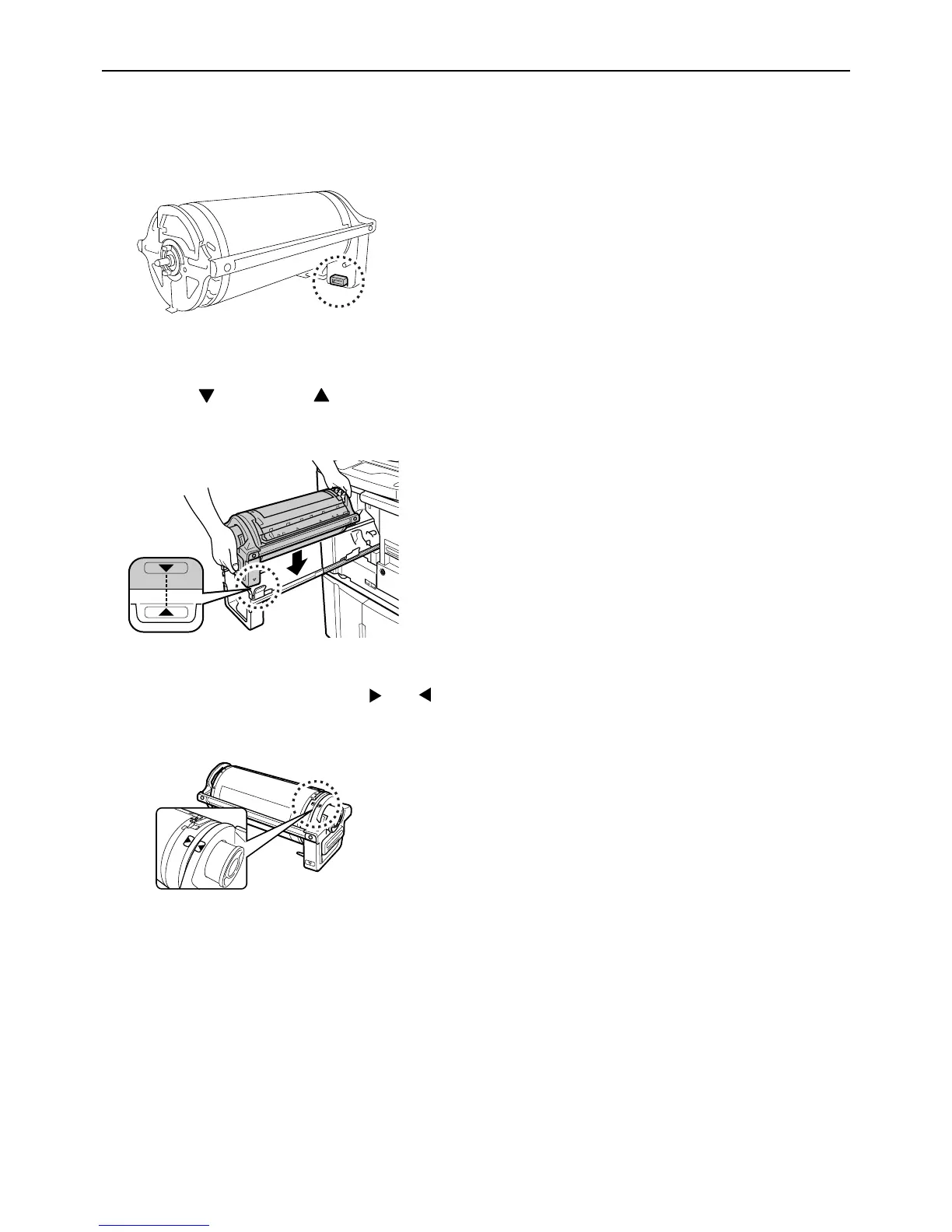
5 Install the Print Drum (Cylinder).
Align the mark with the mark on the guide
and position the Print Drum (Cylinder) horizontal
relative to the guide.
Note:
• If you manually rotate the Print Drum (Cylinder),
make sure to rotate it so that the and
marks meet shown as below after the installa-
tion.
6 Return the units to the original posi-
tions.
Place the Print Drum (Cylinder) into position, and
then close the Front Cover.



 To Next Page