38 SteelFusion Edge Hardware and Maintenance Guide
Installing Network Interface Cards in SteelFusion Edge Appliances Installing NICs in 2U SteelFusion Edge appliances
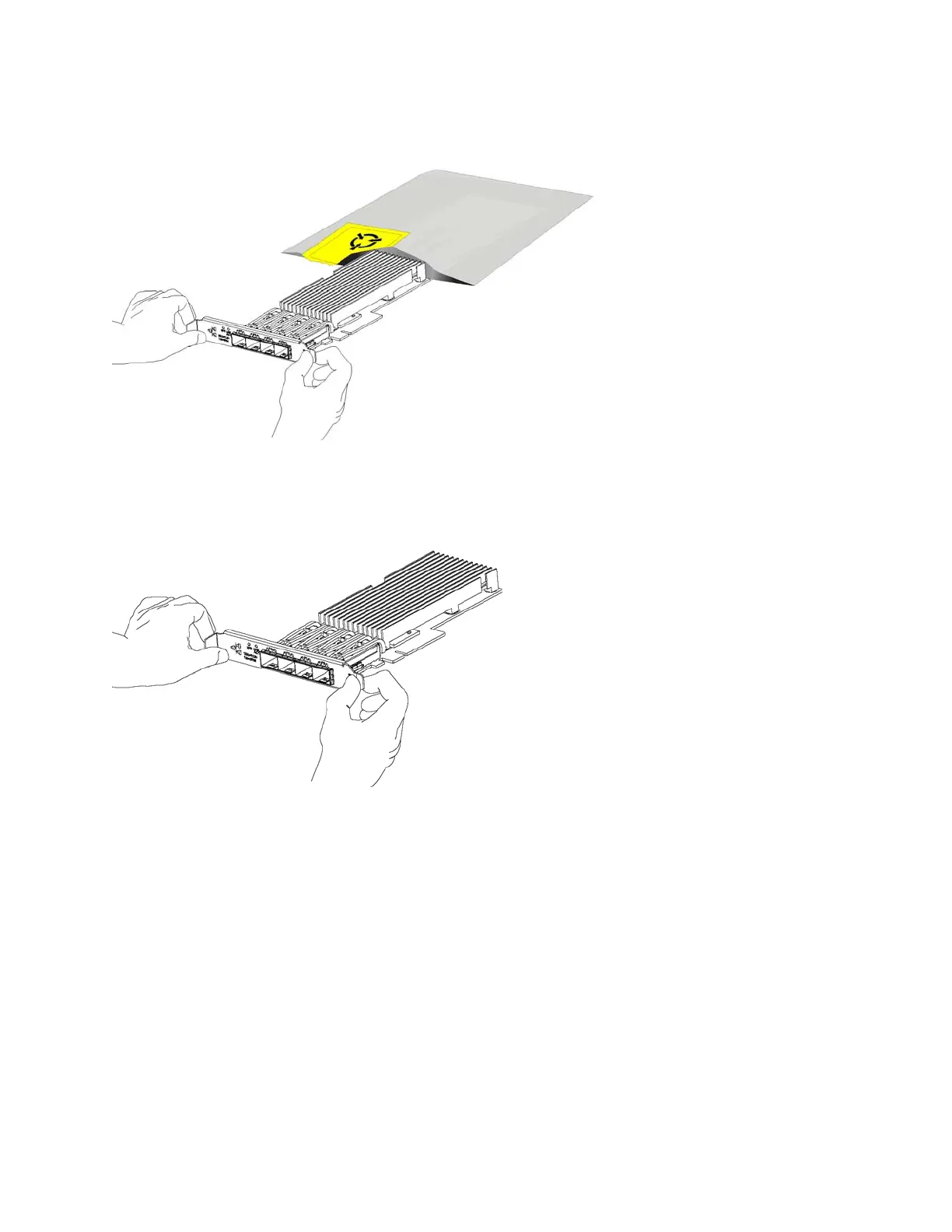
11. Gently pull the new NIC from the ESD bag. (See Figure 3-10.)
Figure 3-10. Removing the NIC from the ESD bag
12. Hold the new NIC between the front bezel and the rear of the card to avoid ESD damage. (See
Figure 3-11.)
Figure 3-11. Proper handling of the NIC



 To Next Page