SteelFusion Edge Hardware and Maintenance Guide
65
Adding and replacing memory modules Replacing SteelFusion Edge Components
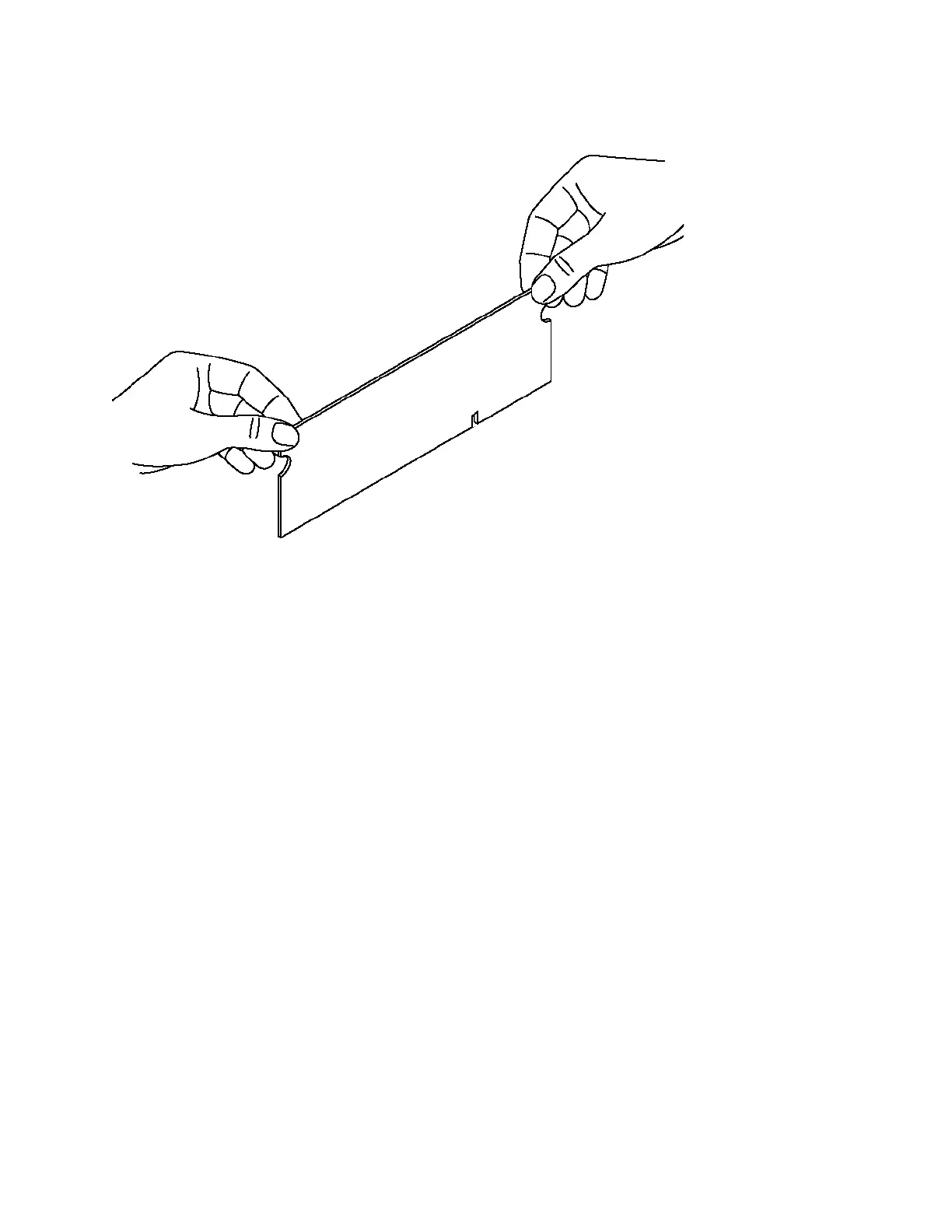
11. Hold the memory module on the outside edges to prevent damage to the module. (See Figure 4-30.)
Figure 4-30. Proper handling of the memory module
12. Remove the existing memory module and replace it with an approved memory module of the same
size. When adding memory, always replace the memory in the black slots first. Make sure the
memory is equally distributed on both sides.
Note: Replacing the existing memory module with a module of a different size is not recommended. Replace the
failed memory module with the same memory module size. You must use approved memory modules. Contact
Riverbed Support at https://support.riverbed.com to obtain the correct memory modules.



 To Next Page