SPIROR HP - DR
he blue buttons are the ones that can be pressed (functional buttons), while the gray ones are inactive and
only for display.
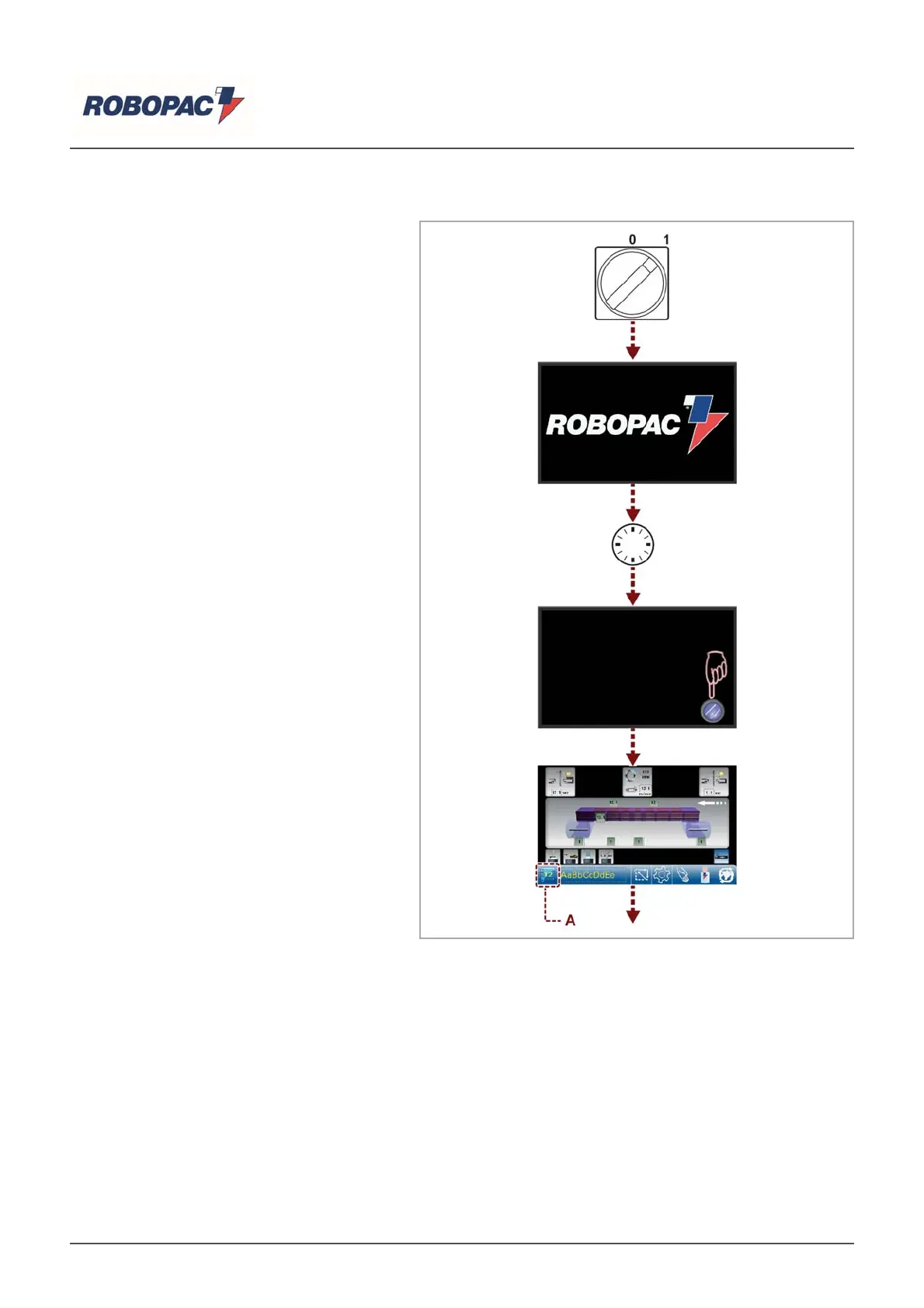
6.3.1.USING THE PANEL
Switching on the machine the
introduction page is displayed. It
contains.
‒ Manufacturer’s name.
‒ Press the "Reset" button.
‒ Machine ready; the main page is being
displayed.
‒ Press the "Start" button to enable the
automatic mode, accept the recipe
displayed or touch the (A) key to display
the recipe list.
English



 To Next Page