SPIROR HP - DR
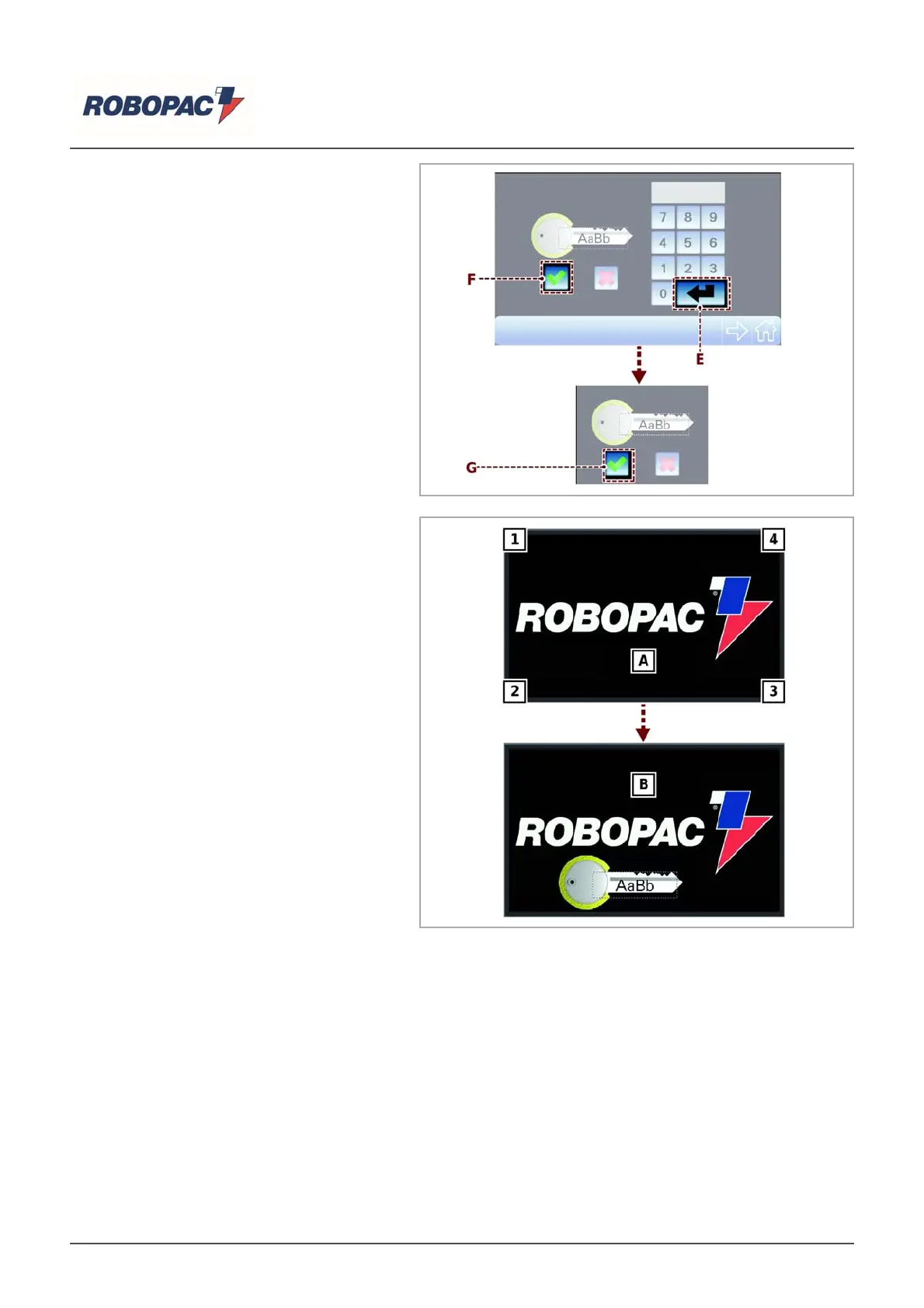
3. If correct, confirm by tapping the key (F)
and confirm again in the pop UP window
by tapping the key (G).
6.3.4.DEFAULT PASSWORD RESET
If you need to restore the default
password in case you have forgotten the
password set or for other reasons,
proceed as indicated:
1. When the software starts, it will display
the page (A); touch the keys 4 on
display corners in the sequence
indicated.
Note
Carry out the operations quickly; the
page will remain displayed for 5 seconds.
The operation has been completed
successfully if the page (B) containing
the password is displayed.
English



 To Next Page