SPIROR HP - DR
6.3.5.GENERAL PARAMETERS
SETTINGS
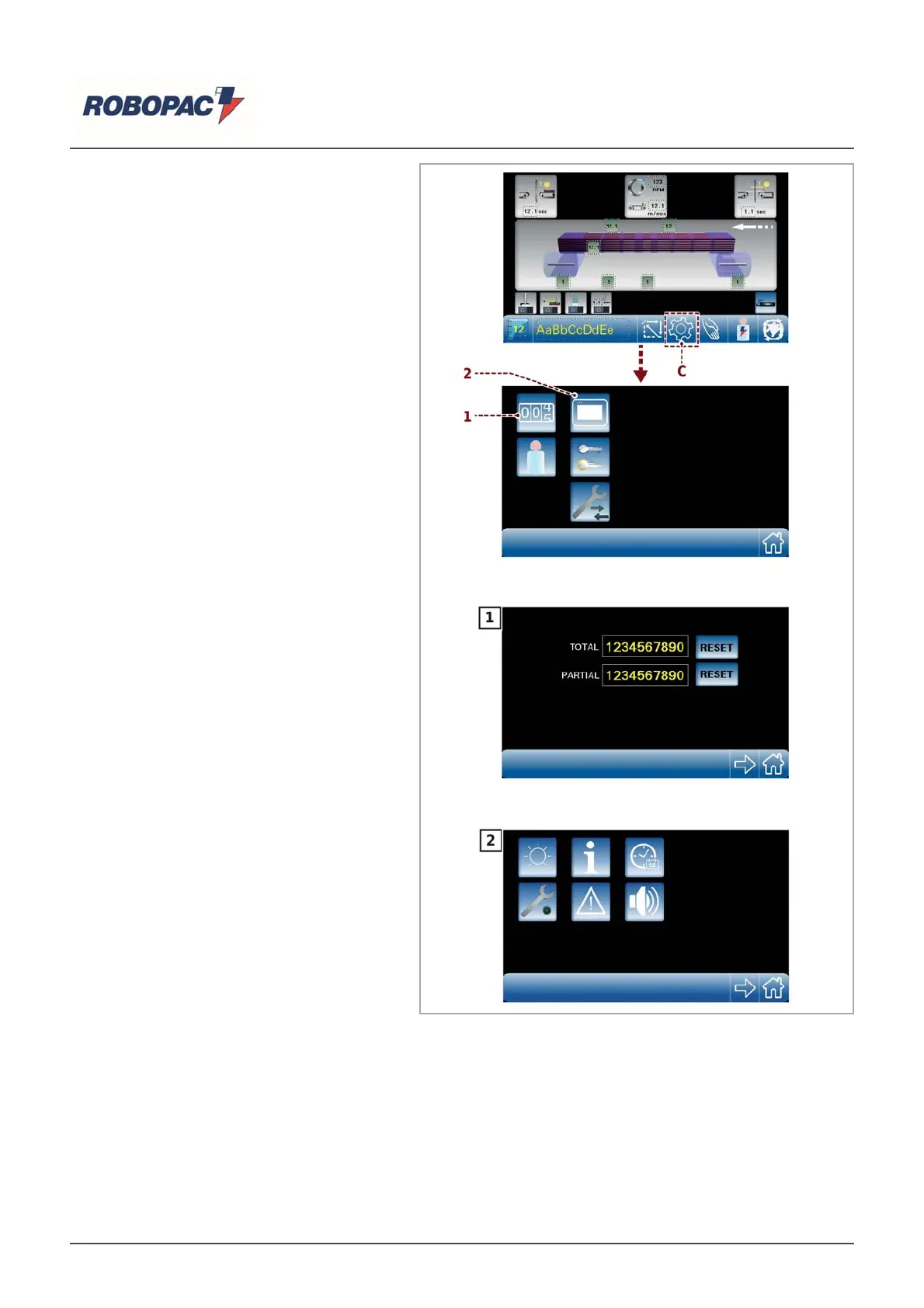
Press the key (C) from the main screen
to open the “General parameters”
screen.
‒ Press the key (1) to open the
“Production counters” screen.
‒ Press the key (2) to open the “H.M.I.
settings” screen (See “Software settings
and displays“).
English



 To Next Page