SPIROR HP - DR
6.11.3. PRODUCTION END STOP
This situation verifies when the work
shift or machine use is over or when the
machine remains inactive or not
attended to for a certain lapse of time.
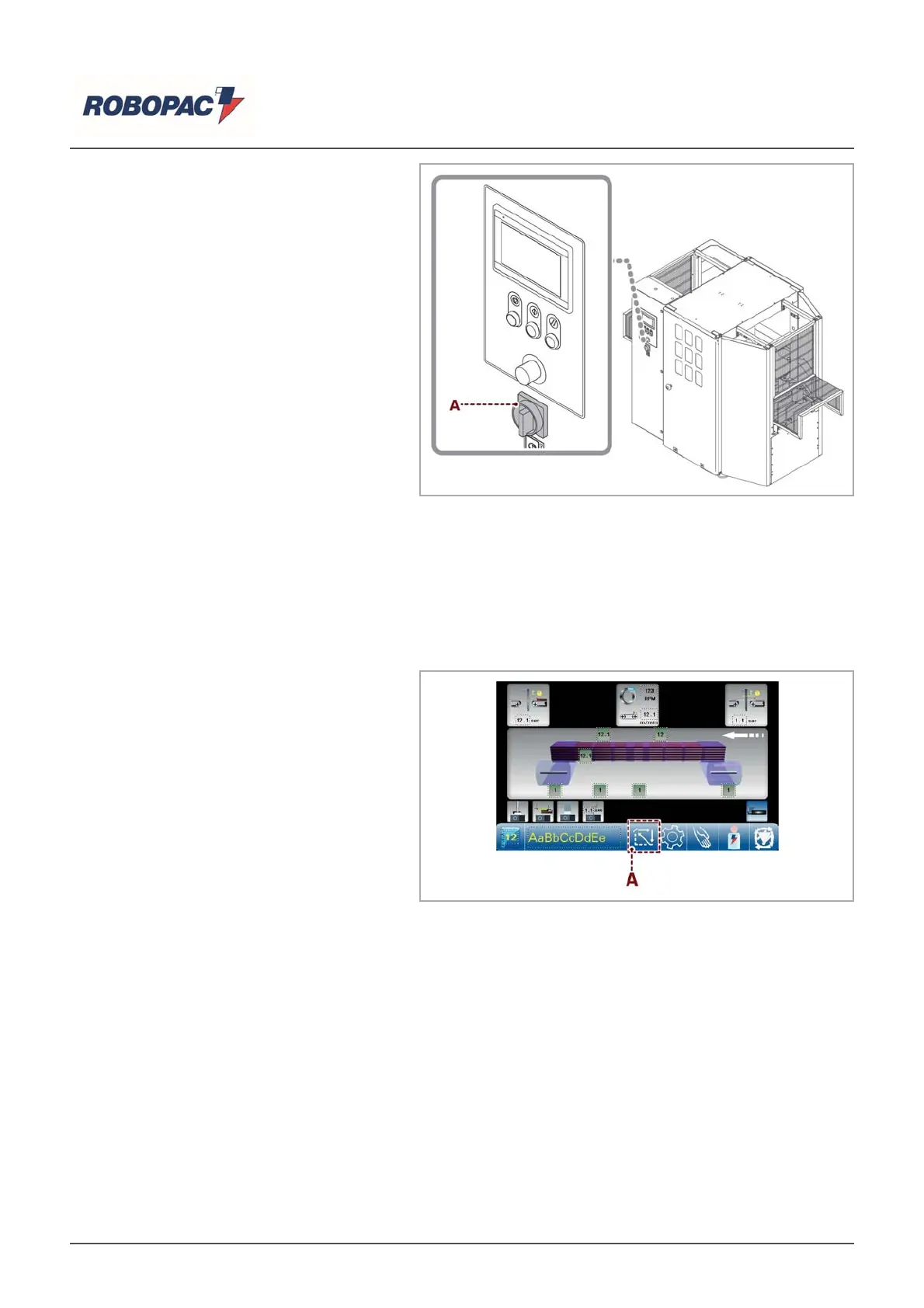
1. Turn the main switch (IG) to position
"0".
6.11.4. EMERGENCY STOP
Press the EMERGENCY button.
Machine operation stops immediately.
After having normalized the working conditions, unblock the emergency stop button to allow machine
operation.
If you wish to continue the winding that was interrupted, you must press the START button.
If a new operation is to be started, proceed as follows:
1. Remove product from the machine.
2. Press the key (A) to synchronize the
machine or press the "Reset" push-
button.
3. Block the film inside the clamp (see
“Machine boot” - “Coating insertion
inside the gripper”).
The machine is ready for a new wrapping
cycle.
English



 To Next Page