SPIROR HP - DR
For models DR 400 - DR 600 - DR 900
1. Close the protection.
2. Press the “Reset” button.
3. Open the protection.
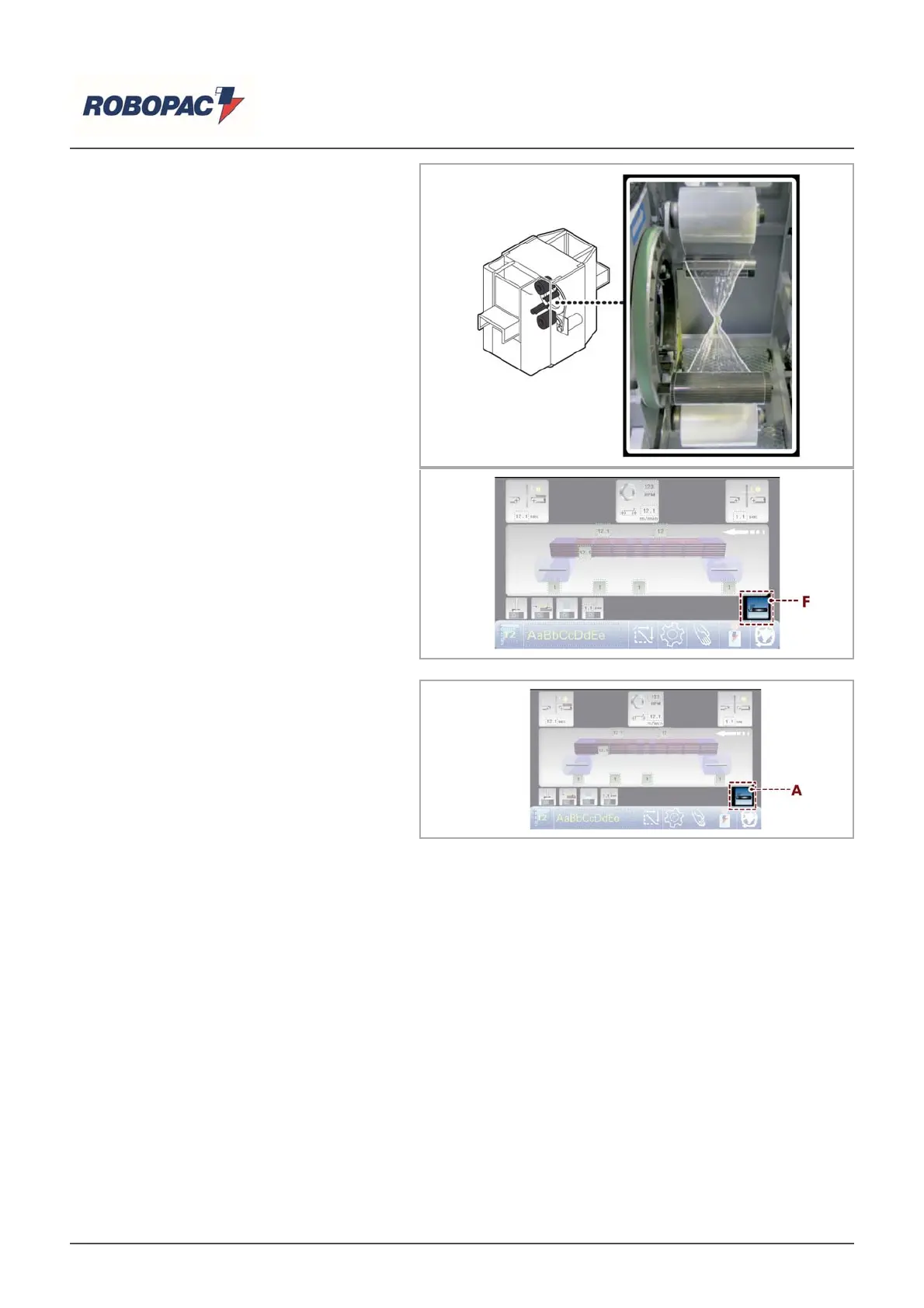
4. Tie-up the films' edges of the reels.
5. Press the "reset" button followed again
by the “film insertion” button (F).
6.9.3.INSERT THE FILM IN THE
CLAMP
For this operation proceed in the
following way.
1. Display the main page.
2. Make sure the rotating ring is in phase.
3. Touch the key (A): the clamp has to exit
completely.
Danger - Warning
Do not expose your hands to the cutting area.
English



 To Next Page