SPIROR HP - DR
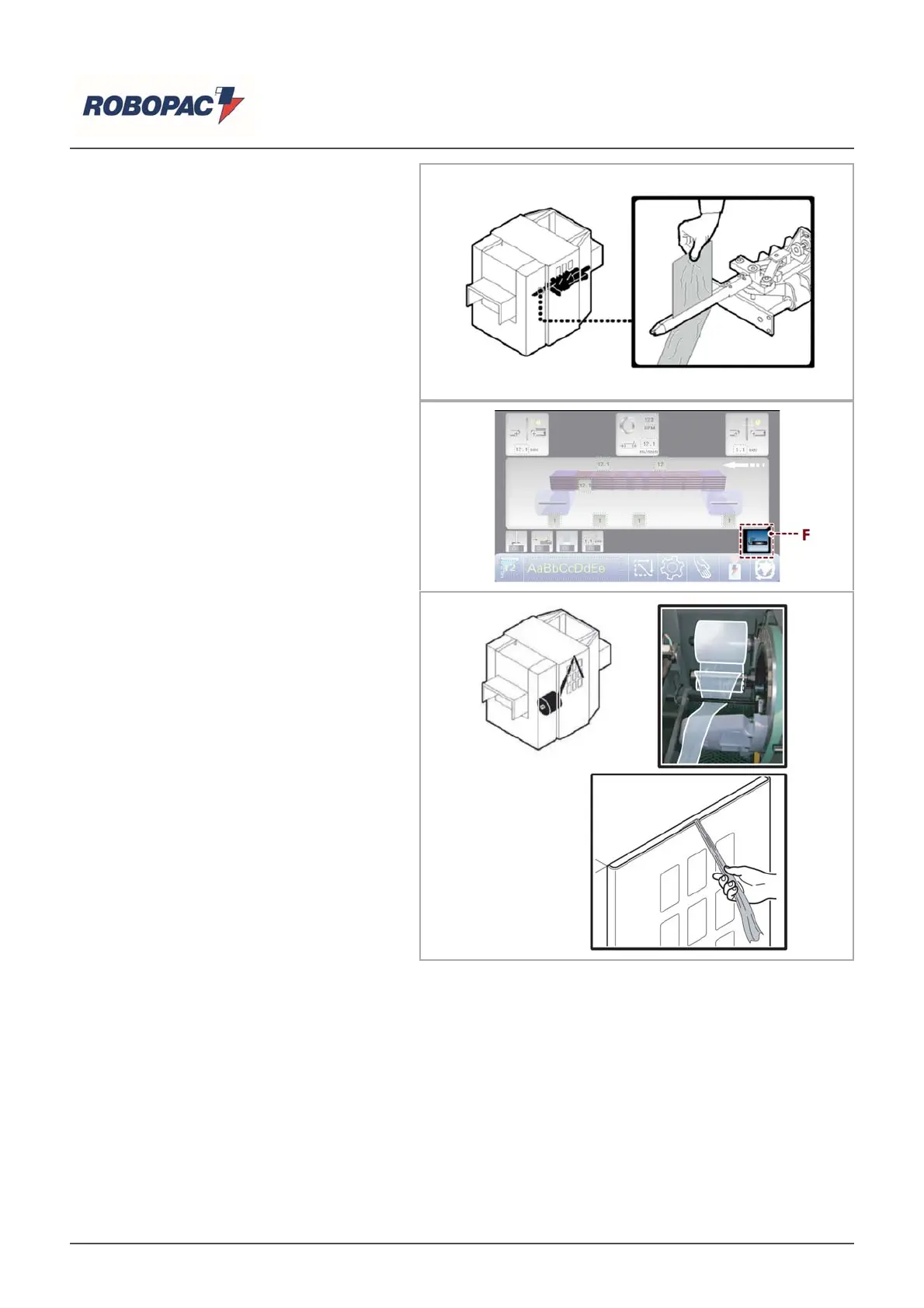
For models HP 400 - HP 600 - HP 900
1. Manually open the clamp and insert the
film end between the jaws.
2. Close the protection.
3. Press the “Reset” button.
For model HP 300
1. Close the protection.
2. Press the “Reset” button.
3. Press the film inserting button (F).
The clamp forwards.
4. Open the protection.
5. Insert film in the clamp and hold the film
end closing the protection.
6. Press the “Reset” button and remove the
film end from the machine.
English



 To Next Page