102
Using the Practice Functions
12.
Touch
in the upper right of the screen.
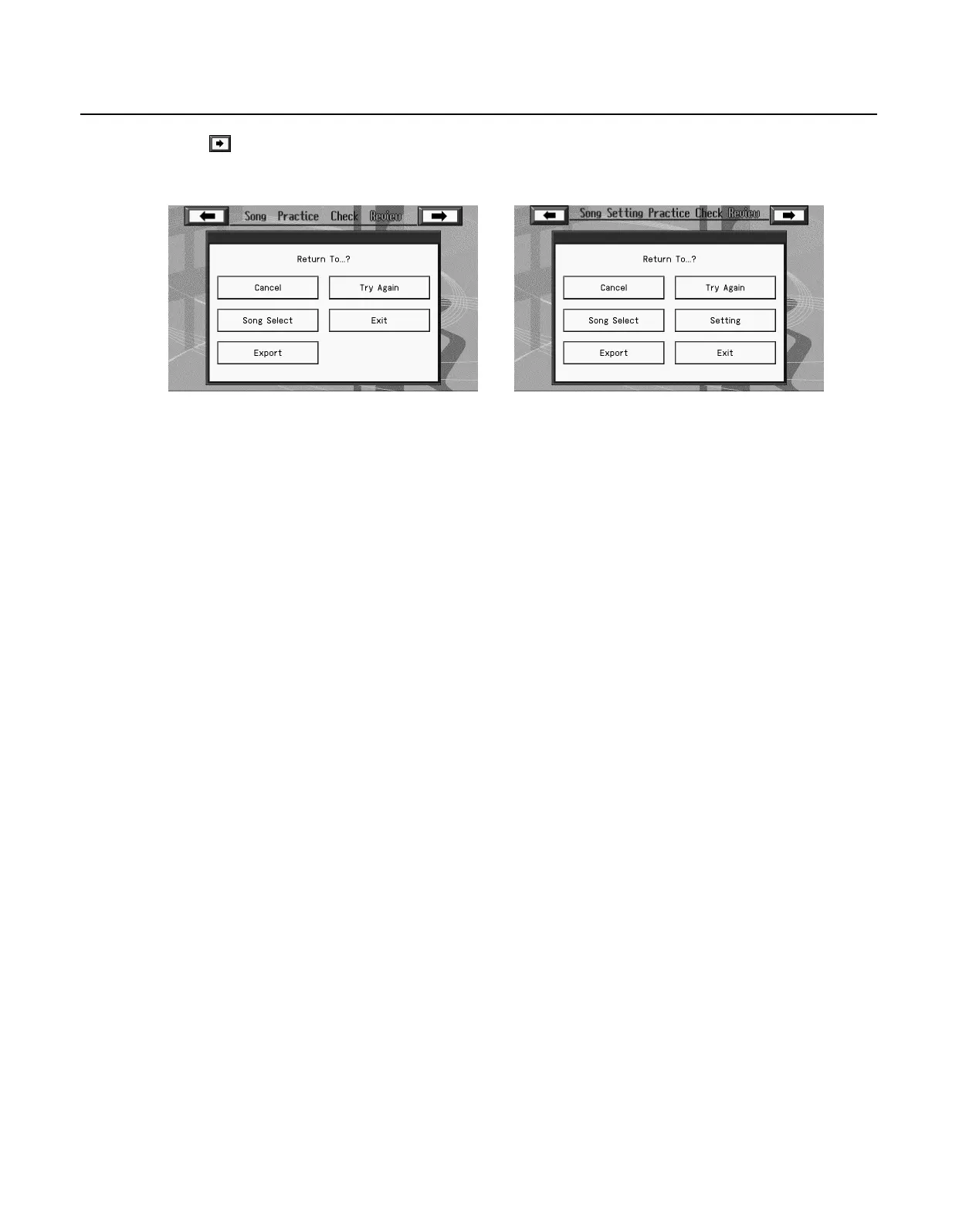
The following screen appears.
13.
Touch the item that you want to choose next.
• If you want to practice the same song again, touch <Try Again>.
• If you want to practice another song, touch <Song Select>.
• If you want to change the settings for the lesson content, touch <Setting>. (Repertoire course only)
• If you are finished with Visual Lesson, touch <Exit>.
• You can touch <Export> to save your performance result as an image file. For details, refer to “Saving Notations as Image Data” (p.
111).
<Beginner> / <Challenge> <Repertoire>
RM-700_e.book 102 ページ 2009年3月18日 水曜日 午前11時5分



 To Next Page