132
Recording and Saving the Performance
You can use the following method to delete a recorded performance.
1.
Hold down the [Song] button and press the [
(Rec)] button.
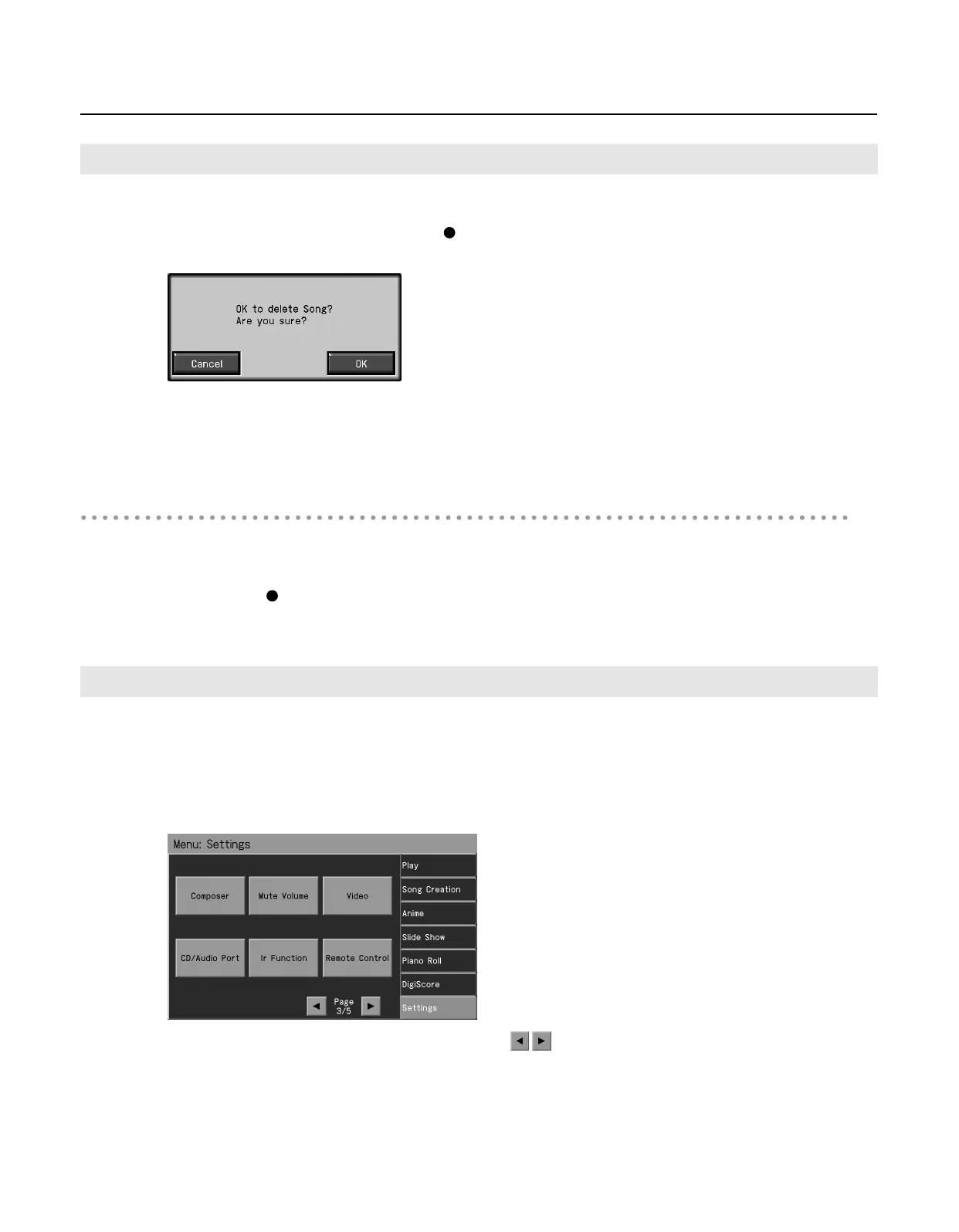
The following screen appears.
2.
Touch <OK>.
This deletes the recorded song.
When you touch <Cancel>, the song selection screen or basic screen appears and the recorded song is not deleted.
Deleting the Performance on Specific Tracks
You can select and delete performances on specific tracks.
1.
Hold down the Track button for the track containing the performance you want to delete,
then press the [
(Rec)] button.
The Track button’s light goes dark, and the recorded music is deleted.
When recording an Automatic Accompaniment performance, you can change the accompaniment and the way recording mode
stops.
1.
Press the [Menu] button so its indicator is lit.
2.
Touch <Settings>.
* The Menu screen for Settings contains five screen pages. Touch
to switch between the pages.
Deleting Recorded Performances
Changing How Recording Stops
RM-700_e.book 132 ページ 2009年3月18日 水曜日 午前11時5分



 To Next Page