79
Song Playback
1.
From the internal songs, select the song that you want to save to “Favorites” (p. 75).
2.
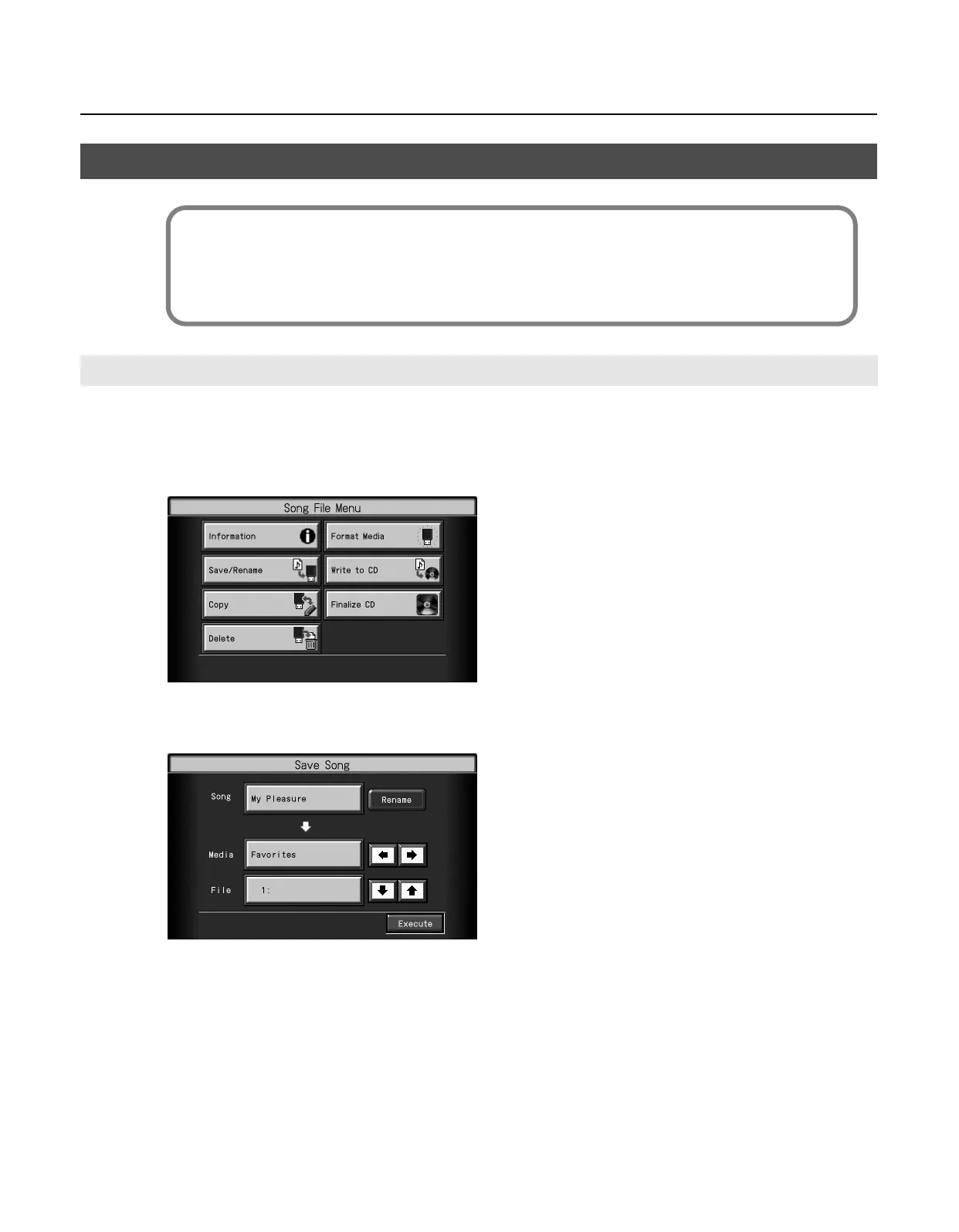
Touch <File>.
The “Song File Menu” screen appears.
3.
Touch <Save/Rename>.
The “Save Song” screen appears.
Saving a Song in “Favorites”
Saving an Internal Song to “Favorites”
What are the “Favorites”?
“Favorites” refers to an area of memory in which you can store performances you’ve recorded on the RM-700 or have copied
from a connected USB memory or CD-ROM.
Songs you’ve copied to “Favorites” will be retained even after you turn off the power, so if you collect your favorite songs in
“Favorites,” you’ll be able to easily select them when you want.
RM-700_e.book 79 ページ 2009年3月18日 水曜日 午前11時5分



 To Next Page