48
Performance
You may find effects not being applied to certain parts when different effects are applied to the upper tone, layer tone, and lower
tone. In such instances, you can select which effect is to have priority.
1.
Press the Tone button to select a Tone (p. 34).
The Tone selection screen appears.
2.
Touch <Effects>.
The “Effects” screen appears.
3.
Touch <Part>.
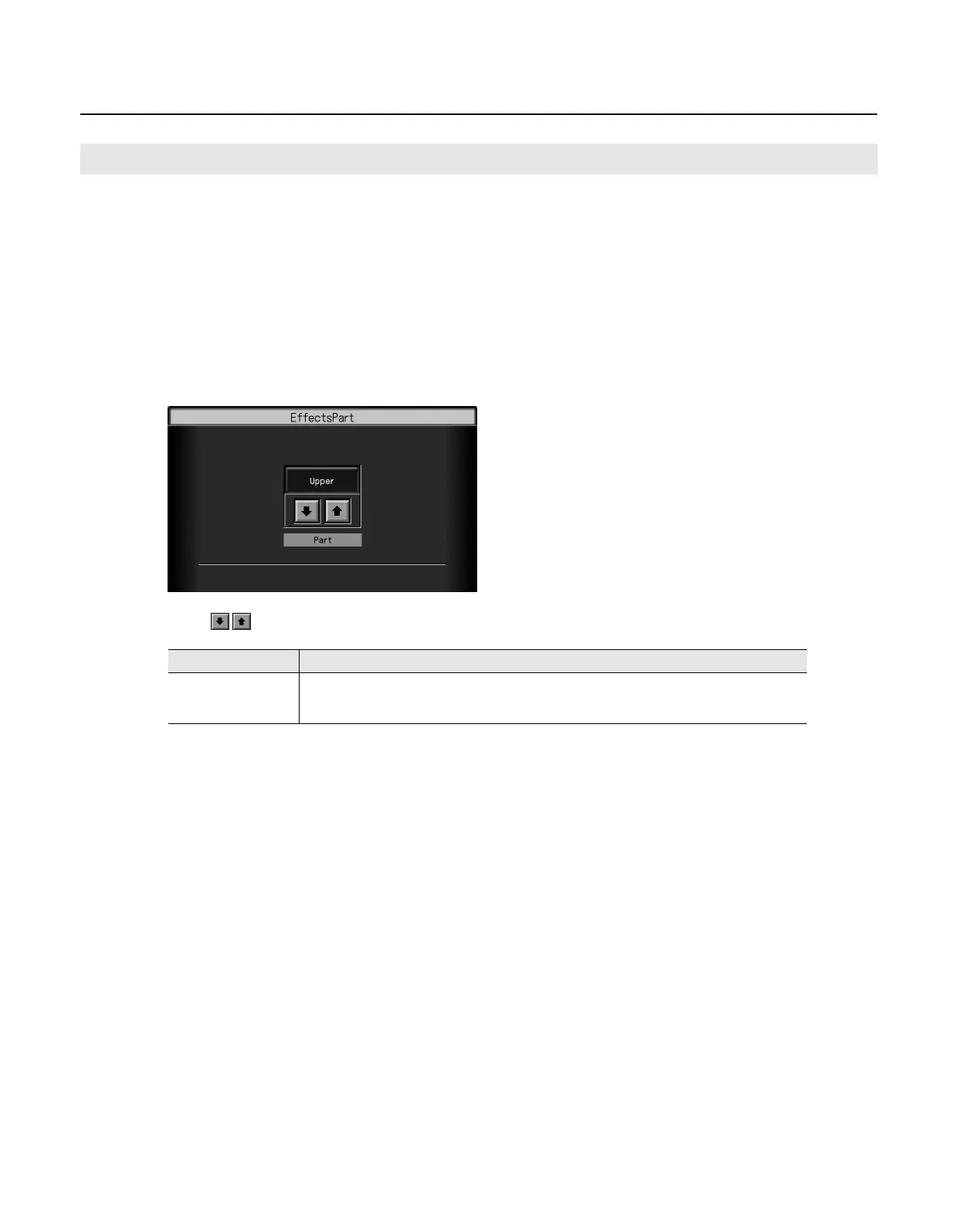
The “EffectsPart” screen appears.
4.
Touch
to select the part to which the effect is added.
5.
Press the [Exit] button when you’ve finished making settings.
Selecting the Part to Which the Effect is Added (EffectsPart)
Setting
Explanation
Upper,
Layer1, Layer2,
Lower1, Lower2
The effect will be applied to the selected part and other parts to which the same effect has been applied.
RM-700_e.book 48 ページ 2009年3月18日 水曜日 午前11時5分



 To Next Page