190
Various Settings
You can return the content stored with “Memory Backup” to their
original factory settings. This operation is referred to as “Factory
Reset.”
When you perform a Factory Reset, all settings that have been
stored in memory up to then are erased and reset to their
factory defaults.
This operation does not return the touch screen calibration
settings to the original factory condition. To return the touch
screen calibration settings to the original factory settings, refer
to “Calibrating the Touch Screen (Touch Screen)” (p. 188)
When you want to restore the content registered to the RM-
700’s User memory to the factory condition, refer to
“Formatting the User Memory” (p. 172).
1.
Press the [Menu] button so its indicator is lit.
2.
Touch <Settings>.
* The Menu screen for Settings contains five screen pages.
Touch
to switch between the pages.
3.
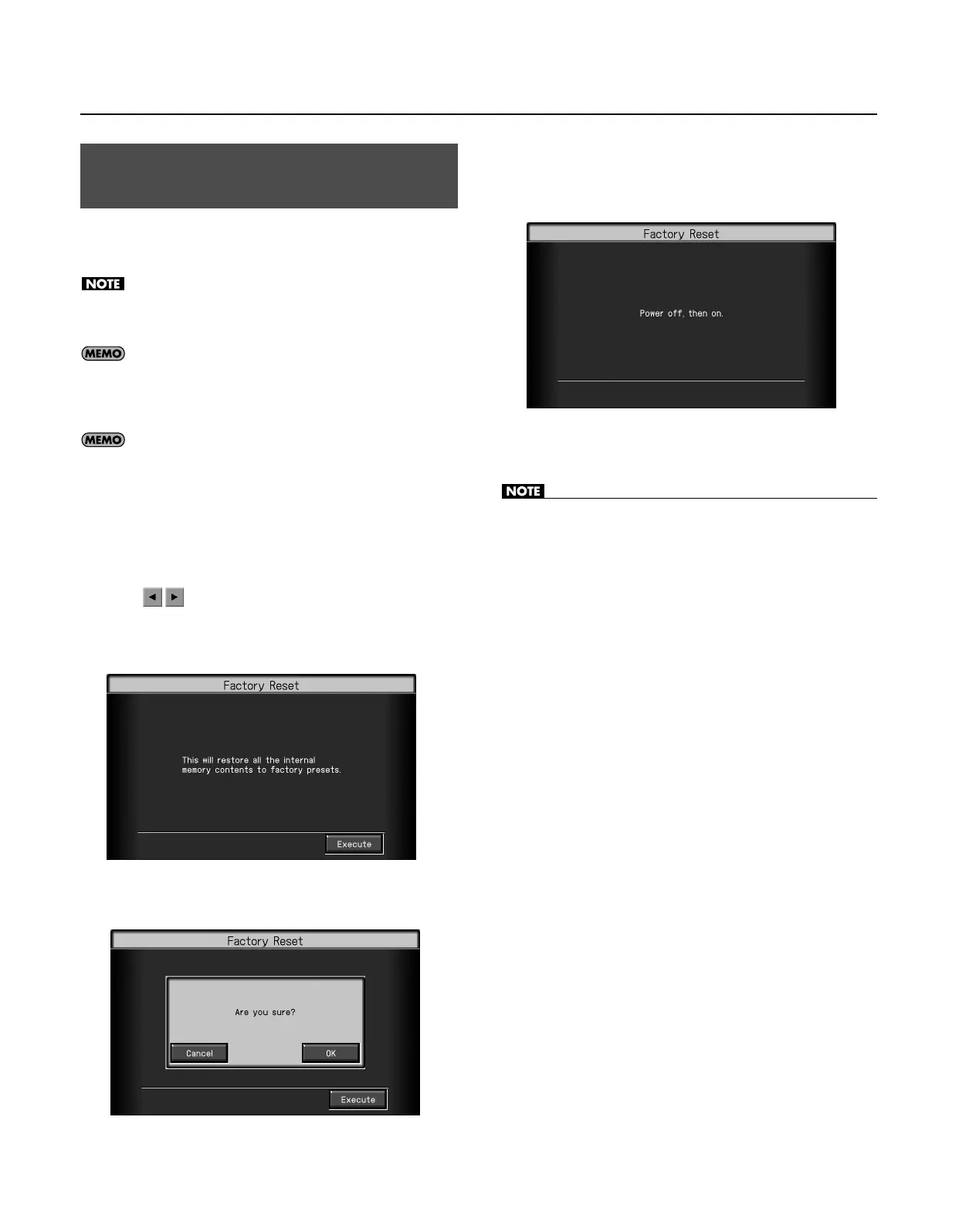
Touch <Factory Reset>.
The following screen appears.
4.
Touch <Execute>.
The confirmation message appears on screen.
* If you decide to cancel the factory reset, touch <Cancel>.
5.
Touch <OK>.
The factory reset will be executed.
When the Factory Reset has been completed, The following screen
appears.
6. Turn the RM-700’s power off, then on again.
• Never turn off the power while the “Executing...” indication is
shown.
Restoring the Factory Settings
(Factory Reset)
RM-700_e.book 190 ページ 2009年3月18日 水曜日 午前11時5分



 To Next Page