129
Recording and Saving the Performance
Try recording along with internal songs and songs on external memories.
Here, record your right-hand performance along with the song accompaniment.
Settings for Recording Performances
1.
Press the One Touch Program [Piano] button.
2.
Select a song (p. 75).
3.
Decide on the tone and tempo of the performance.
The song tempo is stored within the song you selected.
4.
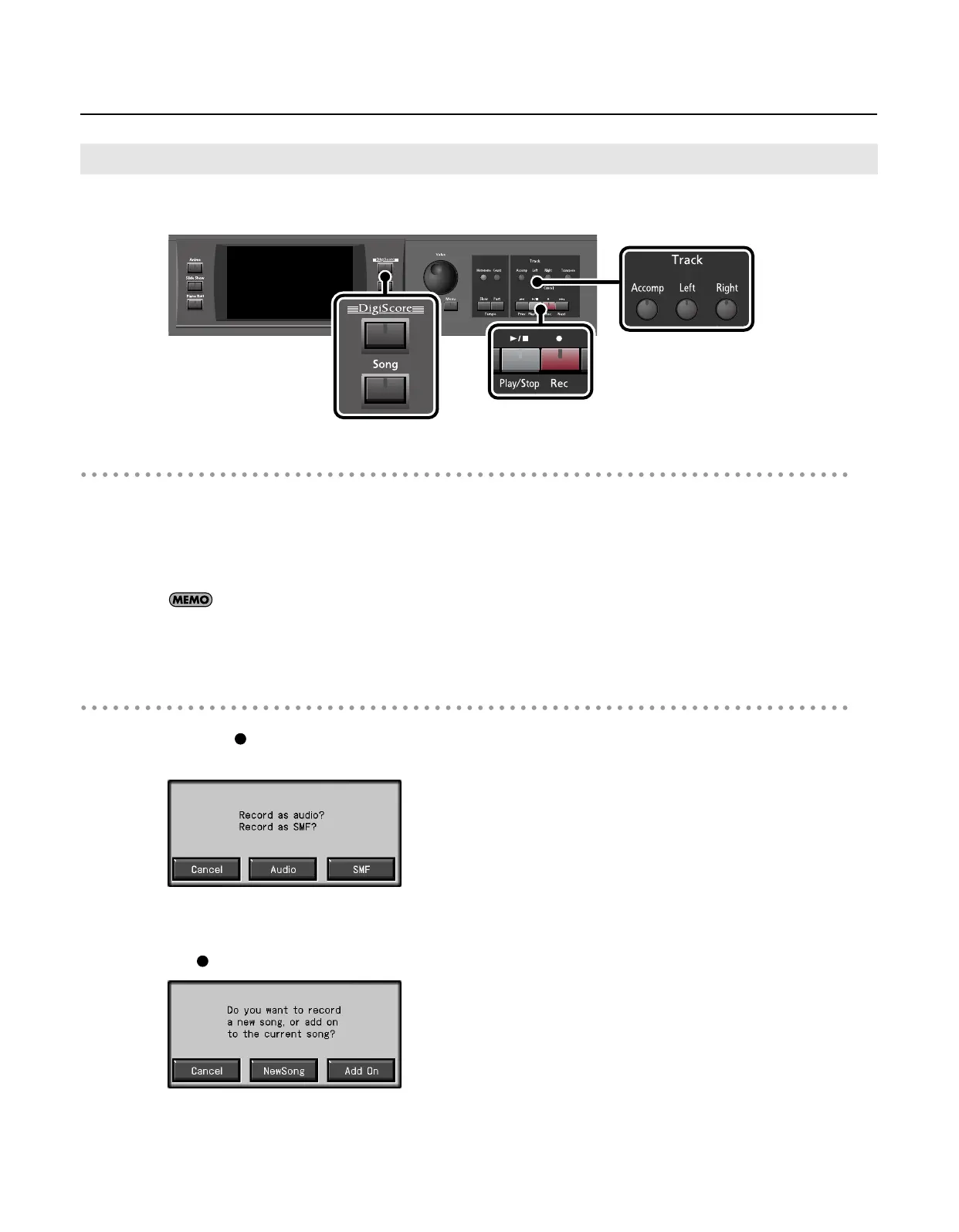
Press the [DigiScore] button to view the notation.
Recording Settings
5.
Press the [
(Rec)] button.
The following screen appears.
* If you decide not to record, touch <Cancel>.
6.
Touch <SMF>.
The [
(Rec)] button will light, and the following screen appears.
* If you decide not to record, touch <Cancel>.
Recording Along With a Song
RM-700_e.book 129 ページ 2009年3月18日 水曜日 午前11時5分



 To Next Page