99
Using the Practice Functions
You can enjoy your practices with the RM-700’s Lesson function (Visual Lesson).
Play along with the accompaniment, and your score appears in the display showing how well you played. In addition, in the Check
screen you can see the results shown as notation, allowing you to confirm just what you played.
You can select the course and practice songs to match your current abilities. You can also supplement your stock of practice songs
with additional music files.
1.
Press the [Menu] button so its indicator is lit.
2.
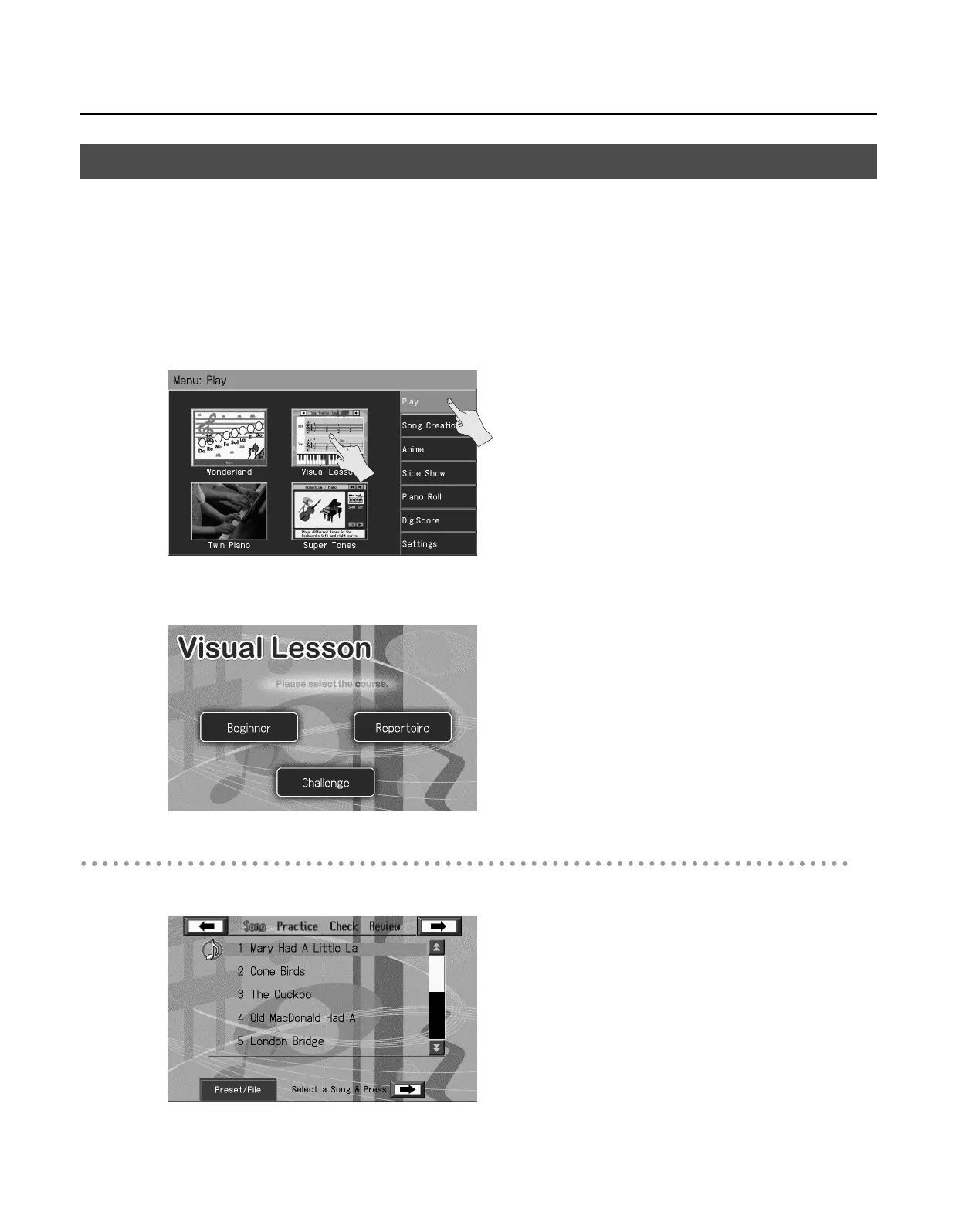
Touch <Play>.
3.
Touch <Visual Lesson>.
The “Visual Lesson” screen appears.
Selecting the Course
4.
Touch the screen to select the course that you want to practice.
Playing Songs Using the Lesson Functions (Visual Lesson)
RM-700_e.book 99 ページ 2009年3月18日 水曜日 午前11時5分



 To Next Page