74
Automatic Accompaniment
You can delete Music Styles stored in User memory or USB memory.
If you want to delete an accompaniment style from USB memory, connect the USB memory to the External Memory
connector before you continue.
1.
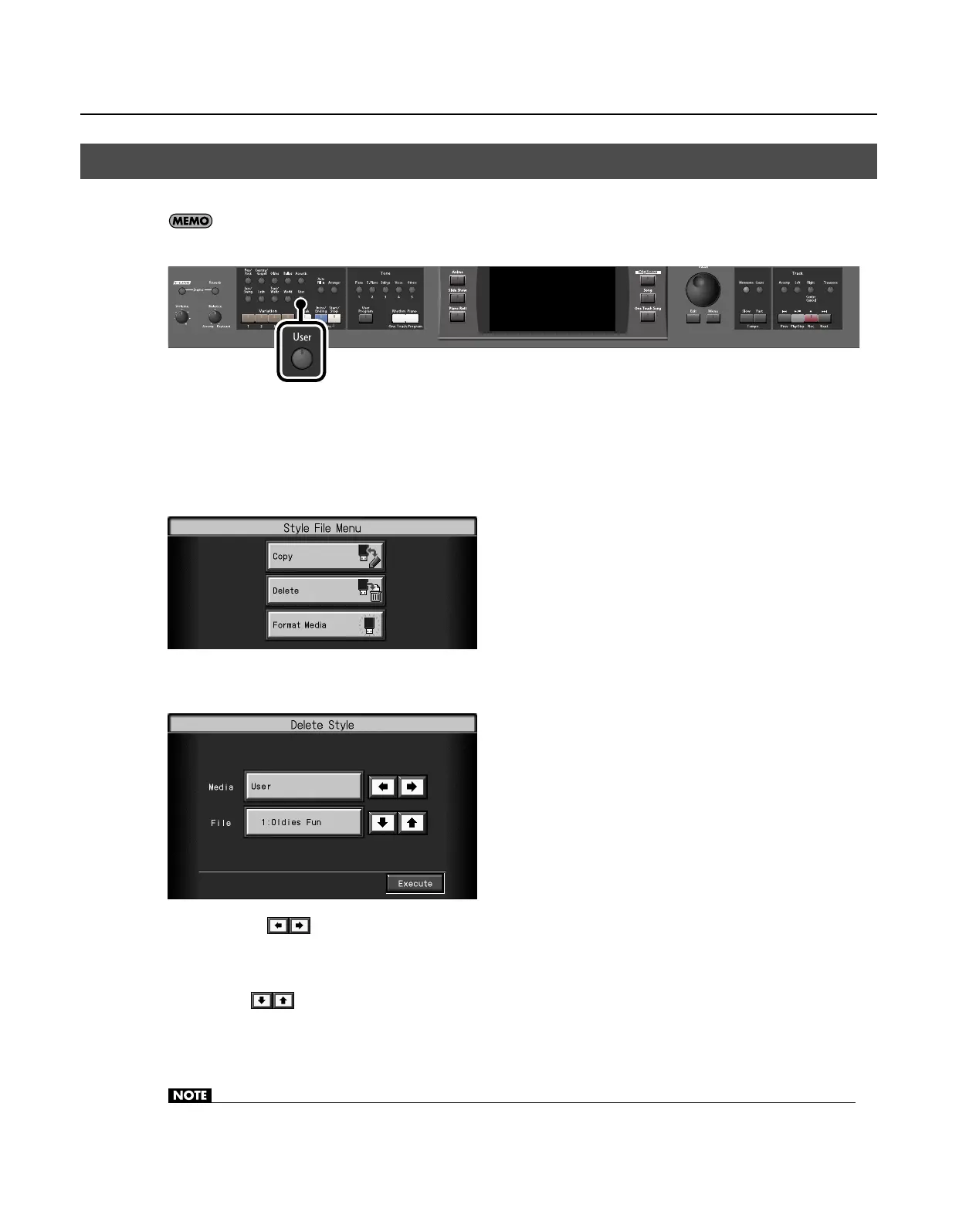
Press the [User] button.
The Music Style selection screen appears.
2.
Touch <File>.
The “Style File Menu” screen appears.
3.
Touch <Delete>.
The “Delete Style” screen appears.
4.
Touch <Media>
to select the media containing the Music Style that you want to delete.
Choose “User” if you want to delete the Music Style saved in user memory, or choose “Ext Memory” if you want to delete the Music
Style saved in USB memory.
5.
Touch <File>
to select the number of the Music Style that you want to delete.
6.
Touch <Execute>.
The Music Style will be deleted.
• Never disconnect the USB memory or turn off the power while the “Executing...” indication is shown.
Deleting Saved Music Style
RM-700_e.book 74 ページ 2009年3月18日 水曜日 午前11時5分



 To Next Page