88
Song Playback
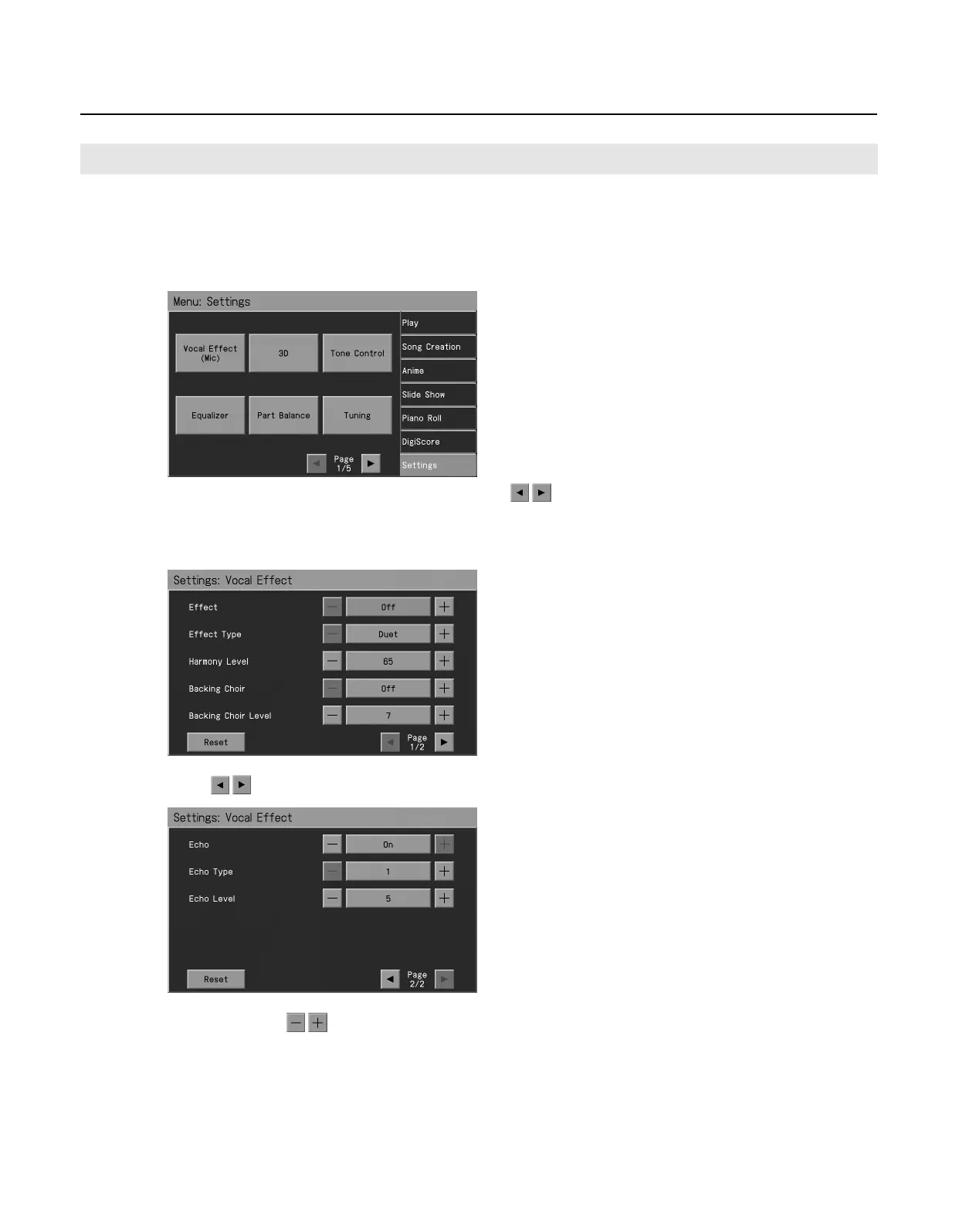
You can add echo to vocals arriving via the microphone. This will make singing more enjoyable.
1.
Press the [Menu] button so its indicator is lit.
2.
Touch <Settings>.
* The Menu screen for Settings contains five screen pages. Touch to switch between the pages.
3.
Touch <Vocal Effect (Mic)>.
The “Vocal Effect” screen appears.
4.
Touch
to change pages.
5.
Touch <Effect Sw>
to turn it “On.”
Adding Echo to Vocals (Echo)
RM-700_e.book 88 ページ 2009年3月18日 水曜日 午前11時5分



 To Next Page