27
Before You Start Playing
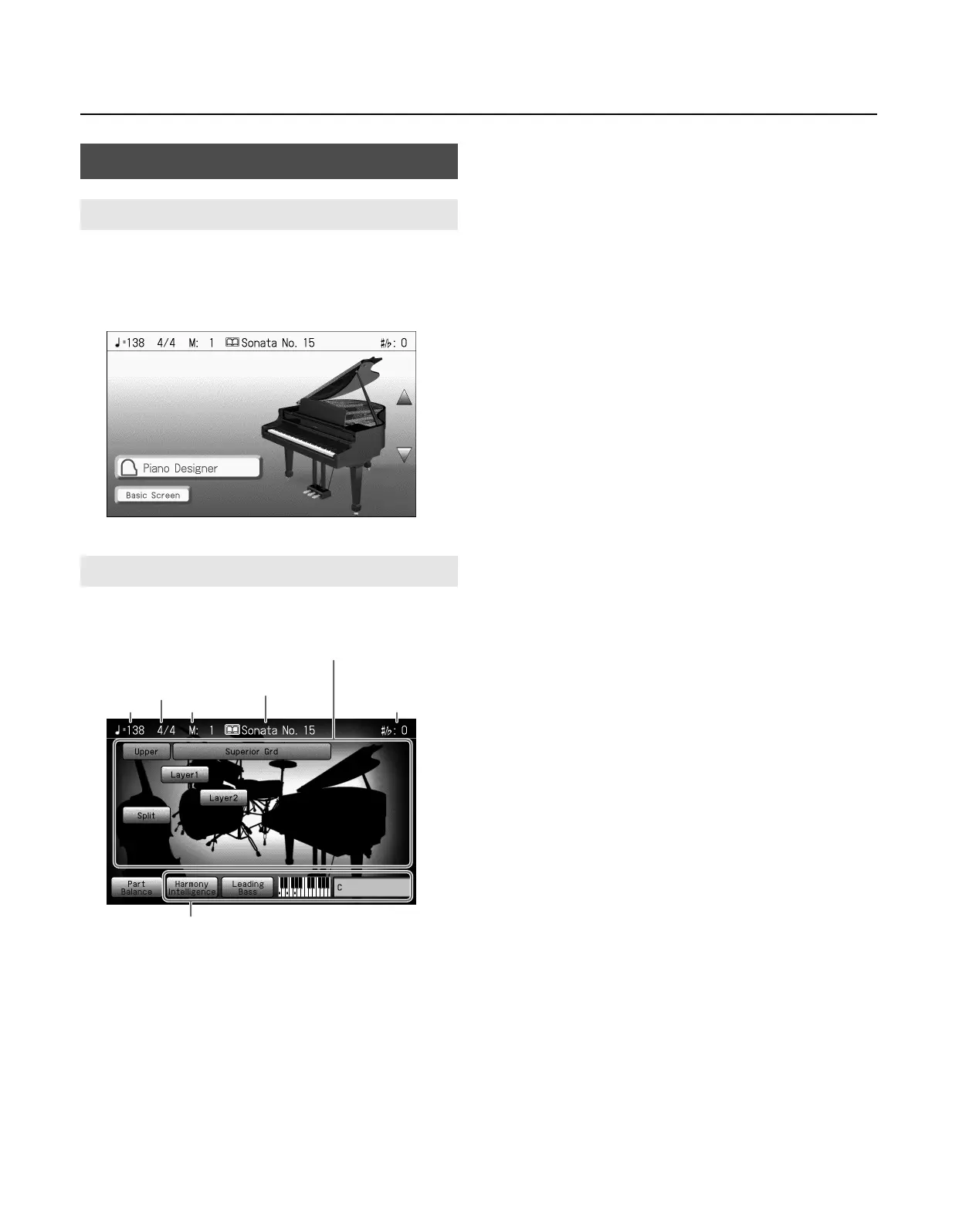
Immediately after the power is turned on, the Piano screen is
displayed.
The Piano screen will also appear when you press the One Touch
Program [Piano] button.
From the Piano screen, you can touch <Basic Screen> to access the
Basic screen.
Follow either of the procedures described below to display it.
•
From the Piano screen, press the [Tone] button and then press
the [Exit] button.
•
Press the One Touch Program [Rhythm] button.
The Basic screen appears and the settings are made for automatic
accompaniment.
Main Screens
Piano Screen
Basic Screen
Tempo Measure Transpostion value
Beat
The Tone names are selected appear
Functions for automatic accompaniment
The last-selected
song or Music Style
RM-700_e.book 27 ページ 2009年3月18日 水曜日 午前11時5分



 To Next Page