58
Automatic Accompaniment
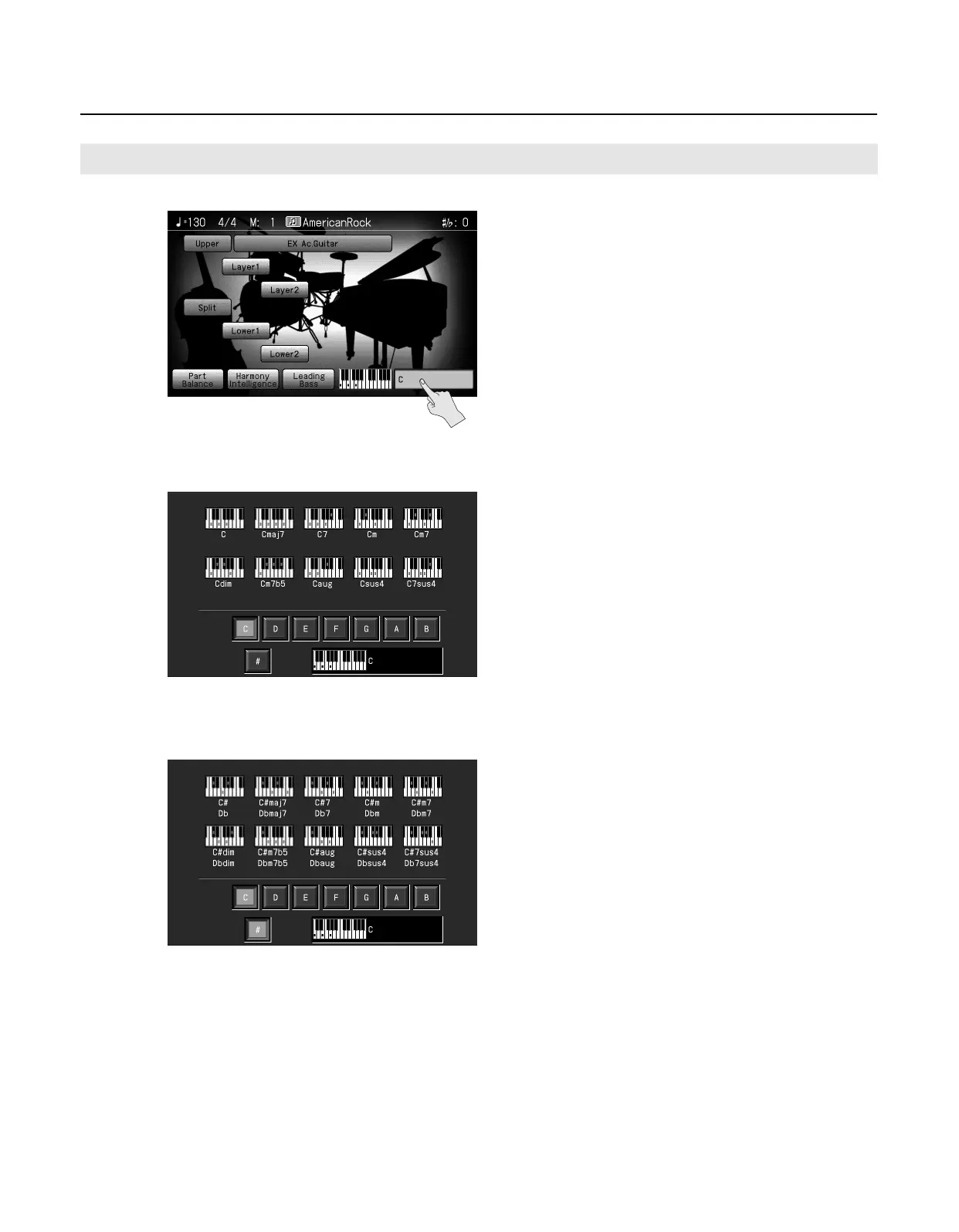
Whenever you are not sure how a certain chord is fingered, you can display the notes of the chord on the screen.
1.
In the Basic screen, touch the <chord name indication>.
2.
Touch the root of the chord you want to learn about.
For example, if you wanted to see the fingering for a C# chord, you would touch <C>, then touch <#>.
3.
Press the [Exit] button to return to the Basic screen.
Viewing Chord Fingerings
RM-700_e.book 58 ページ 2009年3月18日 水曜日 午前11時5分



 To Next Page