85
Song Playback
This function reduces the volume of the melodic portion when you play back an audio/ MP3 format song or a song from a music CD.
This is convenient when you want to practice playing the melody or singing the vocal yourself.
The Center Cancel function can also be applied to the sound from a portable audio player connected to the Roland Audio
Port (p. 195).
• If you want to play back a song from USB memory, connect your USB memory to the External Memory connector.
• If you want to play back a song from a CD-ROM or music CD, insert the CD into the CD drive.
1.
Select a song (p. 75).
2.
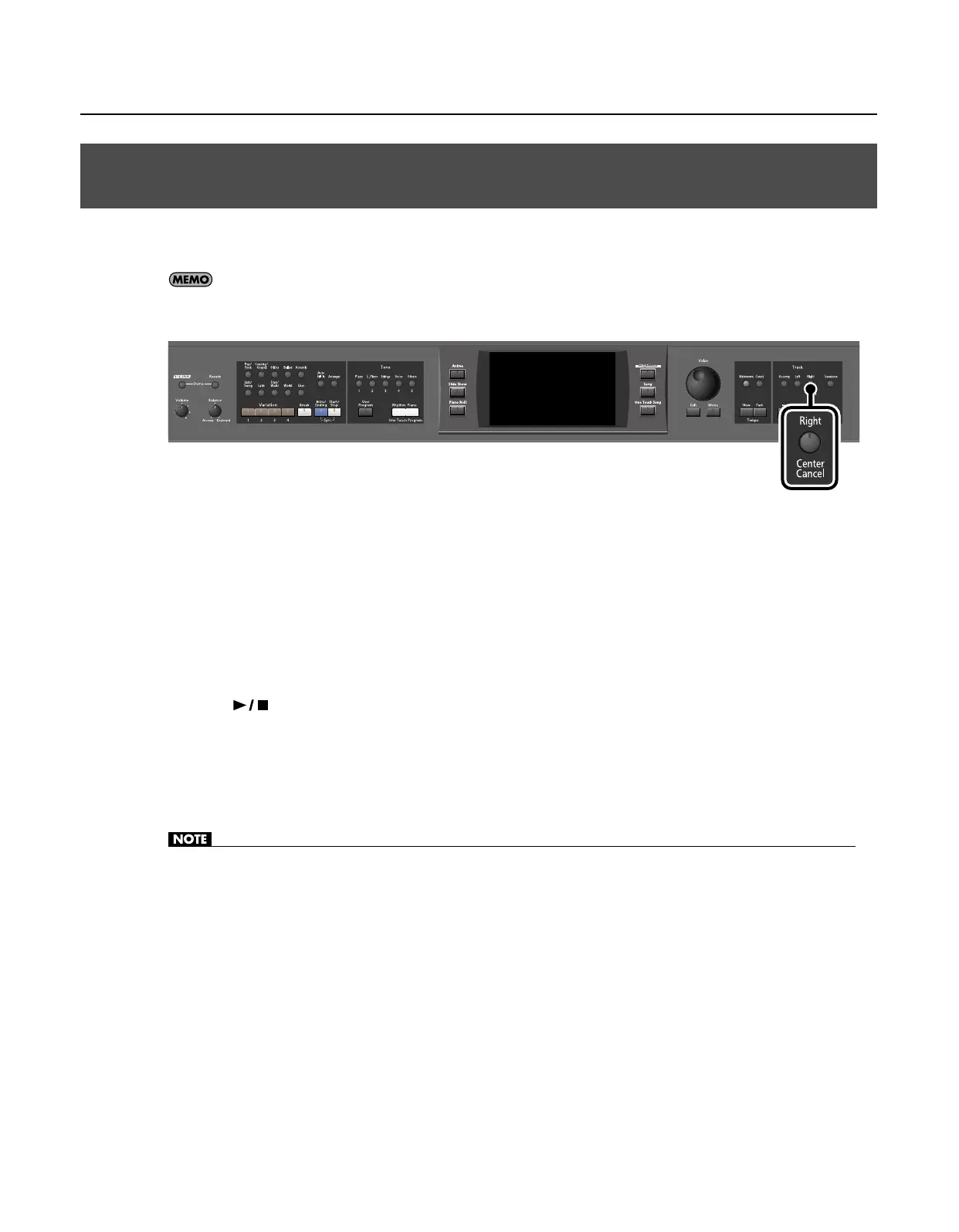
Press the [Center Cancel] button so its indicator is lit.
The Center Cancel function is turned on.
3.
Press the [
(Play/Stop)] button so its indicator is lit.
The song will begin playing. The sound of the melody will be temporarily reduced.
4.
To cancel the Center Cancel function, press the [Center Cancel] button so its indicator is turned off.
The Center Cancel function is turned off.
• Depending on the song, the melody may not disappear entirely.
Minimizing the Melody of a Music CD or Audio/MP3 Format Song
(Center Cancel)
RM-700_e.book 85 ページ 2009年3月18日 水曜日 午前11時5分



 To Next Page