125
Recording and Saving the Performance
Here’s how to record your keyboard performance without using an internal song or automatic accompaniment.
Settings for Recording Performances
1.
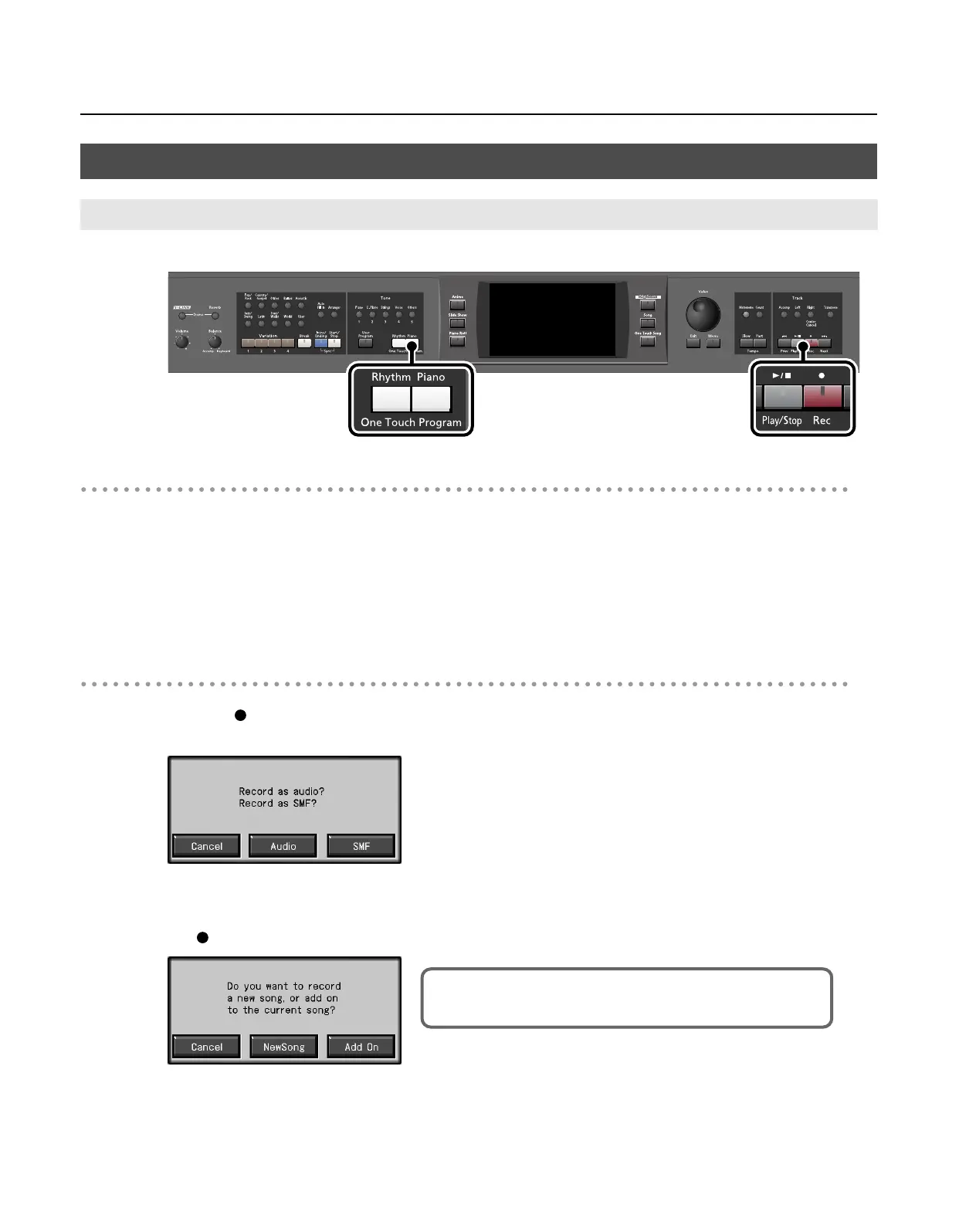
Press One Touch Program [Piano] button.
This sets the RM-700 for performance without the use of Automatic Accompaniment.
2.
Decide on the tone of the performance (p. 34).
Use the Tone buttons and the touch screen to select the tone.
When you have finished choosing the settings, press the [Exit] button to display the Basic screen.
Recording Settings
3.
Press the [
(Rec)] button.
The following screen appears.
* If you decide not to record, touch <Cancel>.
4.
Touch <SMF>.
The [
(Rec)] button will light, and the following screen appears.
* If you decide not to record, touch <Cancel>.
SMF Recording
Recording a New Song (New Song)
This screen will not appear if “New Song” is selected.
In this case, proceed to step 6.
RM-700_e.book 125 ページ 2009年3月18日 水曜日 午前11時5分



 To Next Page