120
Using the Practice Functions
Moving Markers A and B without Changing the Interval Between Them
1.
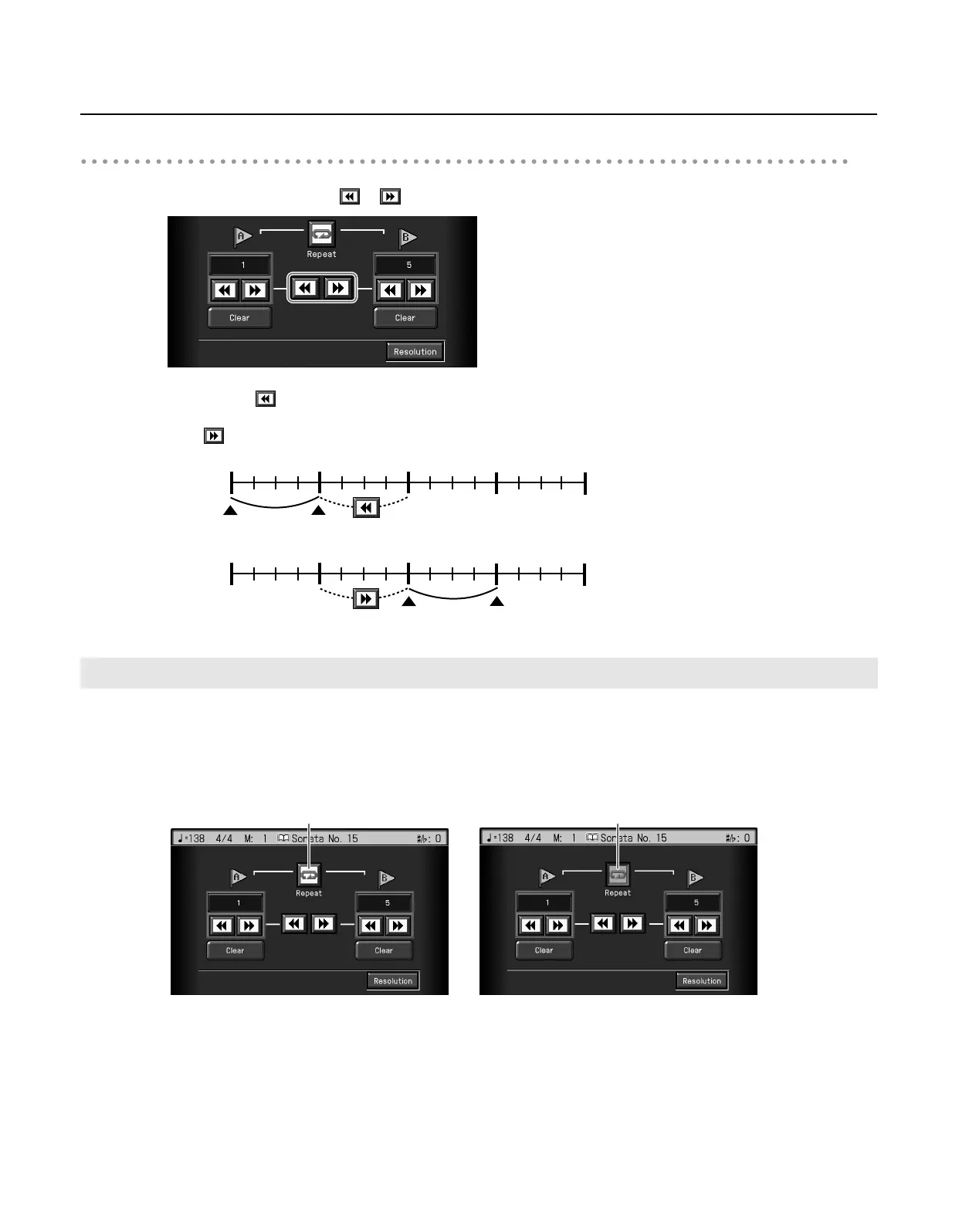
In the Marker screen, touch
or in the middle of the screen.
For example, if you have Marker A set at the beginning of the fifth measure, and Marker B set at the beginning of the ninth measure,
when you touch in the middle of the screen, Marker A is moved to the beginning of the first measure, and Marker B is moved to
the beginning of the fifth measure.
Touch to shift Marker A to the beginning of the ninth measure and Marker B to the beginning of the thirteenth measure.
You can play back a particular passage over and over. This is convenient when you want to focus on a passage.
1.
First, set Marker A and Marker B to define the measures you want to repeat.
For instance, suppose you want to play back the passage from the fifth through eighth measures over and over. You should place
Marker A at the beginning of the fifth bar and Marker B at the beginning of the ninth bar.
2.
Touch <Repeat> in the Marker screen.
The setting is made for repeated playback of the passage from marker A to marker B.
When you play the song, the marked section of music plays back repeatedly.
Playing Back the Same Passage Over and Over
1 591323
4
678 101112 141516
Marker A
Marker B
1 591323
4
678 101112 141516
Measure
Measure
Marker A
Marker B
Off On
RM-700_e.book 120 ページ 2009年3月18日 水曜日 午前11時5分



 To Next Page