134
Recording and Saving the Performance
If you record a performance and then simply turn off the RM-700’s power without saving it, the recorded performance will disappear.
If you want to keep the recording, you must save it to “Favorites.”
1.
Press the [Song] button so its indicator is lit.
The Song selection screen appears.
2.
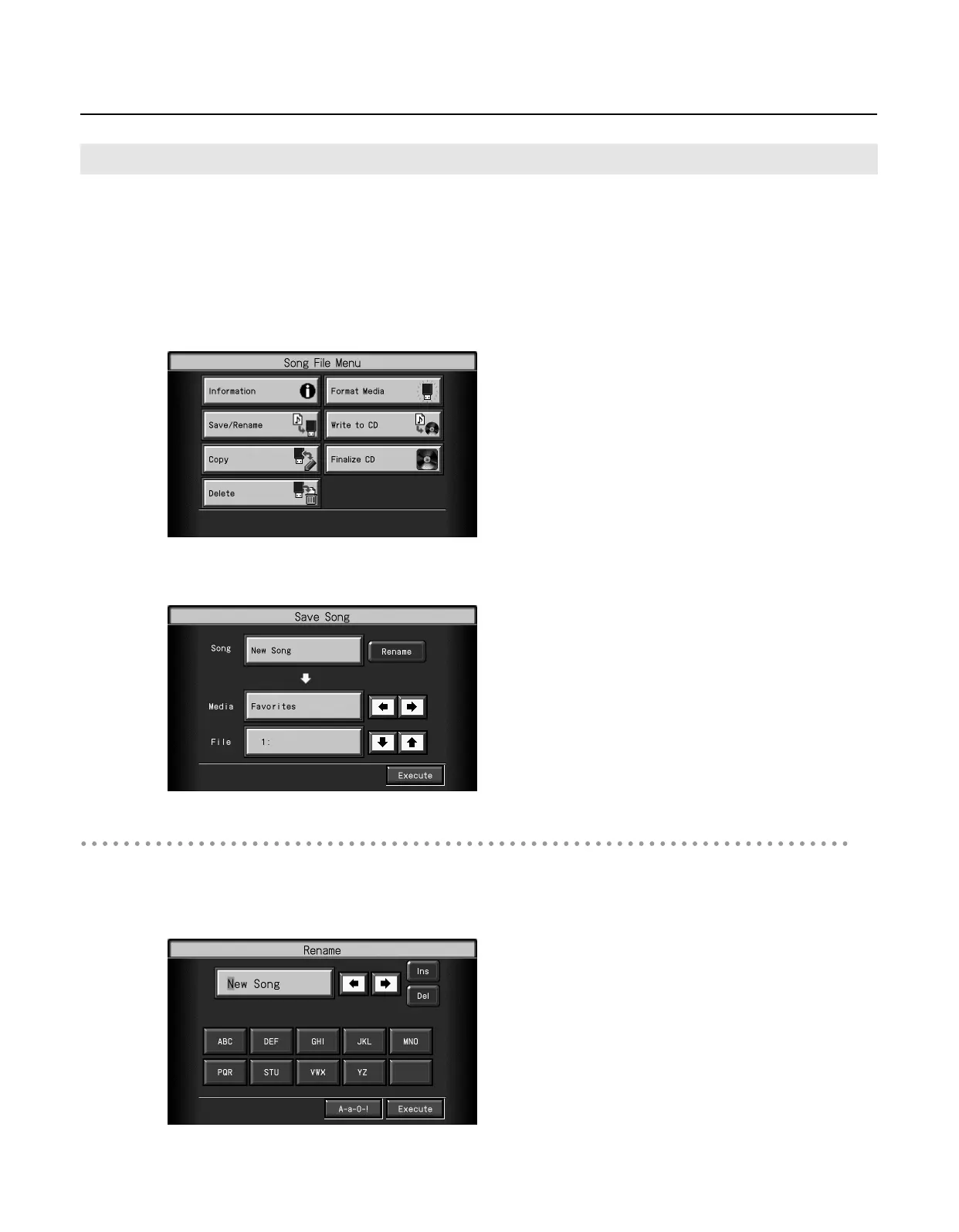
Touch <File>.
The “Song File Menu” screen appears.
3.
Touch <Save/Rename>.
The “Save Song” screen appears.
Determining the Name of the Song to be Saved
* If you don’t need to rename the song, proceed to step 8.
4.
Touch <Rename>.
The “Rename” screen appears.
Saving Songs
RM-700_e.book 134 ページ 2009年3月18日 水曜日 午前11時5分



 To Next Page