40
Performance
Cancelling the Split
5.
Touch <Split>.
The <Split> icons are dimmed, and the Split performance is cancelled.
When you play the keys, only the tone indicated on the screen is sounded.
• You can change the volume balance between the upper and lower parts of the keyboard; refer to “Adjusting the Volume Balance
for Each Performance Part (Part Balance)” (p. 70).
• When the keyboard has been divided into upper and lower sections, the damper pedal is applied to only the upper section. If you
want to add lingering reverberations to the notes of the lower section, refer to “Assigning the Function of the Pedals (Left Pedal/
Center Pedal/Expression Pedal)” (p. 179).
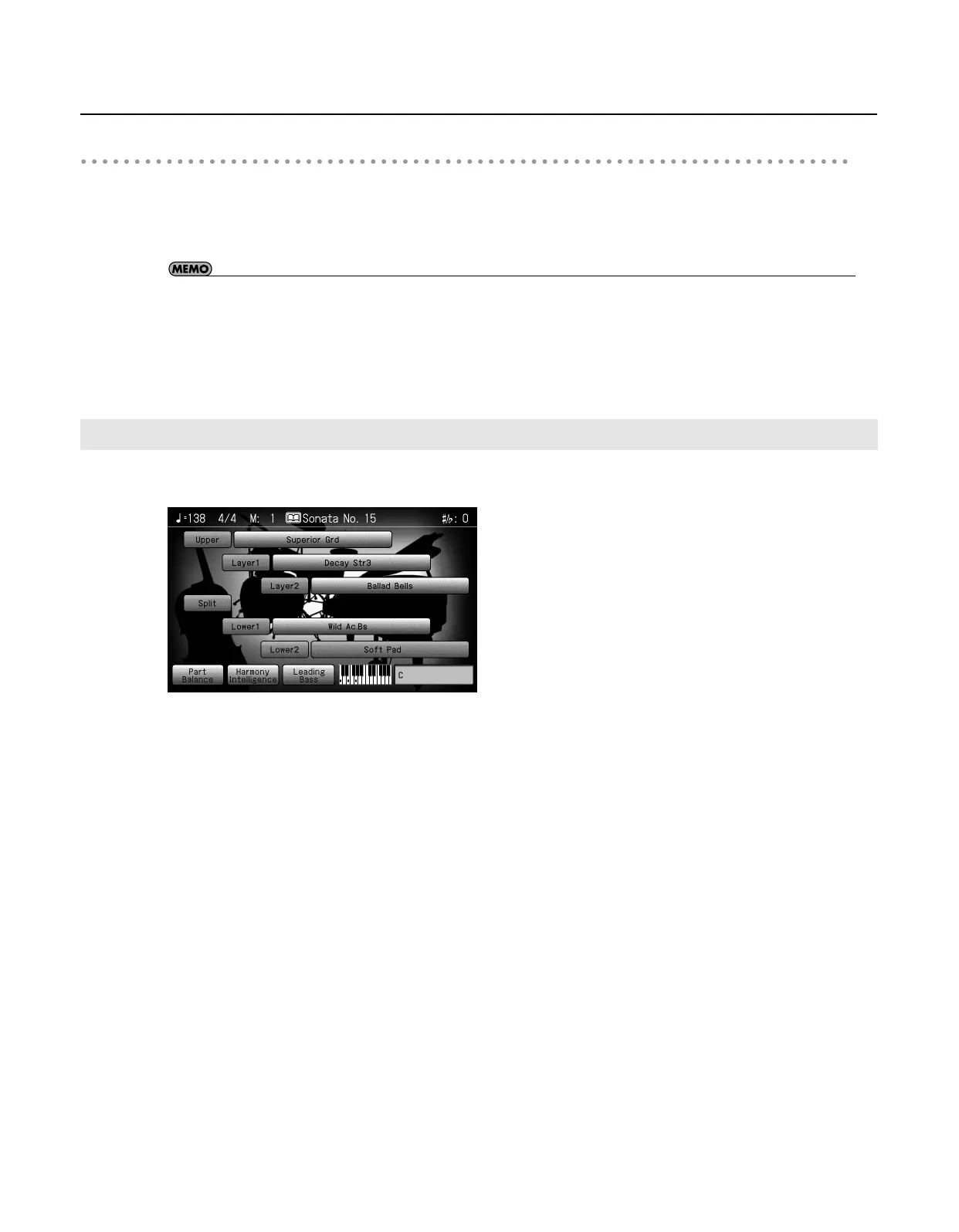
Turning on either Layer Performance or Split Performance allows you to divide the keyboard into a upper and a lower part and play
with two Tones layered in the lower part, and three Tones layered in the upper part.
Turning On Layer and Split Performance Simultaneously
RM-700_e.book 40 ページ 2009年3月18日 水曜日 午前11時5分



 To Next Page