146
Creating a Music CD
5.
Touch <Write to CD>.
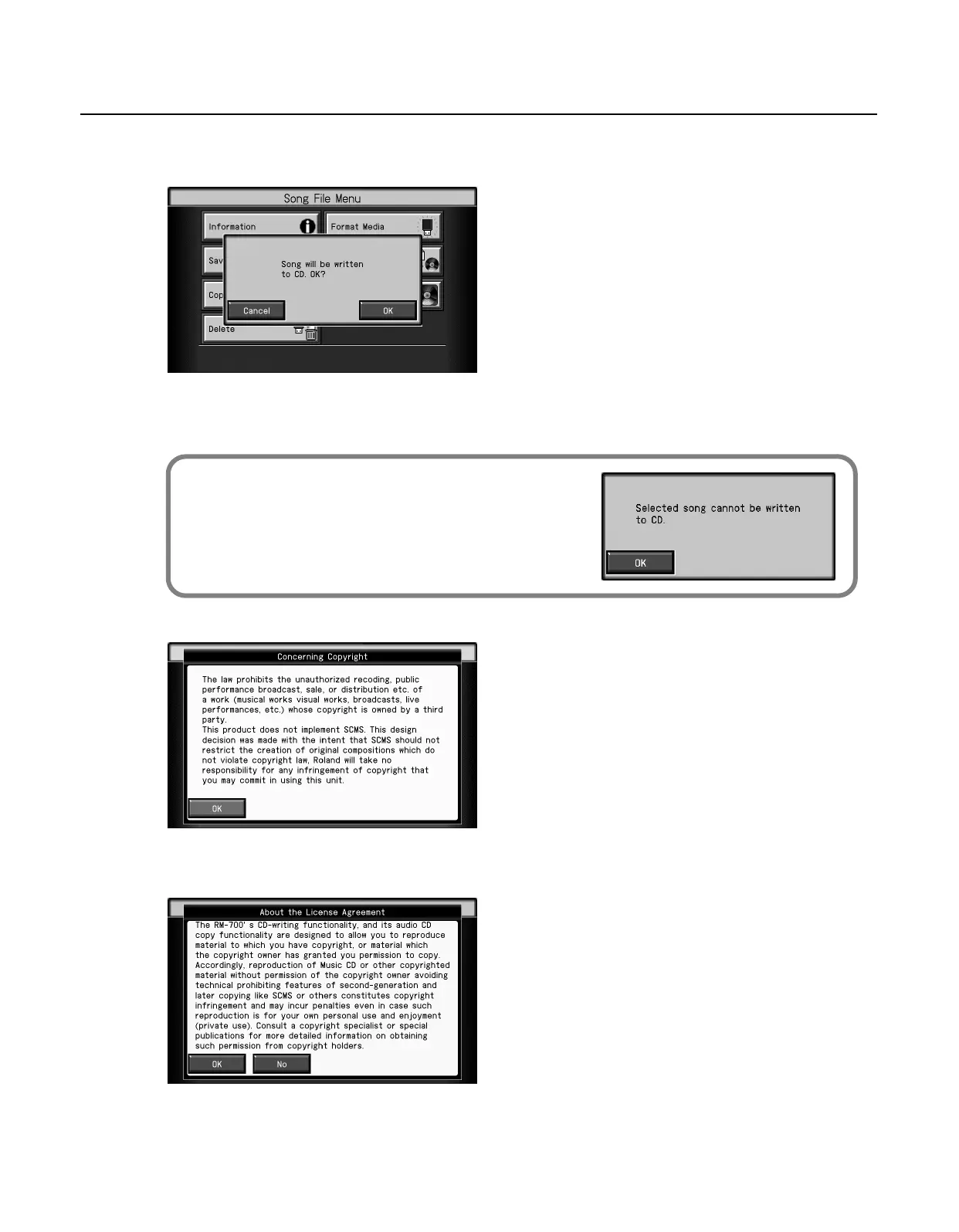
The following screen appears.
6.
Touch <OK>.
* If you decide not to write, touch < Cancel >.
The following screen (“Concerning Copyrights”) appears.
7.
Touch <OK>.
The following screen (“About the License Agreement”) appears.
* If you decide not to write, touch <No>.
If a CD-R disc is inserted in the CD drive, and you select a song that’s less than
four seconds in length and touch <Write to CD>, the message shown at right
will appear.
If this occurs, touch <OK> and then re-select a song that can be written to
disc.
RM-700_e.book 146 ページ 2009年3月18日 水曜日 午前11時5分



 To Next Page