21
Reference Manual
00809-0100-4803, Rev GA
Configuration
September 2017
Configuration
Note
The Fluid Properties tab is an optional step and is not required to complete a flow configuration.
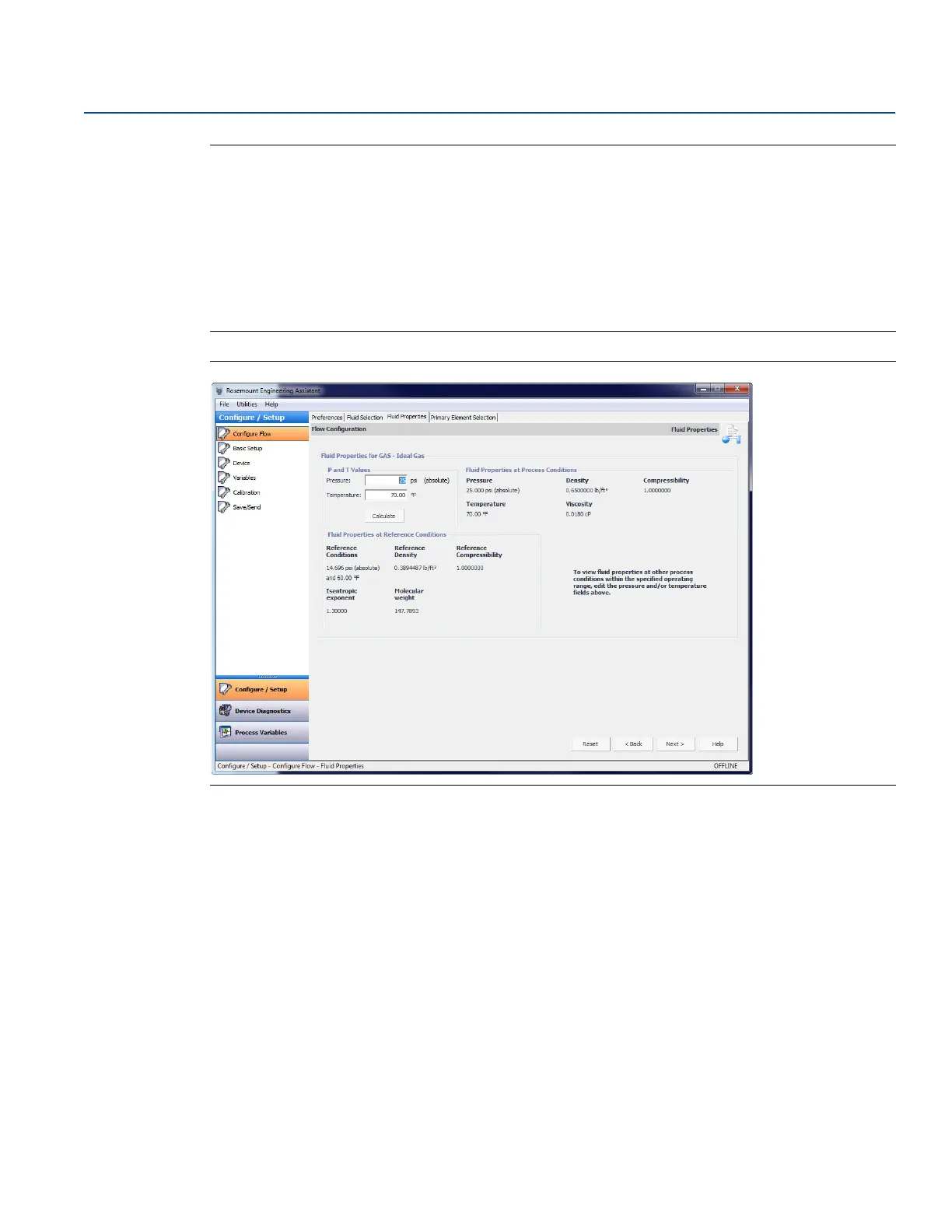
The Fluid Properties tab for the database gas air is shown in Figure 2-15. The user may view the
properties of the chosen fluid. The fluid properties are initially shown at nominal conditions. To view
density, compressibility, and viscosity of the selected fluid at other pressure and temperature values,
enter a Pressure and Temperature and select Calculate.
Changing the pressure and temperature values on the Fluid Properties tab does not affect the flow
configuration.
Figure 2-15. Fluid Properties Tab
6. Select Next to continue with the flow configuration on the Primary Element Selection tab.
7. Proceed with the steps in “Primary element selection” on page 13.
Custom gas
The custom gas option should be used for fluids not in the database such as proprietary fluids or gas
mixtures. To properly calculate the fluid properties, the compressibility factor or density needs to be
entered at specific pressure and temperature values based on the operating ranges entered by the user.
The pressure and temperature values may be edited as needed. The editable values are shown in fields
with white backgrounds. For best performance, it is recommended that, whenever possible, the com-
pressibility or density values be entered at the suggested pressure and temperature values.
To ease entering the compressibility/density or viscosity values, data can be copied from a spreadsheet
and pasted into the grid. The recommended process is to copy the pressure and temperature values
from the table on the Engineering Assistant screen to assist in computing the density or compressibility
values. Once the compressibility or density values are computed, they may then be copied from the
spreadsheet and pasted into the grid on the Custom Gas Fluid Properties tab.











 To Next Page