ER-5200/40/15 Program Mode Programming • 111
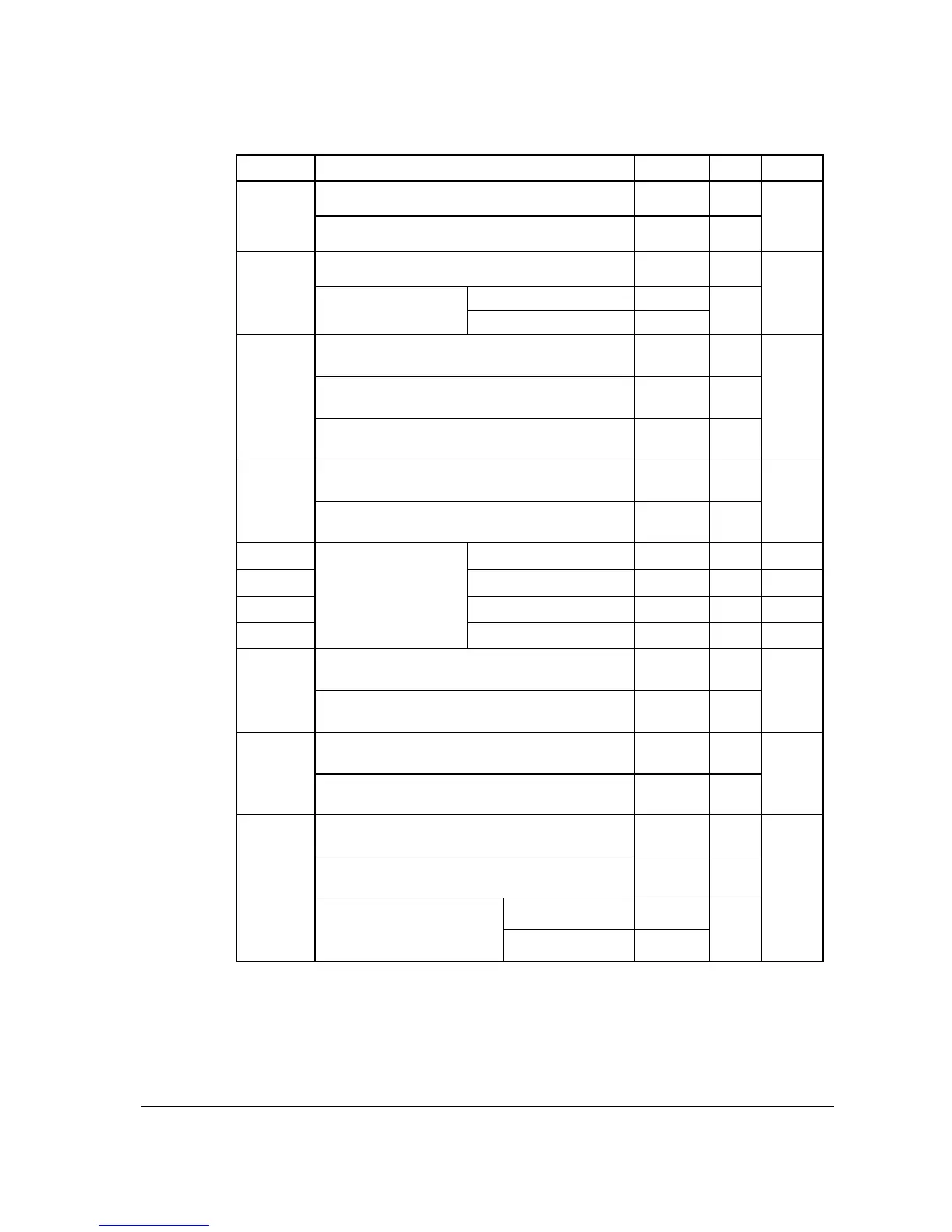
Address PRINT OPTION VALUE = SUM
10
Print Gross total on the X Financial report?
Yes = 0
No = 1
Print Gross total on the Z Financial report?
Yes = 0
No = 2
Print the subtotal without tax on the receipt?
Yes = 1
No = 0
combine = 2
11
Tax amount to print
on receipt is:
itemize = 0
Print the tax amount on receipt? Yes = 0
No = 1
Print taxable totals? Yes = 2
No = 0
12
Print the tax rate? Yes = 4
No = 0
Print a breakdown of the VAT eligible sale? Yes = 1
No = 0
13
Print training mode message on the receipt during
training mode operations?
Yes = 0
No = 2
14
CONV. #1 = Euro
15
CONV. #2 = .
16
CONV. #3 = .
17
Currency
Symbol:
(see note2 below)
CONV. #4 = .
Print the KP order number on receipt. Yes = 0
No = 1
18
Print the item’s price on the kitchen printer
requisition?
Yes = 2
No = 0
Print registrations in void mode on the kitchen
printer requisition?
Yes = 0
No = 1
19
Print registrations in training mode on the kitchen
printer requisition?
Yes = 2
No = 0
Combine like items on the kitchen printer? Yes = 0
No = 1
Consolidation of like items on check track? Yes = 0
No = 2
gallons = 0
20
Chooses volume unit when
the PLU is gallonage.
litres = 4



 To Next Page