9
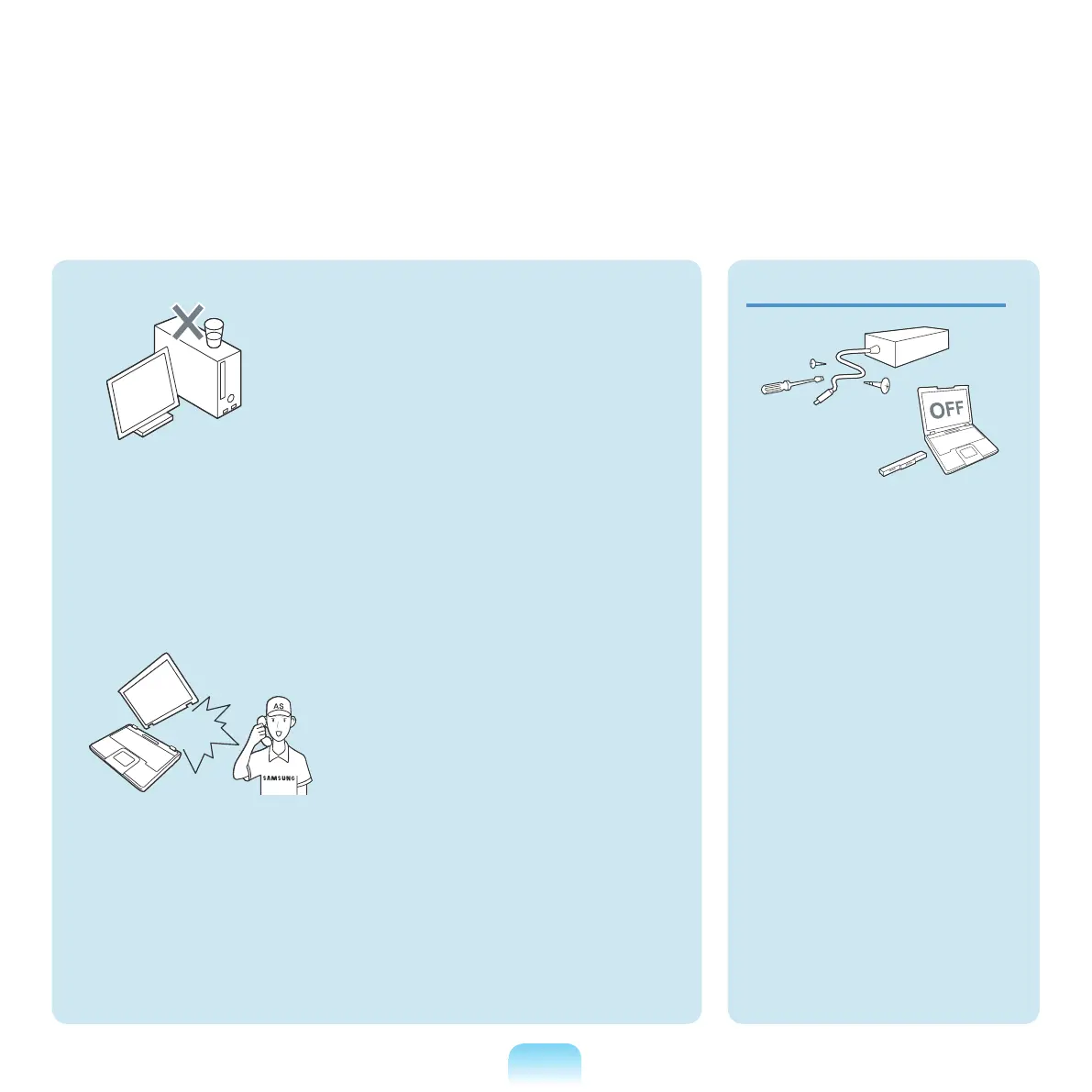
Do not place any container lled
with water or chemicals over or
near the computer.
If water or chemicals enter the
computer
,thismaycausereor
electric shock.
If the computer is broken or
dropped, disconnect the power
cord and contact a service
center for a safety check.
Using
abrokencomputermay
causeelectricshockorrehazard.
Avoid direct sunlight when
the computer is in an air-tight
location such as inside a
vehicle.
There
isadangerofarehazard.
The computer may overheat and
also present opportunity to thieves.
Upgrade Related
Never disassemble the power
supply or AC adapter.
There is a danger of electric
shock.
When removing the RTC (Real
Time Clock) battery, keep it out
of the reach of children as they
could touch and/or swallow it.
There is a danger of choking. If a
child
hasswallowedit,contacta
doctor immediately.
Use only authorized
parts (multi-plug, battery
and memory) and never
disassemble parts.
There is a danger of damaging
the
product,electricshockorre
hazard.



 To Next Page