10
Upgrade Related
Shut down the computer and
disconnect all cables before
disassembling the computer. If
there is a modem, disconnect
the phone line. If you are using
a notebook computer, make
sure to remove the battery.
Failingtodoso,maycause
electric shock.
Custody and
Movement Related
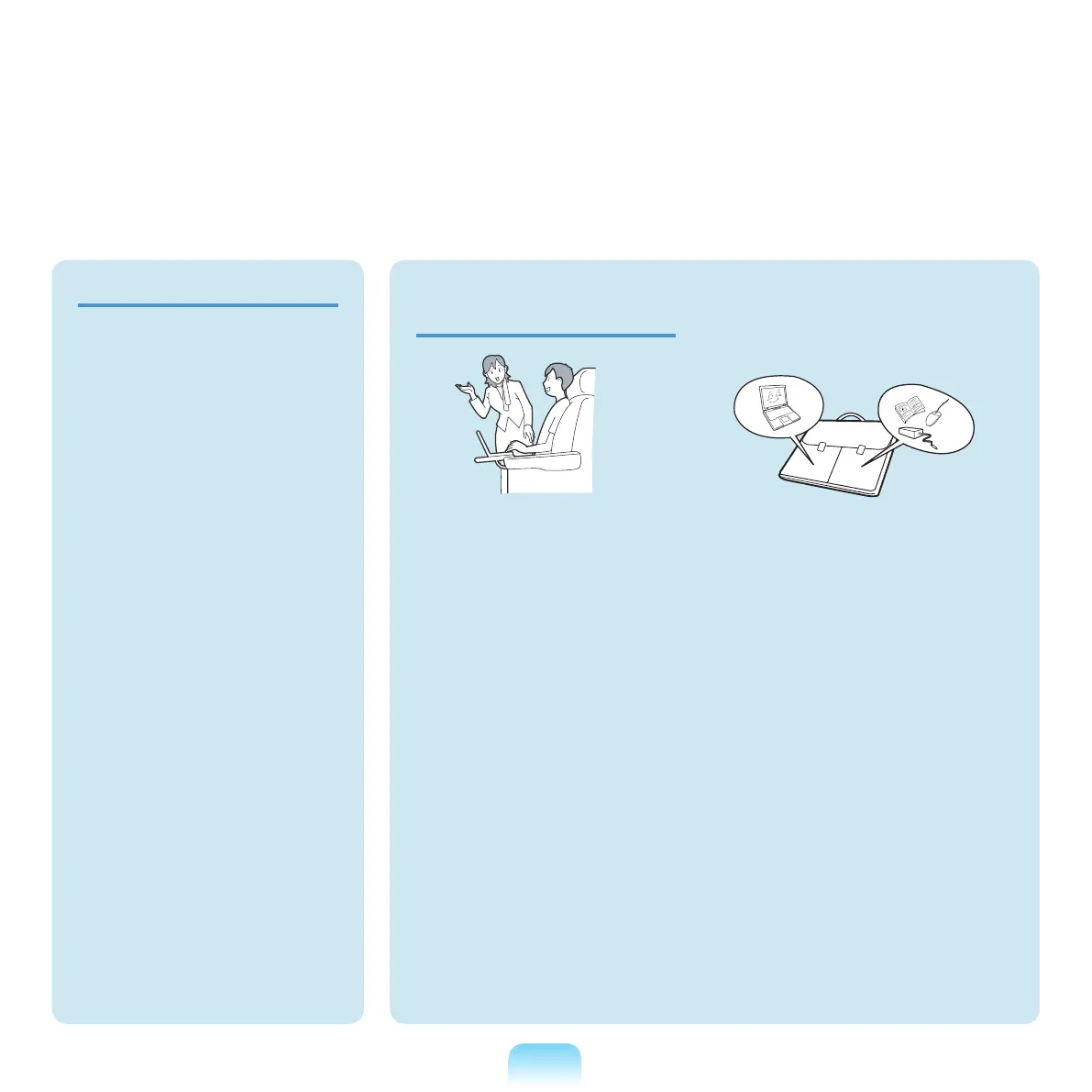
Follow the instructions for the
relevant location (e.g. airplane,
hospital, etc.) when using a
wireless communication device
(wireless LAN, Bluetooth, etc.).
When carrying the notebook
computer with other items,
such as the adapter, mouse,
books etc, take care not to press
anything against the notebook
computer.
Ifaheavyobjectispressed
againstthenotebookcomputer,
a white stop or stain may appear
on
theLCD.Therefore,takecare
not to apply any pressure to the
notebook.
Inthiscase,placethenotebook
computer in a separate
compartment away from the other
objects.



 To Next Page