111
3
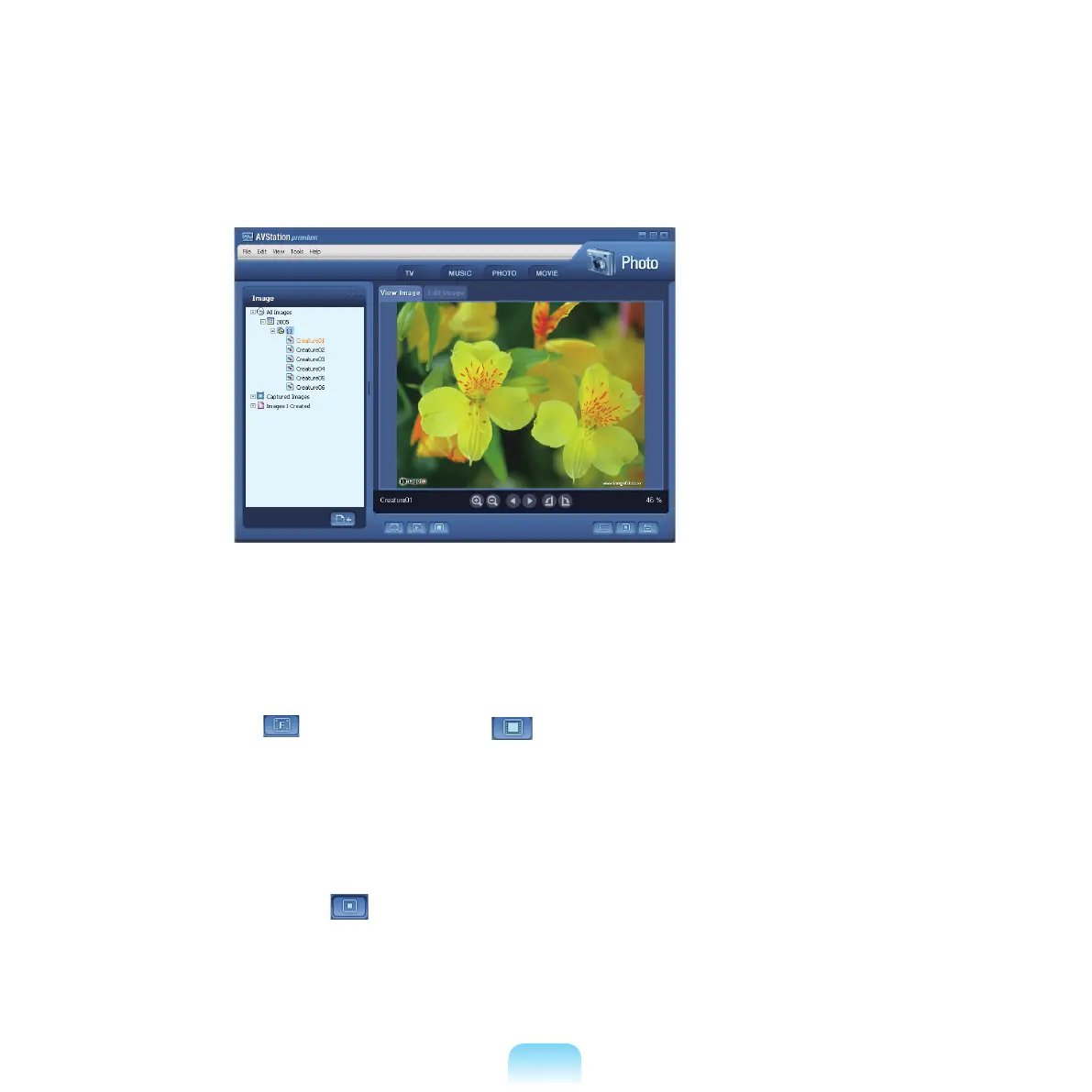
Double-clickanimage.Theselectedimageiszoomedin.
■ Viewing an Image not registered to the Library
Click File > Open,
selectanimageletoviewandclickOpen.
TheselectedimageleisregisteredtotheLibraryanddisplayedintheImage Viewer window.
■ Viewing an Image in full screen or through a Slide Show
Click the Full Screen (
)buttonorSlideShow ( )buttonbelowtheImageViewerwindow.
ToreturntotheImageViewerwindow,pressthe<Esc>
keyordouble-clickthescreen.
■ Watching a Slide Show while listening to Music
T
owatchaslideshowwhilelisteningtomusic,playmusicfromMUSICStationandrunSlideShow.
■ Setting an Image as the Background
Click the Set as Background (
)buttonbelowtheImageViewerwindow.
TheselectedimageissetastheDesktopbackground.



 To Next Page