113
Adding Images to the Library
ThePHOTOLibraryisalibraryholdingimagelestobe
usedbyPHOTOStation.Theprocedurestoaddimage
lessavedonthecomputertotheLibraryaredescribed
below.
Youcanaddles,addfoldersorsearchandaddles.As
anexample,theprocedurestoaddfoldersaredescribed
below.
1
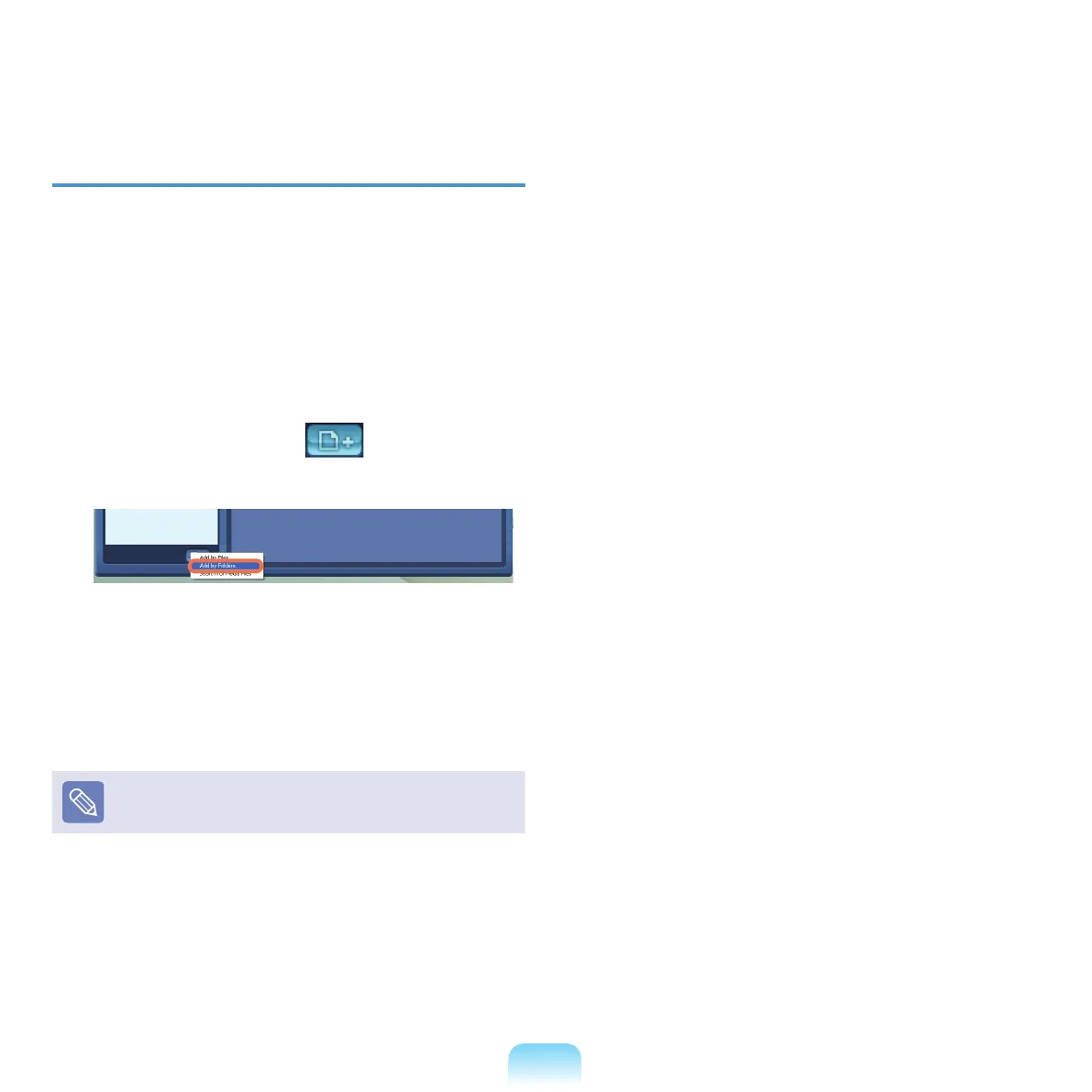
Click the Register a File ( )buttonbelowthe
LibraryandclickAdd by Folders.
2
Selectafolderwhichincludesimagelesandclick
OK.Theimagelesinthefolderareaddedtothe
Library.
TheimagelesusedinAVStationareautomatically
addedtotheLibrary.



 To Next Page