16
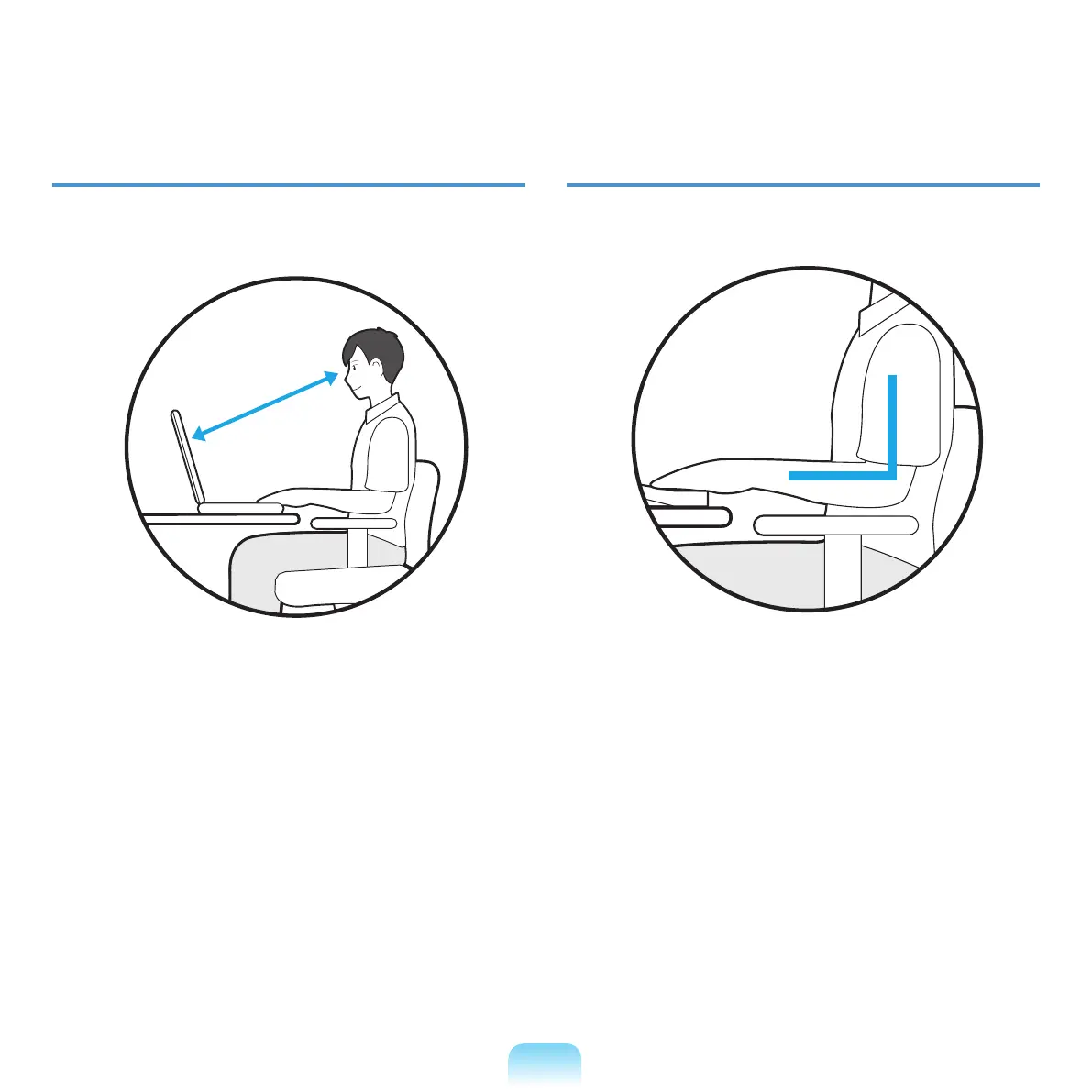
Eye Position
Keep the monitor or LCD away from your eyes by at
least 50cm.
■ AdjusttheheightofthemonitorandtheLCDscreenso
that its top height is equal to or lower than your eyes.
■
AvoidsettingthemonitorandLCDexcessivelybright.
■ KeepthemonitorandLCDscreenclean.
■ Ifyouwearglasses,cleanthembeforeusingthe
computer.
■
Whenenteringcontentsprintedonapaperintothe
computer,useastaticpaperholdersothattheheight
of the paper is almost equal to that of the monitor.
Hand Position
Keep your arm at a right angle as shown by the gure.
■ Keepthelinefromyourelbowtoyourhandstraight.
■ Donotplaceyourpalmoverthekeyboardwhiletyping.
■ Donotholdthemousewithexcessiveforce.
■ Donotpressthekeyboard,touchpadormousewith
excessiveforce.
■ Itisrecommendedconnectinganexternalkeyboard
and mouse when using the computer for long periods
of time.
50cm



 To Next Page