17
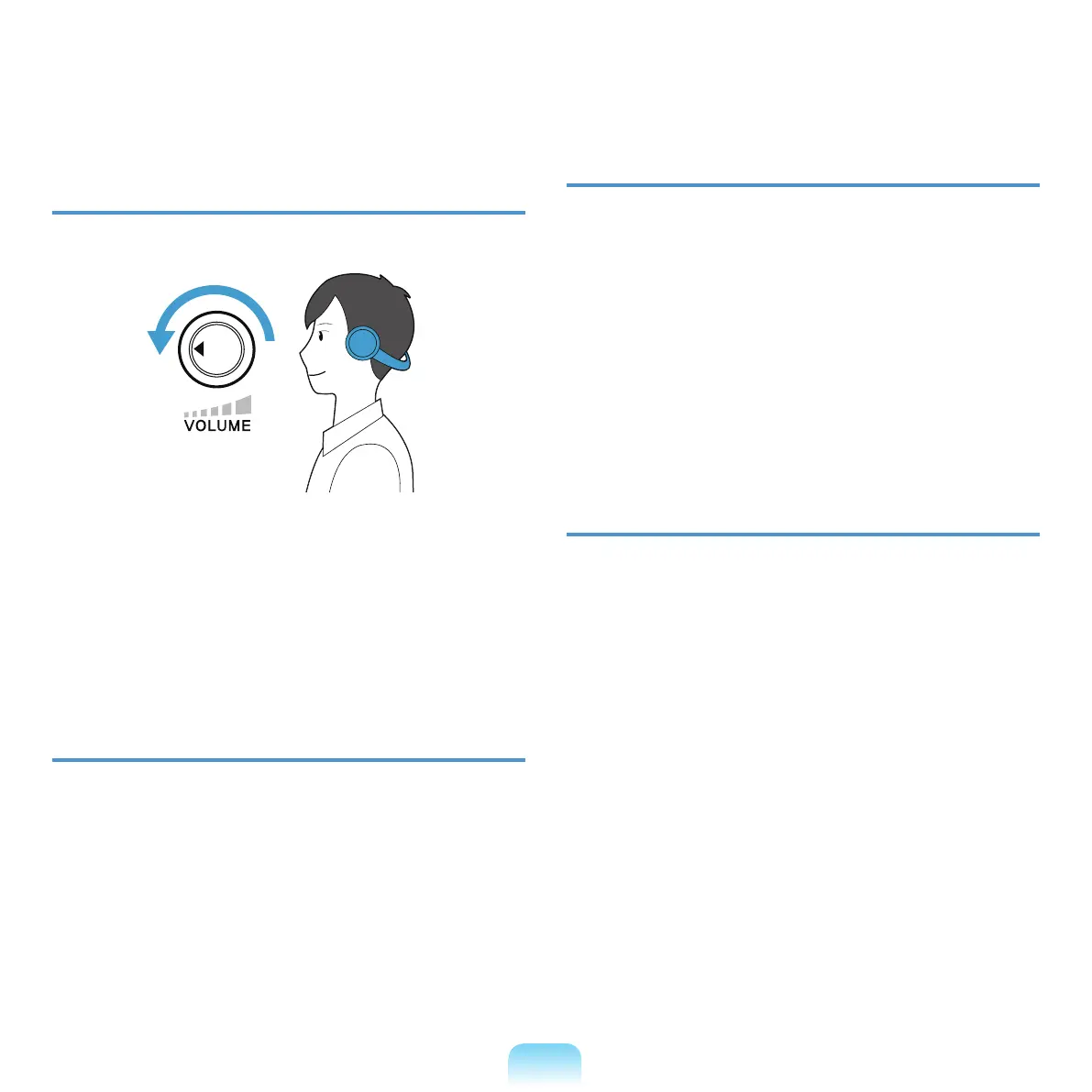
Volume Control (Headphones and
Speakers)
Check your volume rst to listen to music.
■ Checkifthevolumeistooloudbeforeusing
headphones.
■
Itisnotrecommendedusingheadphonesforlong
periods of time.
Use Time (Break Time)
■ Takeabreakfor10minutesormoreaftera50-minute
period when working for more than one hour.
Illumination
■ Donotusethecomputerindarklocations.The
illuminationlevelforcomputerusemustbeasbright
soforreadingabook.
■ Indirectilluminationisrecommended.Useacurtainto
preventreectionontheLCDscreen.
Operation Condition
■ Donotusethecomputerinhotandhumidlocations.
■ Usethecomputerwithintheallowedtemperatureand
humidityrangespeciedintheUserGuide.
Click your
volume!!



 To Next Page