How to Set up Sharing Server
CheckiftheLANcableisproperlyconnectedbefore
setting up the sharing server.
1
Run Samsung Network Manager on the computer
thatwillbeusedasthesharingserver.
2
Click Add.
3
Select the icon that shows the network location and
enterthelocationname(forexample,Home-Sharing
Server) and click Next.
4
Select the sharing server and click Next.
5
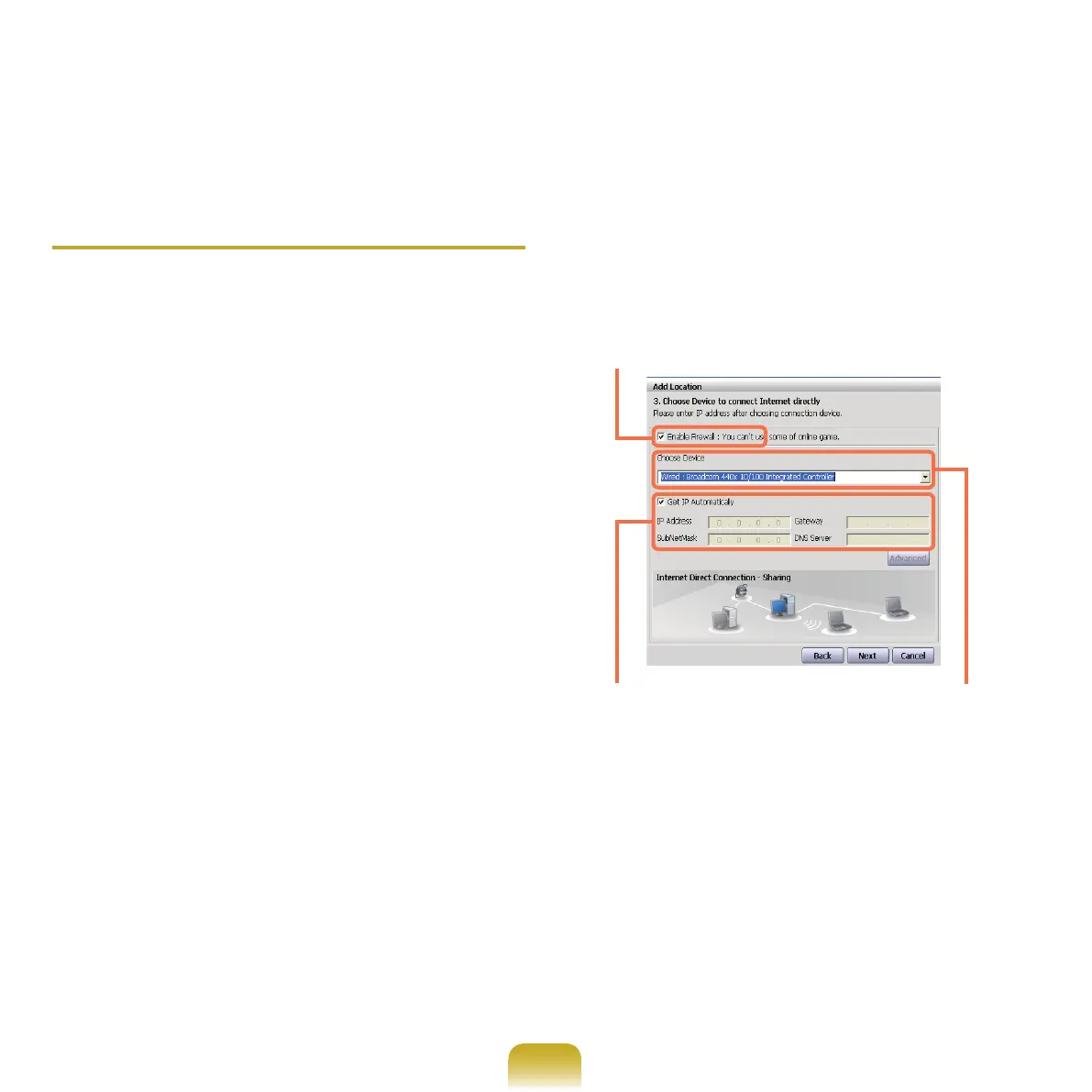
Setupthenetworkdevicetobeconnectedtothe
externalInternetasshowninthegurebelowand
click Next.
Determining whether to use a rewall
Select a network device
(for example, wired LAN)
IP address setting



 To Next Page