User manual
SANTEC IP cameras
_________________________________________________________________________________
- 143 -
2.6 PTZ (only for SNC-3322)
Here you can configure connected devices via RS-485.
2.6.1 Preset
The preset setting can be found under this path: PTZ > Preset
Here you can set presets from 1-127.
Note: This function is only available if the pan/tilt control is enabled (see chapter 2.6.3).
2.6.2 Sequence
The sequence setting can be found under this path: PTZ > Sequence
Here you can define sequences from 1-8 and their dwell time for presets.
Note: This function is only available if the pan/tilt control is enabled (see chapter 2.6.3).
2.6.3 Pan/Tilt control
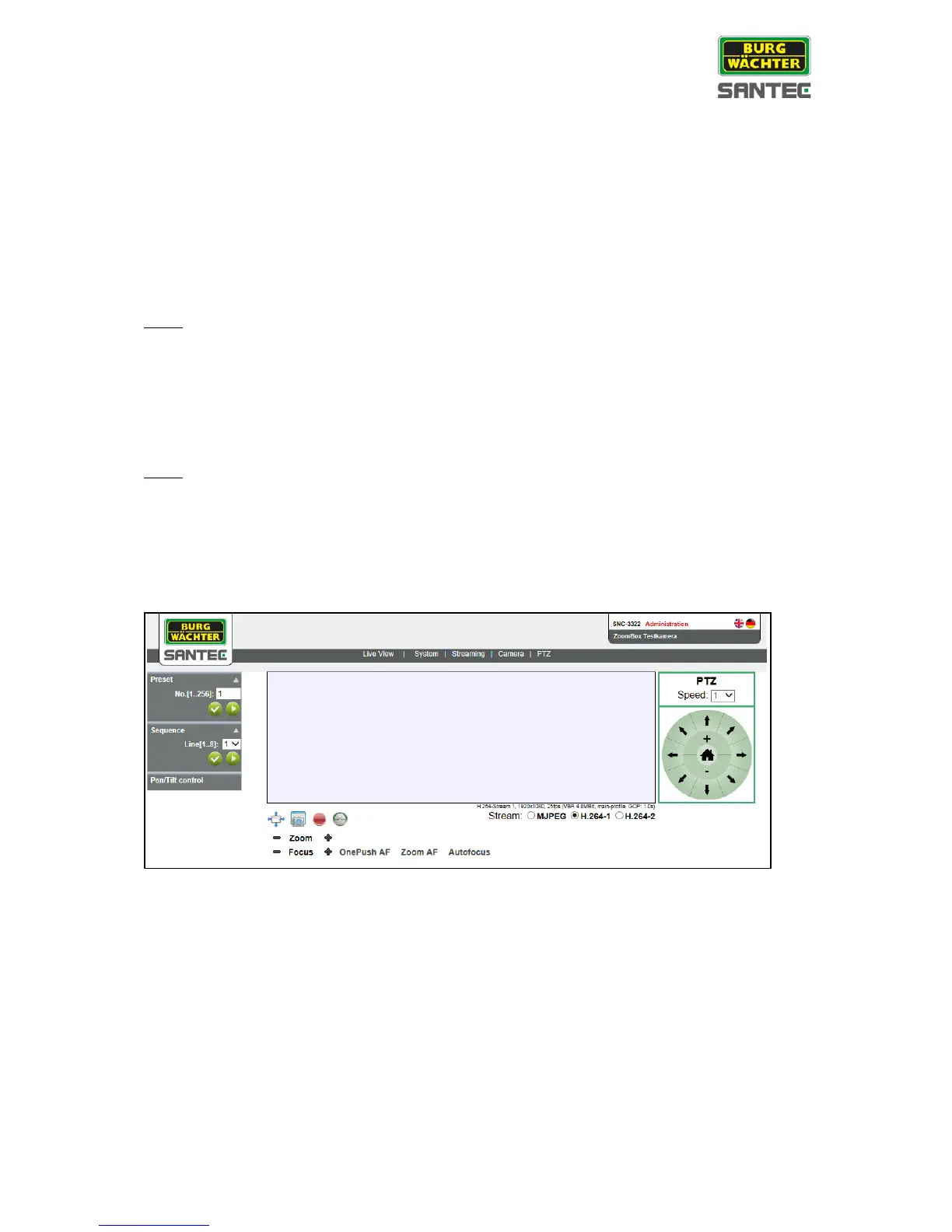
The pan/tilt control setting can be found under this path: PTZ >Pan/tilt control
If the pan/tilt control is activated, a PTZ control panel is displayed next to the live view
picture. Using this control panel, you can zoom and move the picture.



 To Next Page