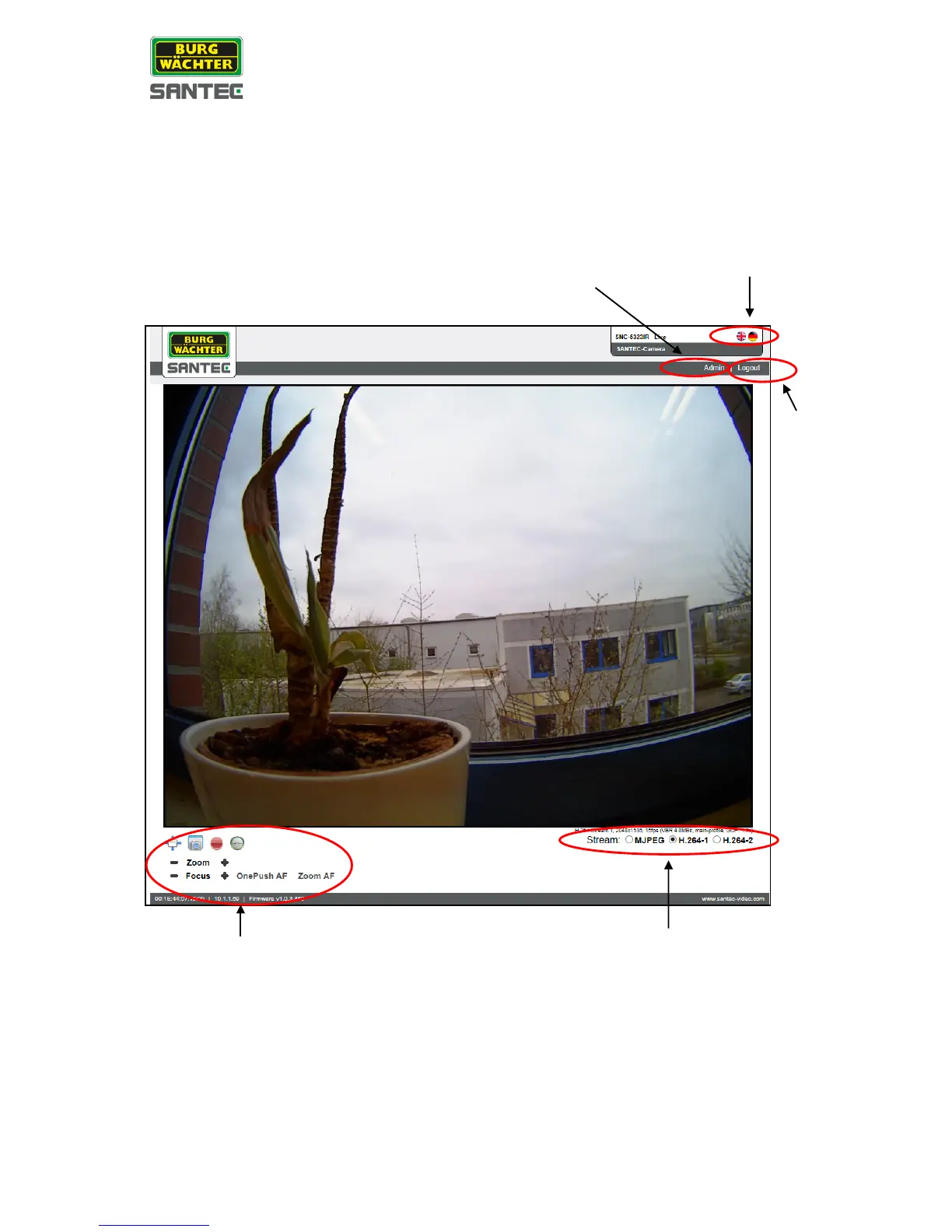
2.1 Administration page
Click on the <Admin> button (see screenshot below) to access the administration page.
Here you can make a number of adjustments and settings (see the following chapters).
2.2 Live view
Supported languages:
On the live view page, you can select your language by clicking on the respective flag icon:
English or German.
Logout:
Click on the <Logout> button in the upper right corner and the login window will pop up.
This enables the user to login with another user name.



 To Next Page