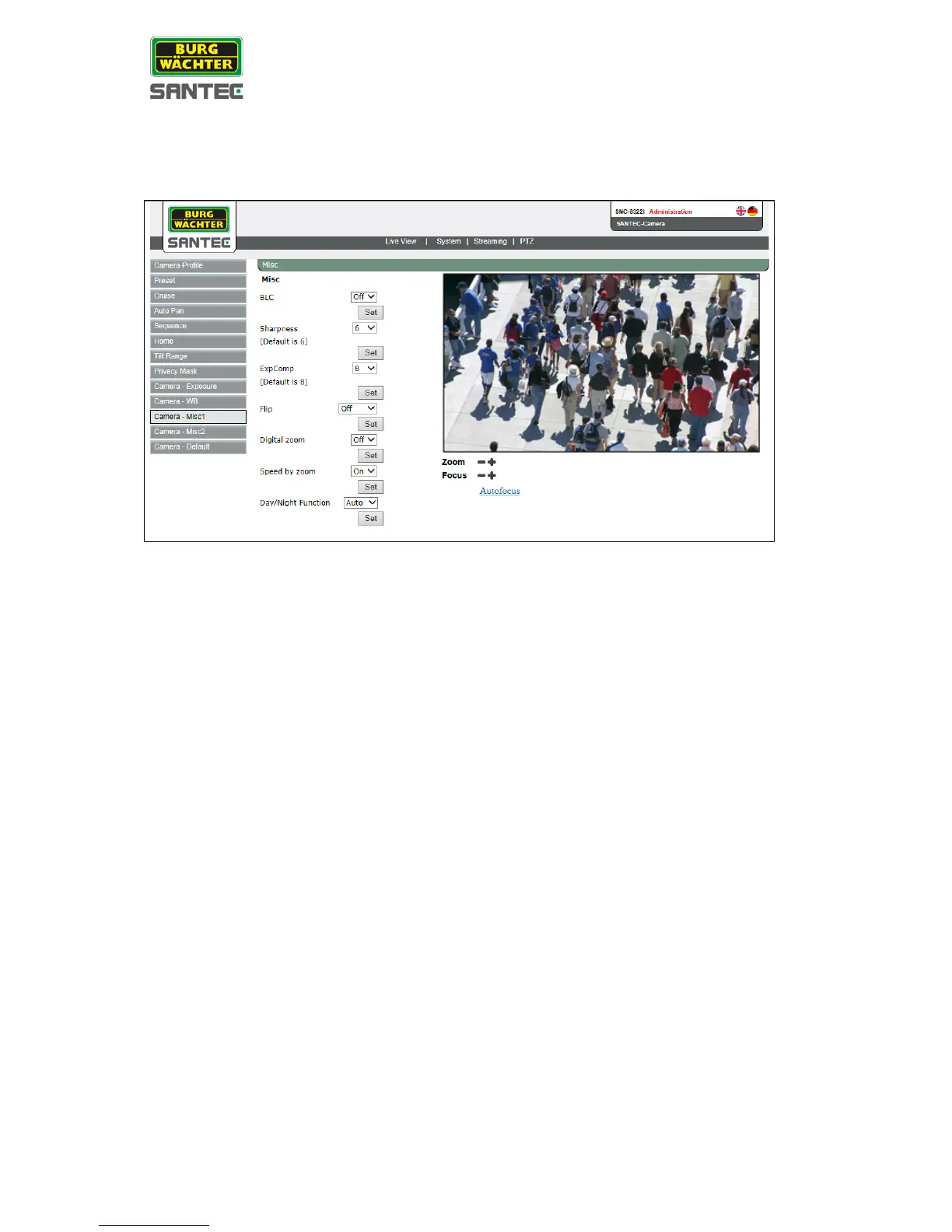
2.7.11 Camera misc. 1
This setting can be found under this path: PTZ > Camera misc. 1
• BLC:
The backlight compensation (BLC) can be enabled or disabled.
• Sharpness:
The picture sharpness can be set form 1 to 15.
• Exposure compensation:
The exposure can be set from 1 to15.
• Flip:
The picture can be flipped electronically or mechanically.
• Speed by zoom:
This function can be enabled or disabled. If enabled, the pan/tilt function will decrease
at high zoom function (proportional to zoom).
• IRC function:
Can be enabled or disabled or set to „auto“.
Click on „Set“ to save the settings.



 To Next Page